%20(1)-B86R08ZzwhPzS6UZbG3mSxRWPCwGwn.png)


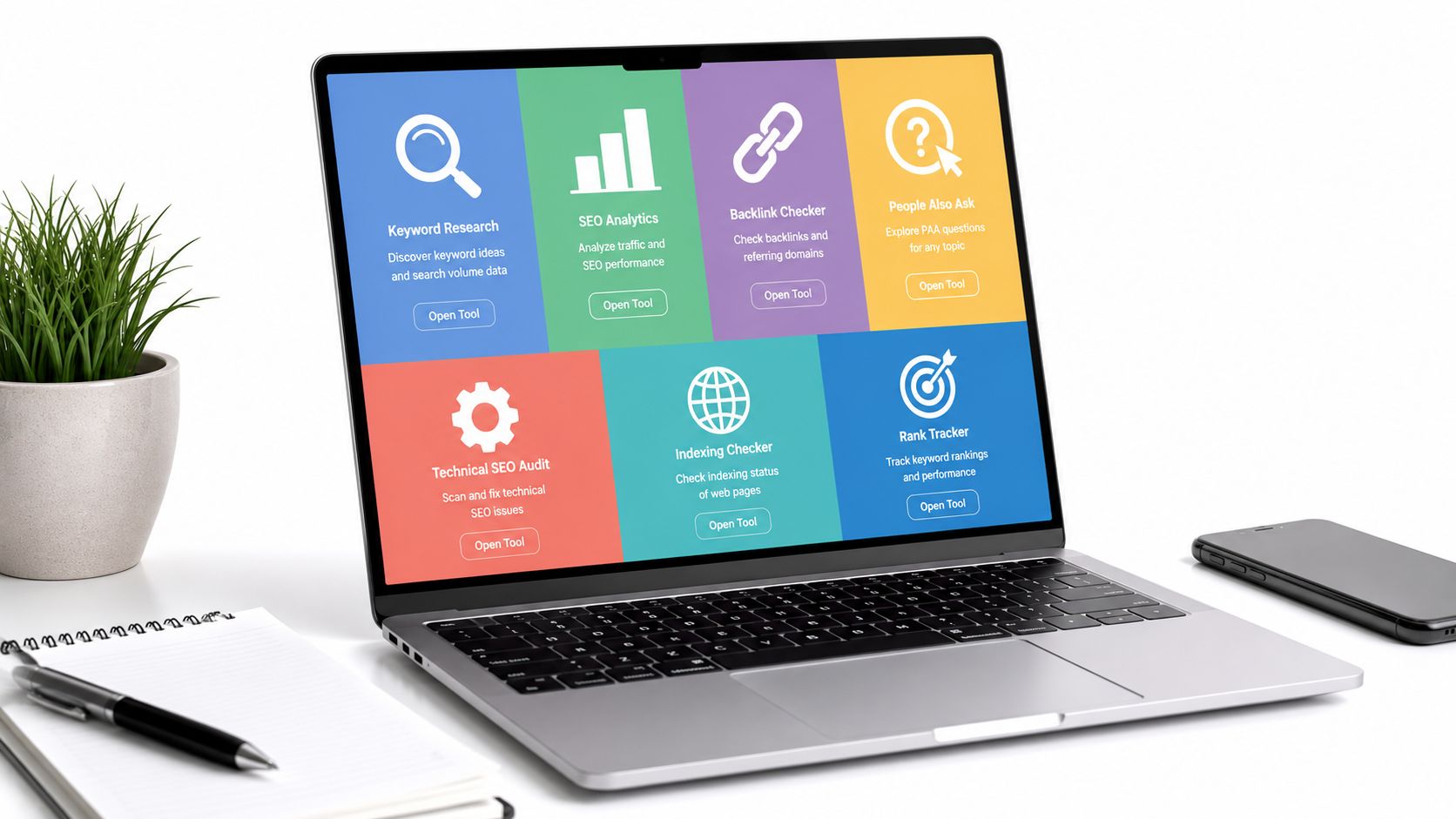
Free doesn't mean complete. The popular advice that one free SEO tool can replace an entire stack breaks down as soon as you need to explain why a page lost clicks, which competitors own a topic, or whether a technical issue affects the whole site. A reliable workflow combines first-party performance and indexing data with technical diagnostics, keyword discovery, and limited competitive research.
Google Search Console remains the foundation. Independent 2026 reporting says 93% of surveyed SEO professionals use it, während 61% of SMBs rely on free or freemium SEO tools rather than paid subscriptions (Digital World Institute). That adoption makes sense, but free tools still fragment the work. You'll often need one product for indexing, another for speed, and several more for competitors and backlinks.
I'm evaluating each option by the SEO decision it supports, the setup it requires, the outputs you can trust, and the point where limits make a consolidated platform such as SemDash relevant.
Inhaltsverzeichnis
- 1. Google Search Console
- 2. Bing Webmaster Tools
- 3. PageSpeed Insights
- 4. Ahrefs Free Including Ahrefs Webmaster Tools
- 5. Semrush Free Account
- 6. Moz Free SEO Tools
- 7. Google Ads Keyword Planner
- 7 Free Online SEO Tools, Quick Comparison
- Build a Workflow, Not a Bookmark Folder
1. Google Search Console
Google Search Console answers the most important question in SEO: what is Google seeing and showing for my site? It provides first-party data on queries, impressions, clicks, average position, indexing, crawling, and page experience. Google launched the platform in 2006 as Google Webmaster Tools, renamed it in May 2015, and introduced its redesigned version in 2018 (Digital World Institute).
I use the Performance report before making content decisions. Filtering by page reveals queries that already generate impressions but attract few clicks. Filtering by query exposes pages ranking for terms I didn't deliberately target. That distinction matters because improving an existing result is usually a more grounded decision than creating another page from a speculative keyword list.
The URL Inspection tool is where technical investigations become concrete. It can show indexing status, canonical information, enhancements, and the latest inspection details for a specific URL. Sitemaps, removals, manual actions, security issues, and Core Web Vitals add operational context that third-party tools can't replace.
Where the free data stops
Search Console is excellent for your own visibility, not competitor research. It won't tell you which pages rank above you, which backlinks support them, or whether several competitors target the same missing topic. Data can also arrive with latency, and large exports require careful handling.
Praktische Regel: Start with Search Console when you're diagnosing a real site. Don't use it as a substitute for a competitive keyword database.
I normally verify the property as a domain property so subdomains and protocol variants can be aggregated where appropriate. That setup prevents fragmented reporting and gives a cleaner view of the site's search footprint.
2. Bing Webmaster Tools
Bing Webmaster Tools is most useful when you want a second crawler's view of technical health. I don't treat it as a replacement for Google Search Console. I use it as a diagnostic counterpoint, particularly when Google's reports don't explain a crawl or indexing discrepancy.
The Site Scan feature can identify broken links, metadata problems, and other technical issues through an on-demand audit. Site Explorer and URL inspection add crawl and index context, while sitemap submission and URL submission provide practical ways to communicate new or changed URLs. IndexNow support is useful for sites that publish frequently and want participating search engines to receive change notifications quickly.
The platform also includes backlink reporting and crawl diagnostics. Those reports aren't a complete link intelligence system, but they can reveal a linking or discovery problem that isn't obvious in Google's interface. I've found the extra crawl perspective particularly useful for checking whether a blocked resource, redirect chain, or malformed sitemap is being interpreted consistently.
How I use it alongside Search Console
I verify the same site in both platforms, submit the canonical sitemap, and compare the URLs each system surfaces. If one tool reports a problem, I inspect the URL directly rather than assuming the report is definitive. A crawler can discover a technical symptom without identifying the business reason behind it.
Bing Webmaster Tools is also a sensible place to run a fresh technical scan before a migration or template change. The audit can catch broken links and metadata regressions without requiring a paid crawler.
The trade-off is scope. Bing's data is oriented toward Bing, and its competitive research is narrower than a dedicated SEO suite. Use it for crawl hygiene and corroboration, not for a complete market analysis.
3. PageSpeed Insights
PageSpeed Insights helps answer a specific performance question: what is slowing this URL down for both simulated tests and real users? It combines Lighthouse lab diagnostics with field data from the Chrome UX Report when enough real-world data exists. That combination is more useful than treating a single score as a ranking verdict.
I test representative templates, not just the homepage. A product page, article page, category page, and checkout or lead-generation page can load very different scripts and assets. PageSpeed Insights reports mobile and desktop results, Core Web Vitals information, diagnostics, and prioritized opportunities for improvement.
The field and lab views serve different purposes. Field data reflects the experience of real visitors over time. Lab data gives a repeatable environment for testing a specific change. If the two disagree, I don't average the scores. I investigate whether the issue affects actual users, test conditions, or both.
What I fix first
I prioritize problems that affect the page's main content, such as oversized images, render-blocking resources, excessive JavaScript, and layout movement around interactive elements. A long list of low-impact recommendations can distract a team from one template-level problem affecting hundreds of URLs.
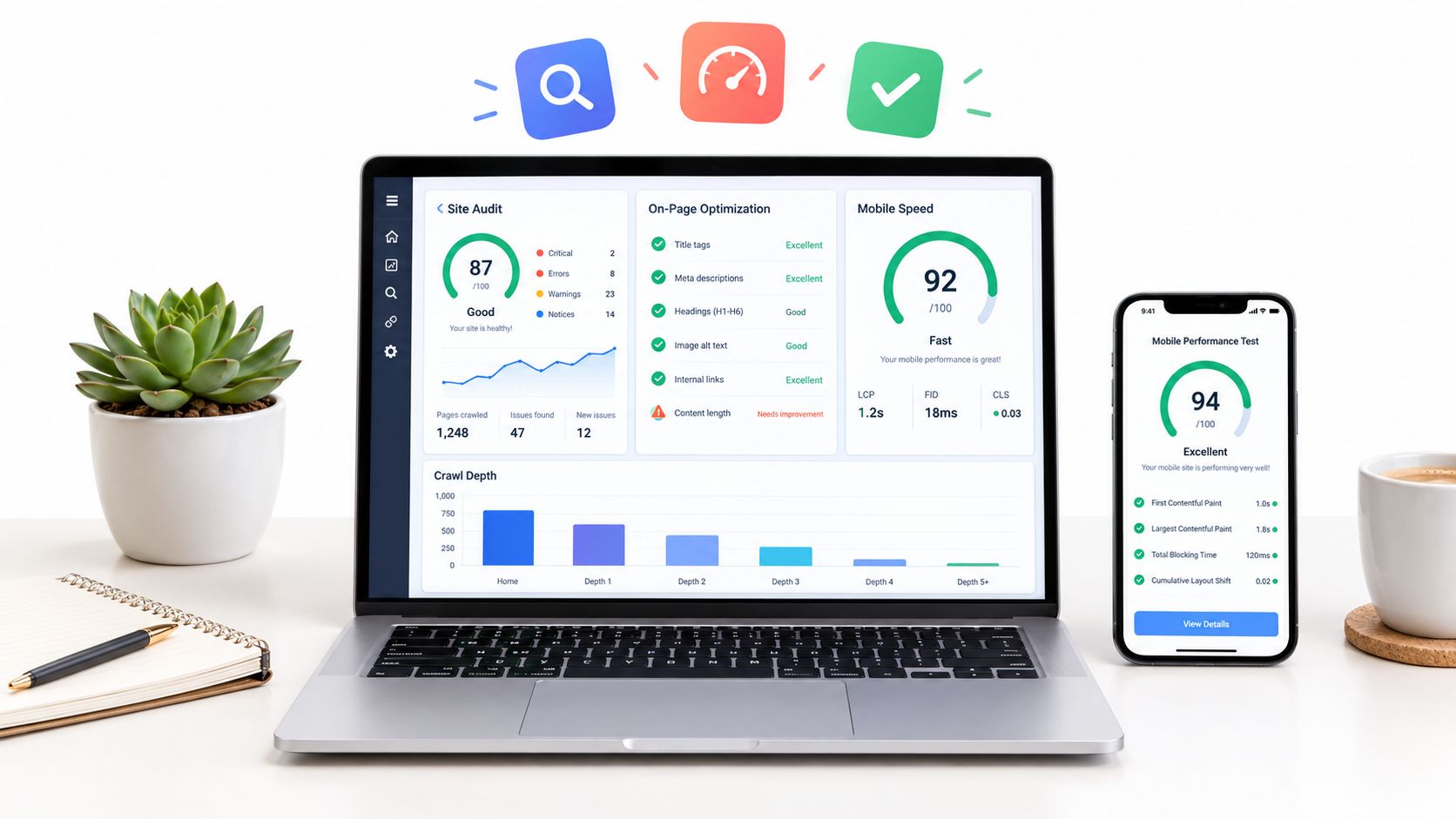
The tool is single-URL focused, so it won't crawl an entire site or tell you which template creates the most damage. Scores can also vary with test conditions. That's why I combine it with Search Console's Core Web Vitals reporting and a site crawler when I need prioritization across a large property.
For the relationship between user experience and organic performance, this guide to UX and SEO provides useful context. PageSpeed Insights is best treated as a diagnostic instrument, not a pass-or-fail badge.
4. Ahrefs Free Including Ahrefs Webmaster Tools
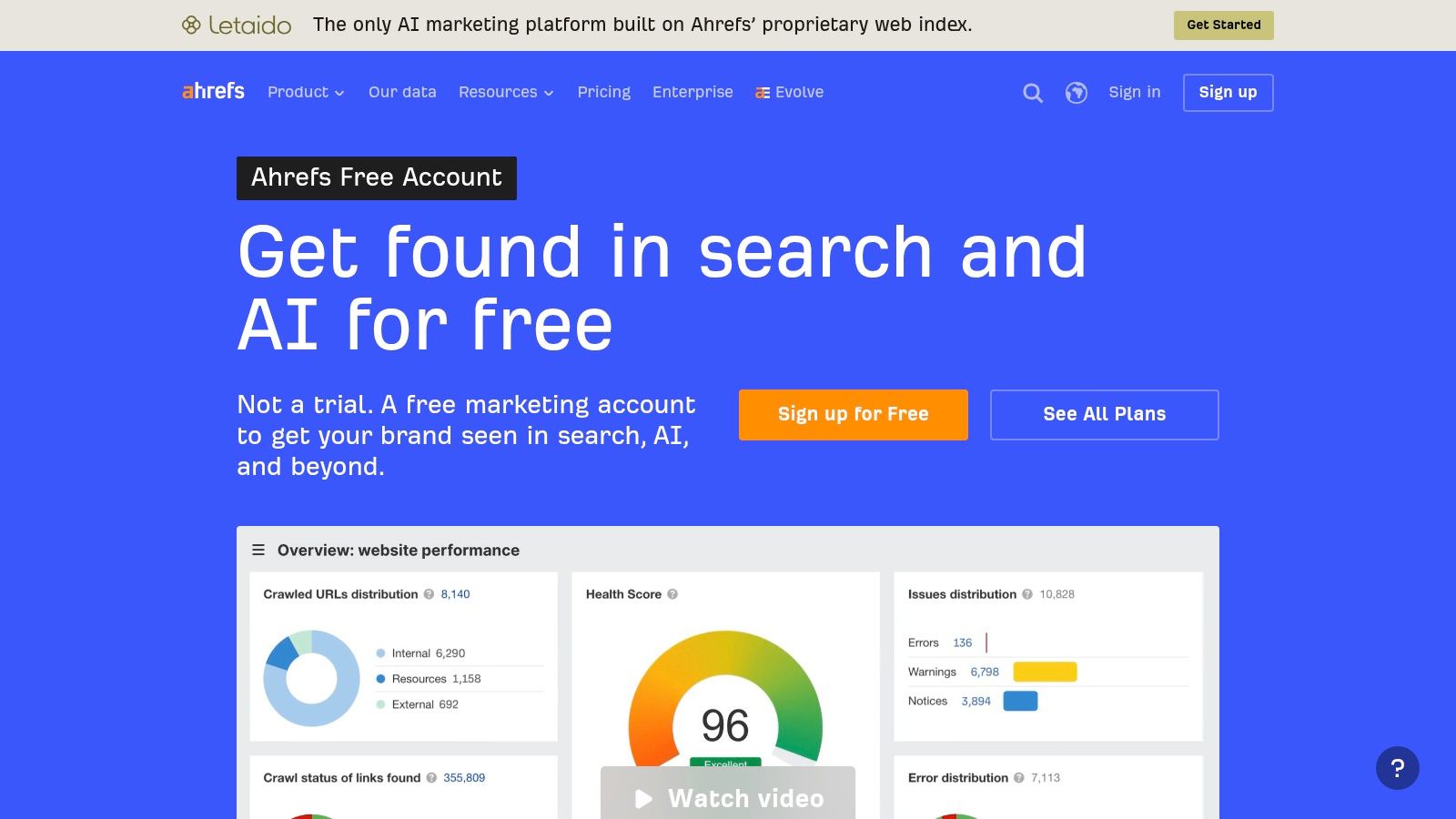
Ahrefs Free is strongest when you need a credible baseline for your own backlinks, organic visibility, and technical issues without paying for a full subscription. After verifying a site, Ahrefs Webmaster Tools provides access to Site Explorer and Site Audit for that property. The free tier also includes a browser toolbar and other standalone utilities.
I use Site Explorer to establish which pages attract organic keyword exposure and which referring domains contribute to the site's link profile. That isn't the same as proving that a link caused a ranking outcome. It gives me a research starting point, especially when a page has earned links but isn't performing as expected.
Site Audit is useful for finding technical patterns rather than isolated mistakes. Ahrefs describes the audit as covering 170+ issue checks within its crawl-credit constraints (Ahrefs Free). I look for repeated problems, such as incorrect canonicals, broken internal links, or indexability conflicts, then confirm the affected URLs before assigning development work.
The verification trade-off
The deeper reports require site verification. That makes Ahrefs Free valuable for site owners and consultants with access, but much less useful for researching an unverified competitor. Crawl credits and report limits also make repeated large audits impractical.
I avoid spending the available crawl budget on a site that is about to change its templates. First I check the highest-risk sections, resolve structural decisions, and then run a broader audit after implementation. Otherwise, the report fills with issues that are about to become irrelevant.
Ahrefs Free works well as a site-owned link and technical baseline. It doesn't replace a broader competitor database when the decision involves keyword gaps, SERP history, or prospecting across several domains.
5. Semrush Free Account
Semrush's free account gives you a broad but deliberately restricted view across keyword research, domain lookups, site auditing, on-page recommendations, and position tracking. I use it when I need a quick competitive peek or want to test whether a workflow is worth expanding before committing to a paid plan.
The keyword tools can generate ideas from a seed term or inspect a domain, but the result set is capped. That makes the free account more useful for validating a hypothesis than for building a complete content plan. For example, I might check whether a competitor appears for a particular topic family, then move the promising terms into a separate clustering process.
The limited Site Audit and On-Page SEO Checker are helpful for small sites and focused investigations. I prefer auditing a carefully selected group of important pages instead of spending limited access on low-value URLs. Limited position tracking can also confirm whether a small set of priority terms deserves ongoing monitoring.
Where the account becomes inefficient
Daily and per-report limits interrupt exploratory research. Export restrictions make it harder to share findings with writers or clients, and historical datasets, content features, and some AI functions are reserved for paid access. Those constraints matter when you need to compare many competitors or preserve a repeatable research record.
The free account is still useful because it puts multiple research types in one interface. It helps answer, “Is there enough evidence here to investigate further?” It doesn't reliably answer, “What is the full opportunity across this market?”
I'd use Semrush Free for triage and validation, then switch to first-party data for performance decisions. Treat estimated competitor traffic and rankings as directional evidence, not as a replacement for your own Search Console results.
6. Moz Free SEO Tools
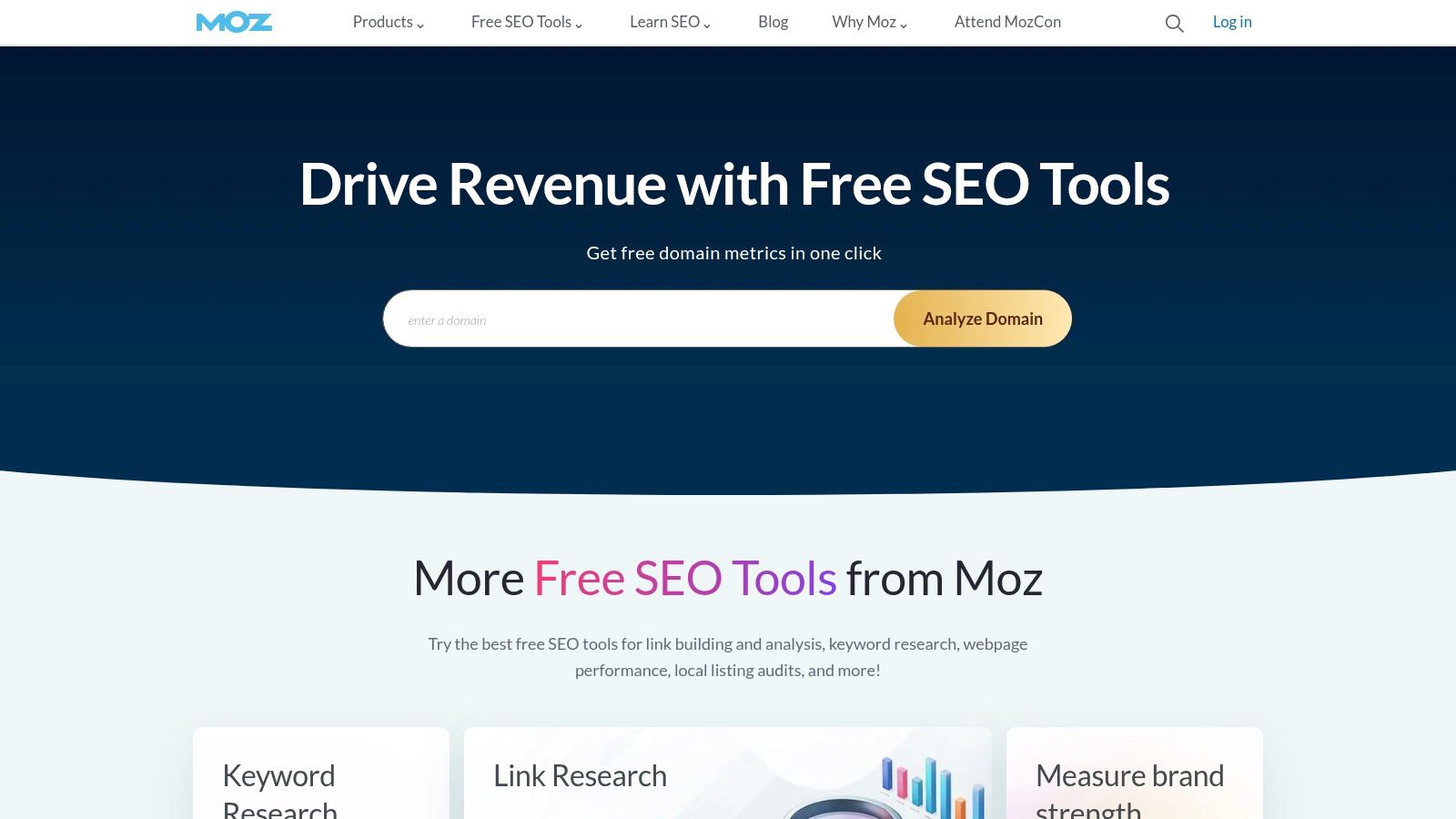
Moz's free tools are convenient for fast authority and link context while prospecting. Domain Analysis surfaces Domain Authority, top pages, and linking domains. MozBar adds on-page and SERP overlays in the browser, and limited Link Explorer access provides backlink and anchor information for quick checks.
MozBar is the part I reach for during manual SERP review. When I'm opening several ranking pages, an overlay reduces the need to copy every domain into a separate report. It helps me triage whether a result is a strong established competitor, a relevant specialist site, or a page that appears vulnerable because it doesn't match the searcher's intent well.
Domain Authority can be useful for comparing sites within the same research set, but it is a third-party metric, not a Google ranking signal. I never reject a link prospect because its authority score is modest. Relevance, editorial quality, audience fit, and the prospect's own linking behavior matter more to the outreach decision.
A useful prospecting sequence
I start with a relevant ranking page, inspect its SERP context with MozBar, and then use Link Explorer to sample linking domains and anchor patterns. I record promising domains separately instead of treating every reported link as an outreach target. A directory, scraper, or unrelated site may inflate the list without offering a realistic acquisition opportunity.
Free quotas are small, and deeper exports require Moz Pro. That makes Moz better for manual triage than scalable link analysis. It can tell you where to look next, but it won't replace systematic backlink-gap research across a competitive set.
7. Google Ads Keyword Planner
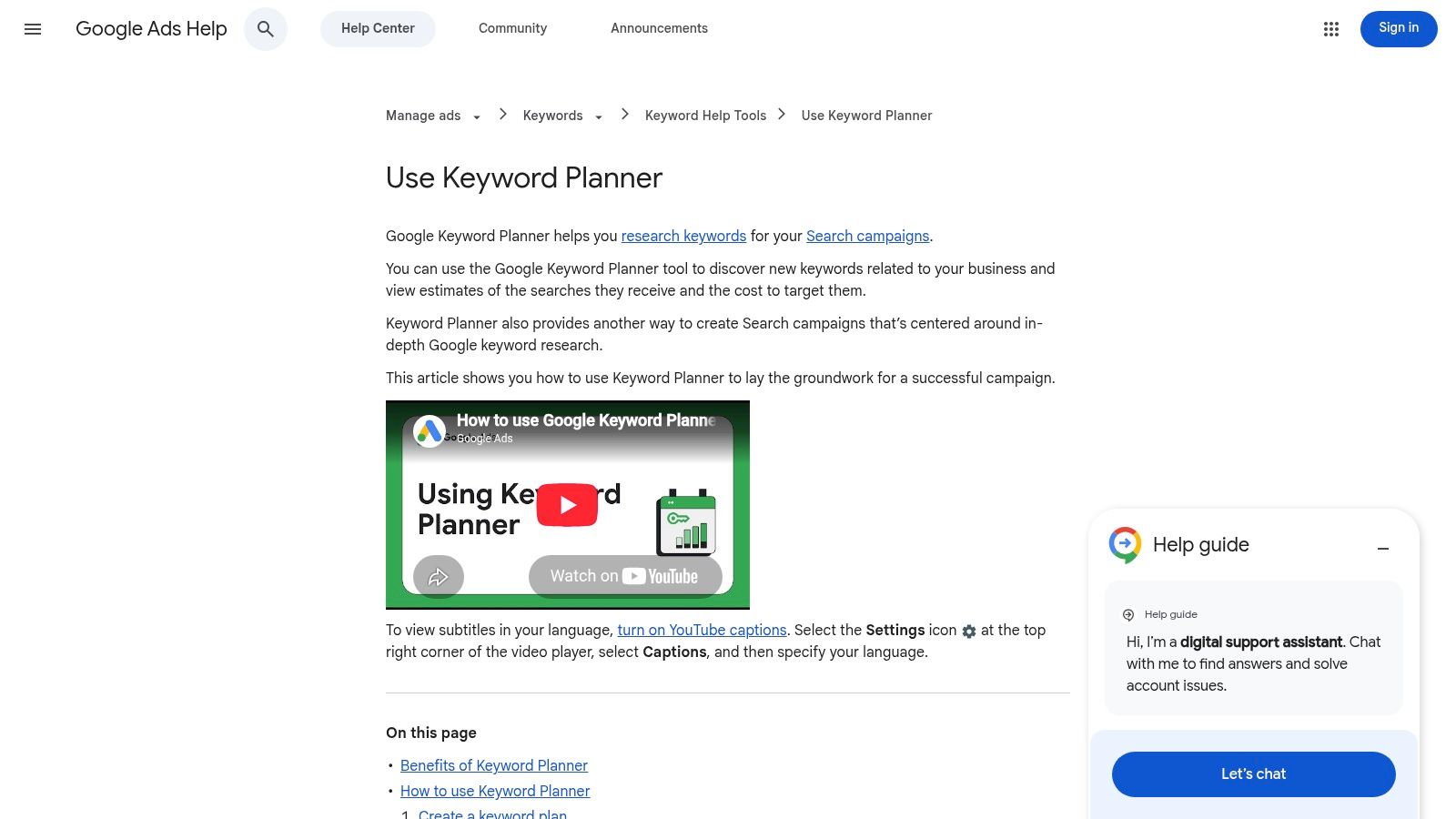
Google Ads Keyword Planner is useful for discovering seed terms, demand patterns, and topic families. Although the interface is designed for advertisers, I use it early in SEO research to expand a starting concept and understand how Google groups related searches.
You can generate ideas from a seed term, product, or URL, then review volume trends, seasonality, bid indicators, and forecasts. Those signals help distinguish a persistent topic from one driven by a short-lived event. I also use filters and list organization to separate informational, commercial, and brand-related concepts before moving them into content planning.
The tool doesn't provide the SEO metrics I need for final prioritization. It won't give me a complete organic difficulty assessment, reliable click-through expectations, or a page-level view of which competitors rank for every term. Bid and forecast indicators describe advertising behavior, not organic opportunity.
How I prevent bad keyword decisions
I treat Planner as a discovery and sizing tool, then validate promising terms against live SERPs and existing Search Console queries. A term with apparent demand may have an intent mismatch, strong answer features, or no realistic path for the site's current authority. Conversely, a modest-looking long-tail term can be strategically useful if it supports a broader topic and matches a clear audience need.
The account requires a Google Ads login, and the granularity of reported data can vary. I don't copy its suggestions directly into a content calendar. I cluster them by intent, inspect the results, and decide whether one page can satisfy the group without creating cannibalization.
For a broader comparison of research approaches, this guide to keyword research tools is a useful companion. Keyword Planner starts the conversation. It doesn't finish the SEO decision.
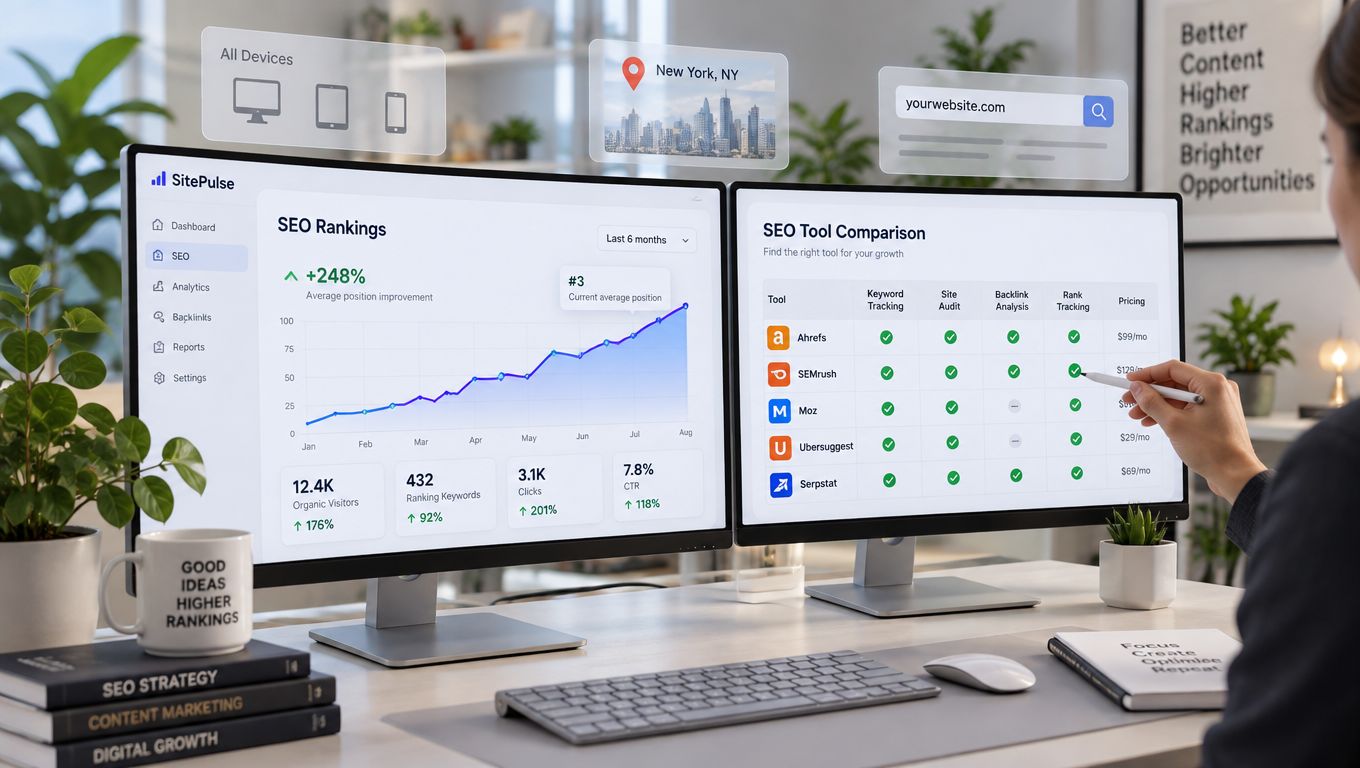
7 Free Online SEO Tools, Quick Comparison
| Werkzeug | 🔄 Implementation Complexity | ⚡ Resource Requirements | 📊 Expected Outcomes (quality) | 💡 Ideal Use Cases | ⭐ Key Advantages |
|---|---|---|---|---|---|
| Google Search Console | Low, verify property | Free; Google account | ⭐⭐⭐⭐⭐ Direct Google search data: queries, indexing, CWV | Monitor indexing, search performance, CWV fixes | First‑party data; URL Inspection; sitemaps |
| Bing Webmaster Tools | Low, verify site | Free; Microsoft account | ⭐⭐⭐ Alternative crawler view + technical diagnostics | Complement GSC; Bing indexing; technical audits | Site Scan, IndexNow, backlinks |
| PageSpeed Insights | Very low, single‑URL tests | Free; no setup | ⭐⭐⭐⭐ Field + lab CWV insights; prioritized fixes | Per‑page performance tuning and CWV troubleshooting | Actionable performance recommendations |
| Ahrefs Free (AWT) | Medium, site verification for full access | Free (limited); verification required | ⭐⭐⭐ Backlink snapshots, keyword estimates, limited audits | Backlink & technical checks for verified sites; baseline SEO | High‑quality link data; Site Audit coverage |
| Semrush Free Account | Low, account signup; quotas | Free (restricted queries) | ⭐⭐⭐ Broad toolset: limited keyword ideas, small audits | Trial workflows; small site audits; quick competitor peeks | Unified interface across SEO tools |
| Moz Free SEO Tools | Low, signup; optional MozBar | Free (small quotas); MozBar extension | ⭐⭐⭐ Quick authority/link snapshots and SERP overlays | Prospecting, authority checks, SERP triage | MozBar SERP overlay; DA and link context |
| Google Ads Keyword Planner | Medium, Google Ads account required | Free; Google Ads login | ⭐⭐⭐ First‑party keyword volume trends and seasonality | Keyword discovery, topical sizing, cluster prioritization | Google search demand signals; seasonality data |
Build a Workflow, Not a Bookmark Folder
The seven tools become more useful when each has a defined job. I start with Google Search Console to identify the queries, pages, countries, devices, and indexing conditions that describe the site's actual search presence. URL Inspection confirms whether a suspected problem is an indexing issue, canonical conflict, or something else entirely.
I then use PageSpeed Insights on representative templates and Bing Webmaster Tools for another crawl and diagnostic perspective. The goal isn't to collect scores. It's to connect a technical finding to a page type, business outcome, or user problem. If a slow script appears only on product pages, that deserves different prioritization from an isolated issue on an old article.
For expansion, I use Google Ads Keyword Planner to build seed lists and identify related topic families. The free tiers of Ahrefs, Semrush, and Moz then provide limited validation through backlink samples, domain snapshots, audits, SERP overlays, and competitor checks. I keep first-party data separate from estimated third-party data, because they answer different questions.
The workflow stops being efficient when I need repeatable competitor gaps, page-level keyword mapping, SERP history, clustering, or systematic backlink prospecting. Free tools fragment those tasks across accounts, query limits, exports, and manual spreadsheets. That fragmentation creates a hidden cost, especially when I'm comparing several domains or trying to distinguish a genuine content gap from keyword cannibalization.
Google's guidance for AI features still emphasizes accessible crawling, internal linking, useful text, and aligned structured data rather than special markup guarantees (Google's documentation on AI features). That makes the workflow more important, not less. AI Overviews were present in 13.14% of U.S. desktop queries by March 2025, verglichen mit 6.49% in January, und 88.1% of those queries were informational according to independent reporting (MarTech's analysis of AI Overviews). Visibility can rise while clicks fall, so teams need to track inclusion and cited pages alongside traditional traffic.
SemDash becomes relevant when those separate checks no longer provide enough context. It consolidates keyword, backlink, SERP, competitor, clustering, and AI Overviews research in one workspace, which makes it easier to move from “a competitor ranks for this” to “this specific page and query group deserve a response.” That can be a sensible next step after free tools establish the site's baseline, alongside the broader tool considerations discussed by Chatgrow.
Use the free tools to establish your indexing, performance, keyword, and link baselines, then bring the gaps into SemDash when competitor discovery, page-level mapping, backlink research, and SERP analysis become too fragmented. Start with one priority domain and one content opportunity, validate the workflow, and expand only when the consolidated data saves your team real research time.