%20(1)-B86R08ZzwhPzS6UZbG3mSxRWPCwGwn.png)


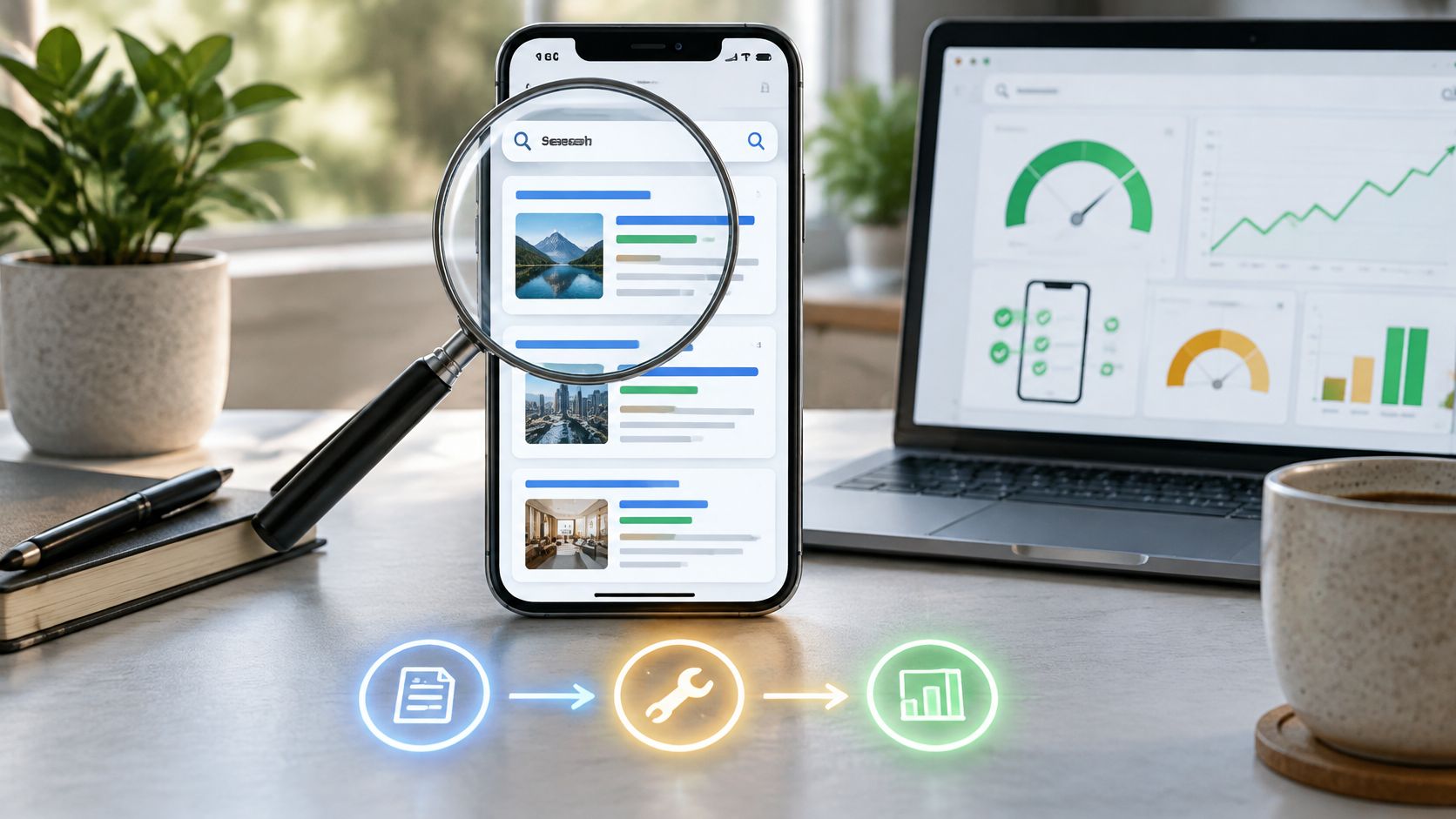
Google held 95.68% of worldwide mobile search engine market share in StatCounter's worldwide mobile search dataset. That concentration makes your phone template the front door for search demand.
I treat mobile search engine optimization as a parity and measurement job before a design job. Confirm Google receives the same content, links and structured data on mobile that the desktop template implies. Judge speed with field data at the 75th percentile, where real users still have slow CPUs, cold caches and unstable radio. Then rank work by traffic at stake and include no-click outcomes, because an answer can satisfy the query while your page still loses the visit.
Weak copy fails there, even when the layout looks clean.
Inhaltsverzeichnis
- Why Google Judges Your Phone Version First
- Checking Mobile-First Indexing Parity
- Core Web Vitals Targets Your Mobile Pages Must Meet
- Mobile Testing and Monitoring Without Guesswork
- How to Fix LCP, INP and CLS in That Order
- Measuring Mobile Success When Answers Skip the Click
- Prioritize Mobile Fixes and Audit Your Money Pages First
Why Google Judges Your Phone Version First
By the end of 2025, 4.8 billion people, 59% of the global population, used mobile internet, according to the GSMA Intelligence State of Mobile Internet Connectivity 2025 overview. At that scale, a broken mobile template isn't an edge case. It's your main storefront.
I use a blunt analogy with clients. Your mobile page is the takeaway menu, and Google's critic never enters the dining room. If pricing, ingredients, or opening hours sit behind taps on mobile, the review reflects only what's visible on that menu.
That's why I don't accept "we're responsive" as proof. Responsive CSS can resize boxes while the mobile DOM still drops copy, links, or structured data. I audit the rendered mobile document, segmented by country and device, because Yandex and Baidu matter in specific markets even when Google dominates globally.
If you're fixing a store, the practical work starts with templates and tap targets, and these notes to improve your Shopify store's mobile experience are a useful platform-specific companion. From there I move to parity, thresholds, fix order, and no-click measurement.
Checking Mobile-First Indexing Parity
Here's the rendered view I start from when I compare phone and laptop templates side by side.
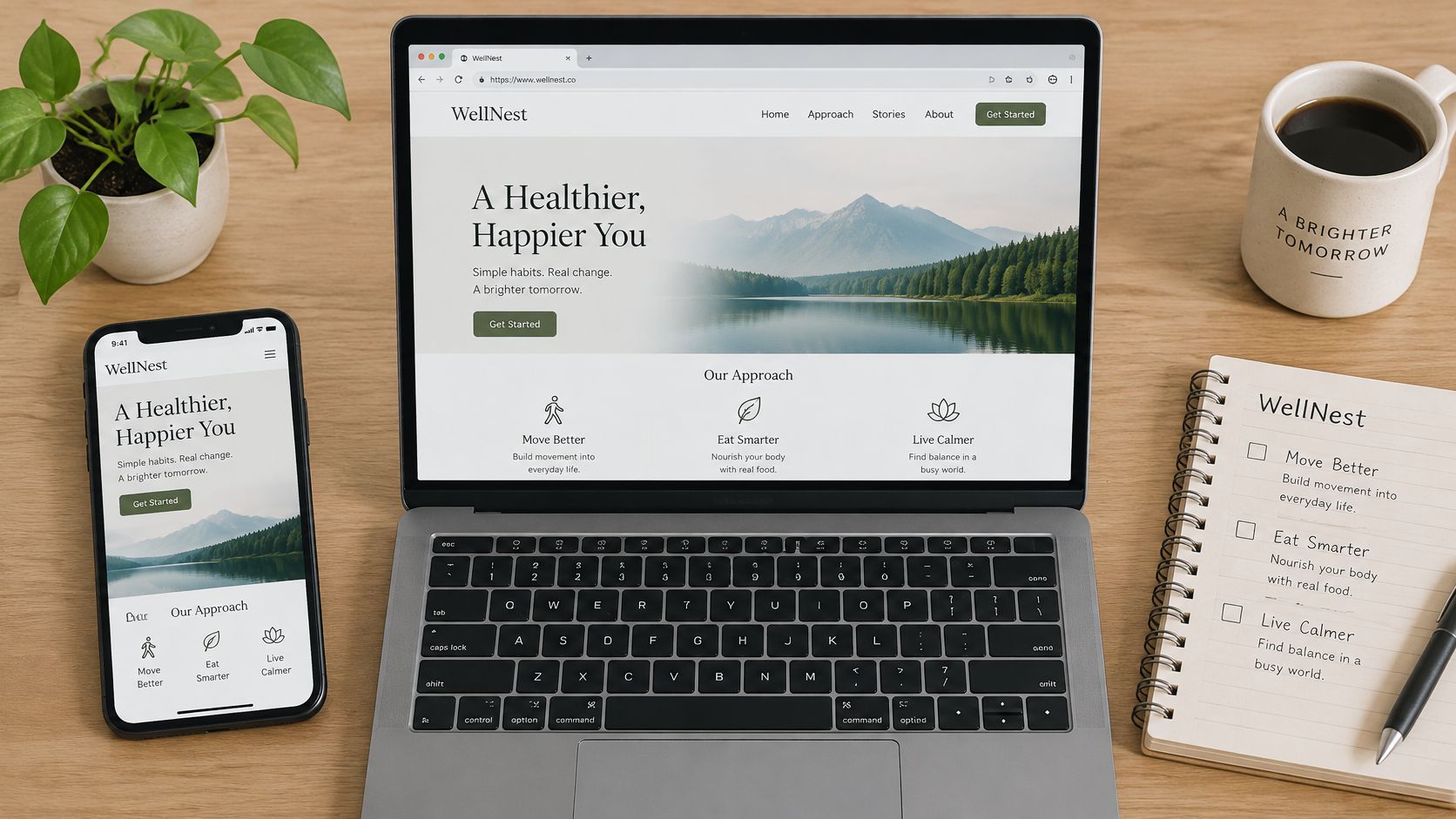
Google's mobile-first indexing uses the mobile-rendered document for indexing and ranking, and Google's mobile sites and mobile-first indexing guidance recommends responsive design serving the same HTML and URL across devices. I follow that because separate implementations drift. One team updates desktop Product schema, another forgets the m-dot version, and rich results quietly disappear.
My Five URL Parity Audit
I sample five URLs per template, home, category, product, article, and landing page. I fetch each with desktop and mobile user agents, save the rendered HTML, and diff headings, word count, anchors, alt attributes, and JSON-LD. I don't trust screenshots alone, because a page can look identical while half its links never render.
| Element | Desktop baseline | Mobile check | Failure sign |
|---|---|---|---|
| Primary body text | Full article copy in rendered HTML | Compare word count and heading list | Text hidden behind taps or loaded on scroll |
| Images and alt text | Descriptive alt on every content image | Inspect the mobile DOM for alt attributes | Alt missing on mobile-only image versions |
| Structured data | Product, Breadcrumb and VideoObject JSON-LD | Diff mobile JSON-LD against desktop | Entities present on desktop only |
| Internal links | Full navigation and contextual links | Count crawlable anchors in the mobile render | Links inside JavaScript menus that never render |
| Robots and resources | CSS, JavaScript and images allowed | Test blocked resources in URL Inspection | Blocked scripts that hide content during rendering |
| Canonical and hreflang | Self-referencing canonical and correct alternates | Compare tags on the mobile URL | Mobile URL canonicalizing to desktop |
Accordions and tabs are usually fine when the text already sits in the HTML and CSS only collapses it visually. Content that loads only after a tap, swipe, or typing is different, because Googlebot may not trigger that interaction. I've also learned to check robots rules early, since blocking CSS or JavaScript can make a healthy page render as an empty shell. Our guide to using the meta robots tag correctly helps you separate intentional noindex rules from accidental resource blocking.
This walkthrough shows the rendered output check I run after any template change.
Praktische Regel: Fix parity on your highest-traffic template first. Speed can't rescue content Google never indexes.
For separate mobile URLs, I verify canonical, alternate, and hreflang pairs in both directions. If you're maintaining that setup today, I'd plan consolidation onto one responsive URL. It removes most synchronization errors permanently.
Core Web Vitals Targets Your Mobile Pages Must Meet
Only 48% of mobile websites achieved a good overall Core Web Vitals outcome compared with 56% on desktop in the 2025 HTTP Archive Web Almanac performance chapter, and only roughly 55 to 60% of mobile pages passed LCP. I don't find that surprising. Mobile visitors hit slower CPUs, higher latency, and tighter bandwidth, so the same template that feels snappy in your office fails in the field.
The Three Thresholds I Enforce
Google defines a good experience as LCP at 2.5 seconds or less, INP at 200 milliseconds or less, und CLS at 0.1 or less at the 75th percentile for the relevant device segment in Google's Core Web Vitals guidance on web.dev. A page passes only when all three clear their bars. There's no averaging away a bad INP with a great CLS.
| Metrik | Good at 75th percentile | Was es misst | Usual mobile culprit |
|---|---|---|---|
| Largest Contentful Paint (LCP) | 2.5 seconds or less | Time until the largest above-the-fold element renders | Oversized hero image or render-blocking CSS |
| Interaction to Next Paint (INP) | 200 milliseconds or less | Delay between a tap or key press and the next visual update | Long JavaScript tasks and heavy third-party scripts |
| Cumulative Layout Shift (CLS) | 0.1 or less | Unexpected movement of visible content | Images, ads or embeds without reserved dimensions |
The 75th percentile is the part teams underestimate. It means the slowest quarter of visits decides your verdict, so a healthy average can hide a failing tail of mid-range Android phones on weak connections. I set acceptance on that percentile, never on one fast lab run from a wired laptop.
I use field data from the Chrome User Experience Report through Search Console and PageSpeed Insights to judge outcomes, and Lighthouse lab runs to debug causes. Field data governs acceptance because it reflects real devices and networks. When I read the table for a template, I find the metric with the largest gap to its threshold and fix that one first, instead of polishing the metric that's already close.
Mobile Testing and Monitoring Without Guesswork
I pick tools by the question each one can answer, because no single tool covers a release. Search Console's Core Web Vitals report and PageSpeed Insights field data show real mobile users over a rolling 28-day window. They confirm outcomes, but they lag your deploy by weeks, so I never declare victory the day after shipping.
For repeatable before and after comparisons, I run Lighthouse in DevTools with mobile emulation, 4x CPU throttling, and a slow 4G profile. I run it three times and keep the median. A single run is noise, and I've wasted hours chasing regressions that were just my laptop compiling something in the background.
URL Inspection's live test gives me the mobile HTML and screenshot Google rendered, which is my fastest parity check after a template change. I also keep a cheap mid-range Android on a real mobile network for INP judgments, because emulation understates tap delay. Our overview of checking overall website SEO health fits here as a broader sweep between deep template audits.
My routine stays fixed. I record a baseline per template before each release, retest the same URLs afterward, compare 28-day field windows instead of daily swings, and run a monthly parity diff on the sampled URLs. I also log every tag manager change with date and owner, since a chat widget added without a deploy is the INP regression nobody traces.
How to Fix LCP, INP and CLS in That Order
Home pages weighing 2 to 3 MB reached LCP in about 3.2 seconds on mobile compared with 2.7 seconds on desktop in HTTP Archive's 2025 page weight data. That mobile result already misses the good LCP target before weak networks enter the picture. I treat oversized hero media as an engineering defect, not a polish item.
Here's the order I work through on a failing template, with the slip that usually undoes each step.
- Name the LCP element first: I find it in the Performance panel or PageSpeed Insights, because teams often optimize a logo while a background video poster is the actual LCP resource.
- Size images to the slot: I serve responsive images with srcset and sizes, then compress or convert formats. A 2,400-pixel hero displayed at 390 pixels wastes bytes on every visit.
- Preload only the true hero: I preload or add priority hints only when that image is the LCP element. Preloading everything competes with the HTML and slows the page, and lazy-loading the hero is worse.
- Cut render-blocking CSS: I inline critical above-the-fold rules and defer the rest, then remove unused JavaScript that delays first render.
- Speed up server response: Caching and a CDN help every metric at once. If you're on WordPress, WordPress speed advice from Wistec covers the hosting and caching layer I check before blaming the theme.
- Reserve space to stop CLS: I set width and height on images, ads, and embeds so late-loading media doesn't shove text down mid-read.
- Break up long tasks for INP: I split heavy event handlers, defer nonessential marketing tags, and move third-party scripts off the critical path so taps paint quickly.
This sequence is the condensed version I pin above my desk during a performance sprint.
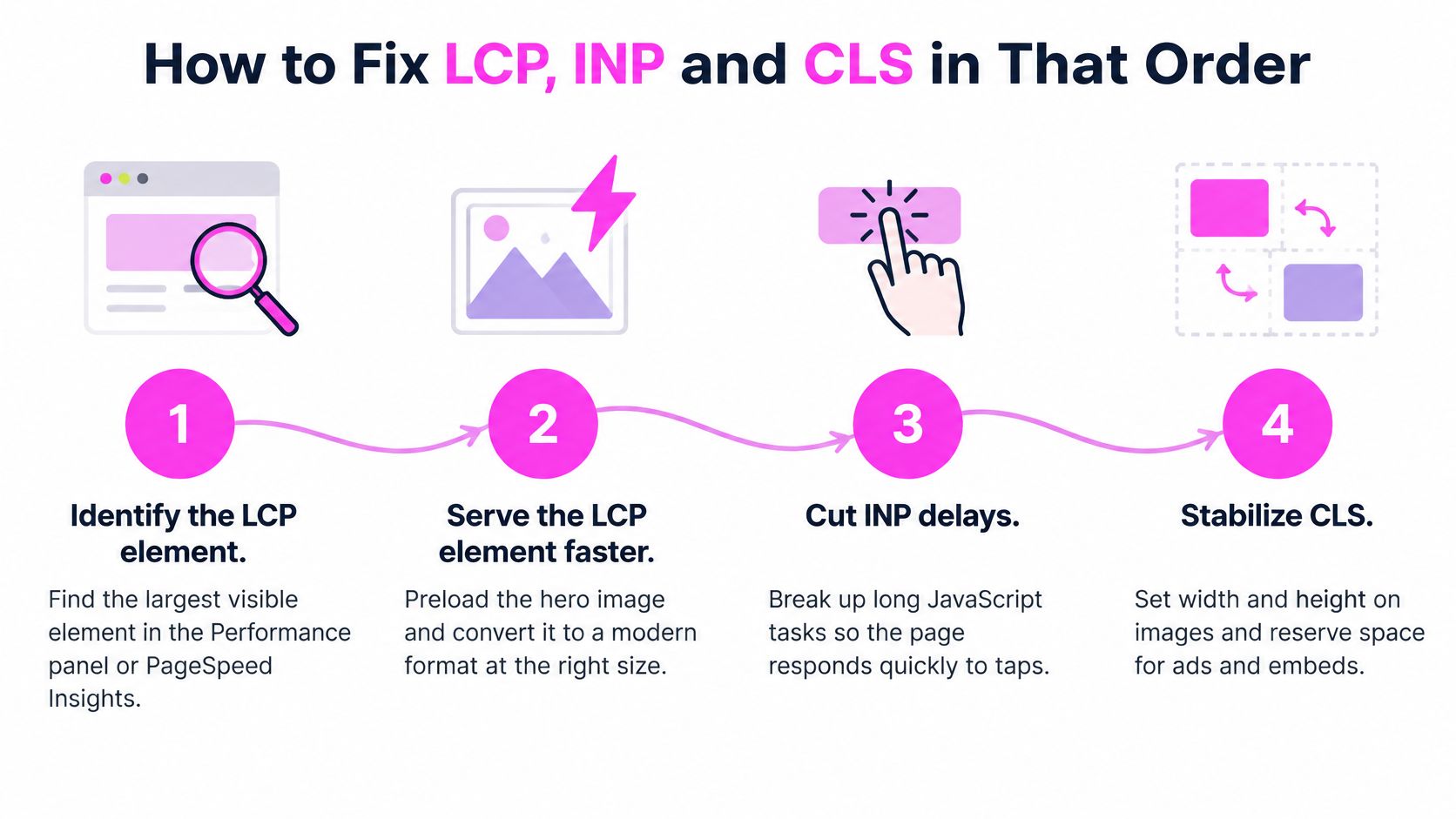
Connect every byte you remove to the LCP element and the mobile waterfall. Shrinking aggregate page size without touching the hero rarely moves the metric.
I retest after the 28-day field window, not on a single lab run. If LCP improved in Lighthouse but field data didn't move, I look for a different LCP element on real devices, because viewport height changes what's above the fold.
Measuring Mobile Success When Answers Skip the Click
A July 2025 report citing Google data found AI Overviews in 58% of observed Google searches in a participant study, and searches with an AI summary produced clicks on traditional links about 8% of the time versus 15% without a summary, according to MediaPost's report on the Pew findings and Google's response. Sessions also ended after a summary 26% of the time compared with 16% for traditional results. I treat that as one study, not proof that every mobile query behaves identically, but it breaks the assumption that ranking equals visits.
Here's the mobile results screen where that click decision now happens.
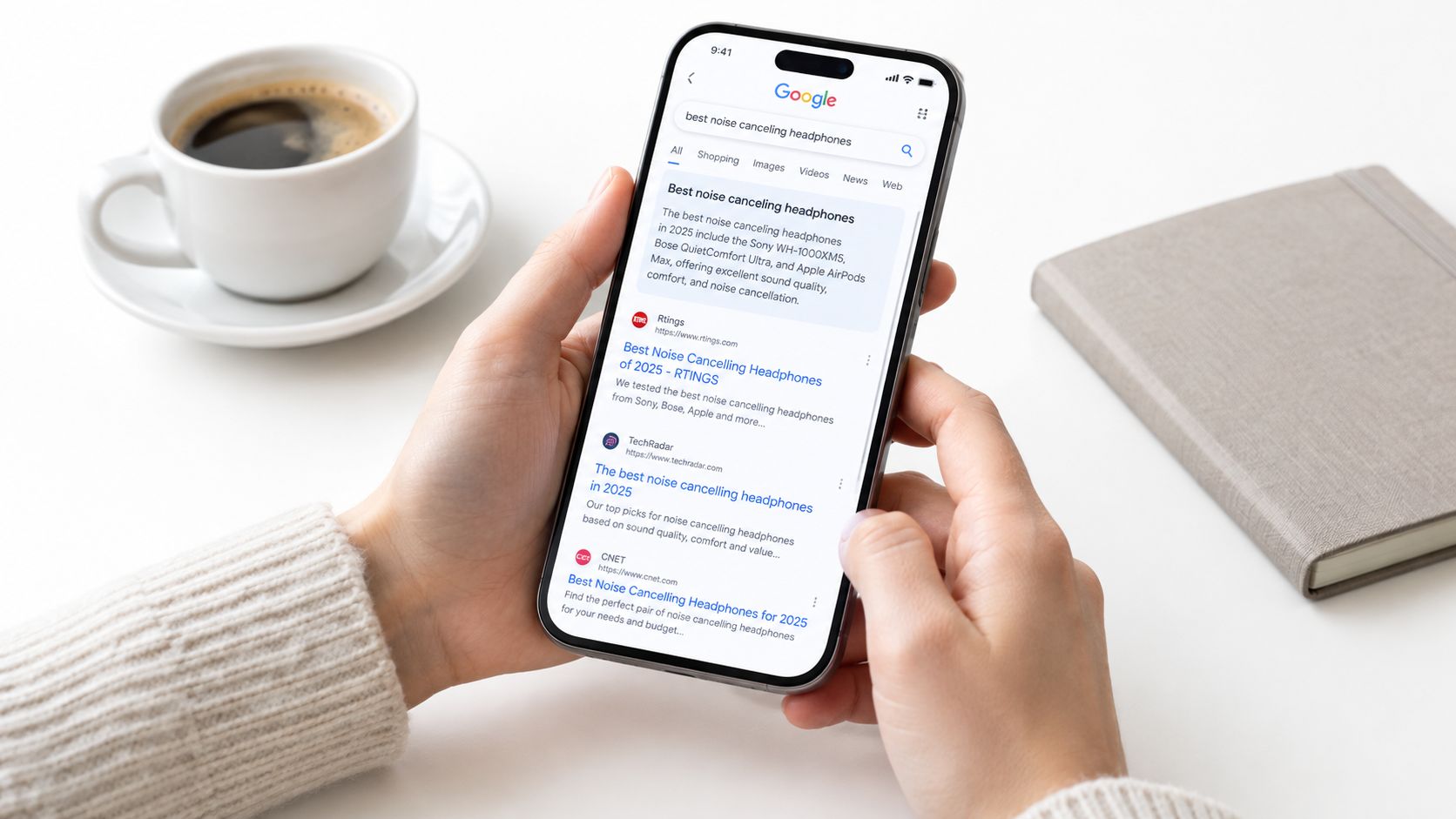
I now split mobile outcomes into three buckets and judge each differently. If you're new to this framing, what answer engine optimization means gives you the vocabulary before you rebuild reporting around it.
| Outcome | Signal to track | Where to check | Content action |
|---|---|---|---|
| Brand citation | Your domain named or linked in an AI answer | AI Overview citation reports and brand mention searches | Place a quotable definition or figure near the top |
| Qualified click | Organic sessions landing on the intended URL | Search Console performance by page and GA4 landing pages | Match the page to query intent and remove interstitials |
| No-click answer completion | Impressions with no clicks and short sessions after search | Search Console impressions against clicks and engagement time | Answer the question fully, then offer the next step |
My method is simple. I audit which mobile queries trigger AI Overviews, check whether the cited URL is the page I intended, and confirm that page offers a short, extractable definition, figure, or list near the top before expanding. The mistake I warn against is cutting informational pages because clicks fell, when those pages may now be earning citations that feed branded demand later.
Transactional and local queries still need the click. I never let an answer block replace pricing, availability, or the buying path on those templates.
Prioritize Mobile Fixes and Audit Your Money Pages First
I rank fixes by traffic at stake, not by which metric looks ugliest. Indexing blockers come first, then failures on templates earning the most mobile clicks, then refinements. Cutting LCP by 0.3 seconds on a page with 40 monthly clicks rarely beats repairing hidden text on a template serving 4,000 visits.
| Priorität | Issue | Why it ranks here | Typical effort |
|---|---|---|---|
| 1 | Blocked resources or missing primary content on mobile | Google cannot index what it cannot render | Low, 1-2 days |
| 2 | LCP failing on high-traffic templates | Largest share of field failures on pages visitors actually reach | Medium, 1-2 weeks |
| 3 | Structured data mismatch between mobile and desktop | Affects rich results on specific templates | Low, hours to 1 day |
| 4 | INP caused by third-party scripts | Delays every tap on interaction-heavy pages | Medium, 1 week |
| 5 | CLS from late-loading images and ads | Visible but usually small per-visit impact | Low, hours |
| 6 | Informational pages at risk of no-click answers | Protects brand citation and qualified clicks | Medium, ongoing |
What I Do in Week One
I export the top 20 mobile landing pages from Search Console by clicks and group them by template, because one template fix multiplies across hundreds of URLs. SemDash speeds up that first step for me, since it shows the specific page Google sends traffic to for every keyword, and it also shows which keywords trigger Google's AI to mention a site, including competitors, plus the precise URLs Google cites. It doesn't guarantee specific rankings, traffic increases, or financial outcomes, and I'd distrust any tool that promised otherwise.
- List the money pages: Pull your top 20 mobile URLs by clicks and label each with its template.
- Inspect five templates: Run URL Inspection live tests and compare the mobile render against desktop.
- Diff the details: Check body text, alt attributes, internal links, and JSON-LD for Product, Breadcrumb, and VideoObject.
- Record baselines: Save Core Web Vitals field values per template before you change anything.
- Fix blockers, then wait: Ship parity fixes first and retest after the 28-day window.
The 90 Day Sequence I Gate by Results
For days 1 to 14, I clear every indexing blocker and parity gap on the top three templates and confirm URL Inspection output matches desktop. I don't move on until that check passes, because speed work on unindexed content is wasted effort.
For days 15 to 42, I ship the LCP work on the highest-traffic template using the seven-step order and log every third-party tag change. For days 43 to 70, I tackle INP on interaction-heavy pages and CLS on templates carrying ads or embeds, testing taps on the mid-range Android rather than trusting emulation.
For days 71 to 90, I compare 28-day field windows against my recorded baselines and decide which informational pages need answer blocks for no-click queries. Each stage starts only when the previous template clears its thresholds at the 75th percentile. If it doesn't clear, I'd rather extend that stage than spread effort across four half-fixed templates.
My sequencing test: If a fix doesn't protect traffic you already earn or unlock content Google can't see, it waits, no matter how satisfying the metric looks.
Start your next audit with SemDash to map each mobile keyword to the exact landing page earning its traffic and to see which queries cite your domain in AI answers. You'll fix the templates that carry real revenue first instead of chasing scores on pages nobody visits.