%20(1)-B86R08ZzwhPzS6UZbG3mSxRWPCwGwn.png)



The most common advice about choosing a content planning tool is to start with the calendar. I think that's how teams end up fighting their own system. They buy a calendar before deciding what it needs to track, then spend months adding fields, patching gaps with spreadsheets, and asking which version of a deadline is current.
A calendar is only one part of the work. A research-first tool finds topics and search opportunities. A brief-first tool turns a topic into instructions a writer can use. A calendar-first tool schedules, coordinates, and sometimes publishes content. A workspace-first tool gives the team flexible records for managing ideas, ownership, status, and dates. Those jobs overlap, but no single tool does all four well at a reasonable price.
The underlying process needs more than a place to put publish dates. In the Content Marketing Institute's 2025 B2B research, 58% of surveyed marketers rated their content strategy only moderately effective. A usable content planning tool should connect goals to topics, briefs, production work, and outcomes, not just display a row of colored cards.
I'd start by naming the planning job that breaks most often, then choose the tool that handles it. If you're comparing options for a publishing calendar, choose a marketing calendar tool only after you've decided which information that calendar must own.
Inhaltsverzeichnis
- 1. SemDash
- 2. MarketMuse
- 3. Surfer
- 4. Semrush Content Toolkit
- 5. Content Harmony
- 6. StoryChief
- 7. CoSchedule
- 8. Airtable
- 9. Notion
- 10. Planable
- How the 10 Content Planning Tools Differ by Job, Free Access, and Pricing Pointers
- Stack Two Tools Instead of Hunting for One Perfect Pick
1. SemDash
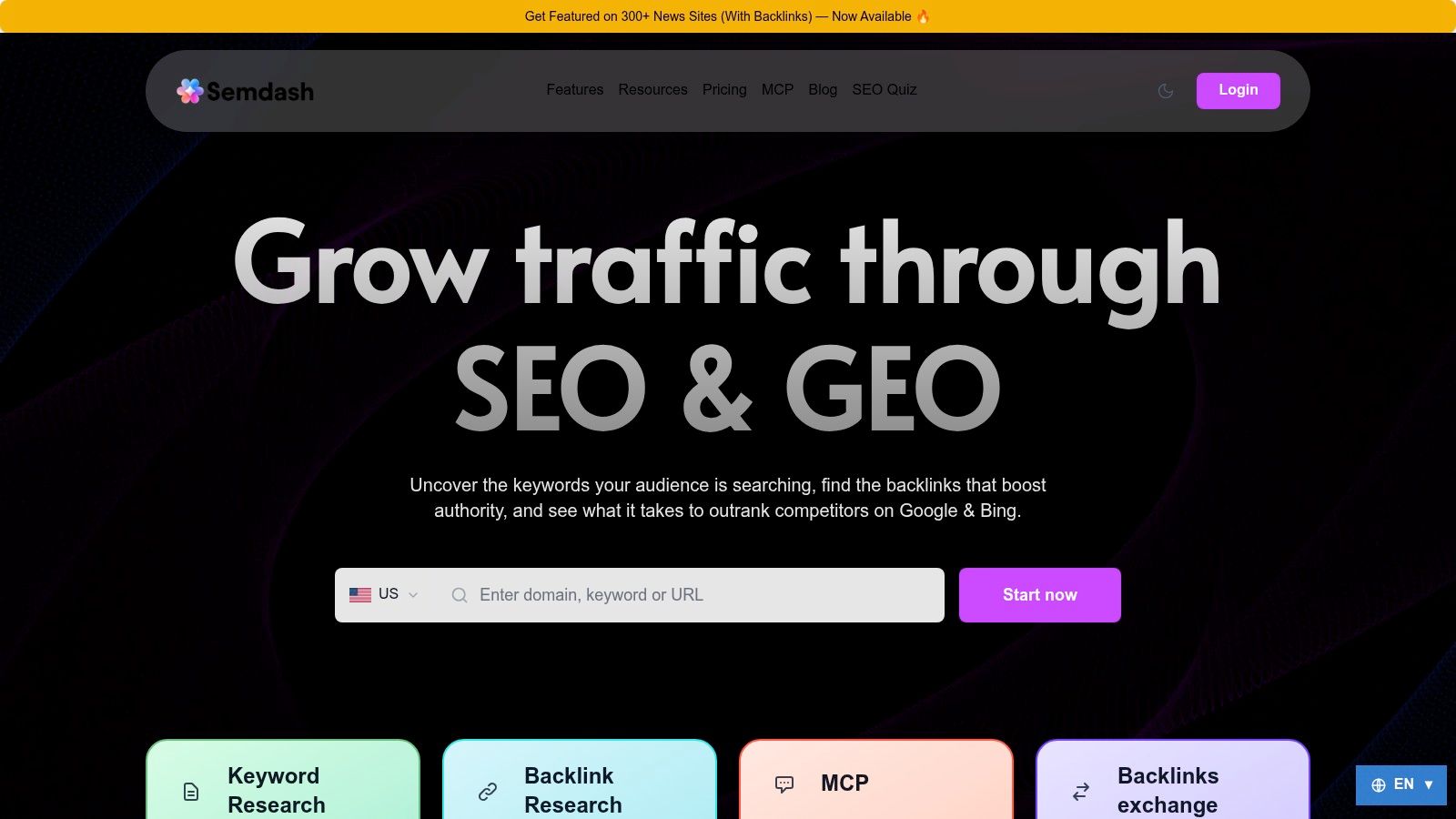
Research-first planning. SemDash is a cloud-based SEO research platform for finding keyword opportunities, examining competitors, and turning search evidence into page-level plans. It fits a team that has a backlog of ideas but can't confidently answer which topic deserves a new page, which existing URL needs work, or whether two proposed articles would compete with each other.
I'd use its keyword discovery, keyword-gap reports, competitor top pages, and URL-level ranking data to build the opportunity list. Clustering groups related queries into page-level topics, while People Also Ask and related-search suggestions expose subquestions worth addressing. AI-assisted intent analysis and briefs use live SERP data to translate research into a writing assignment. SERP history helps distinguish a stable topic from one where rankings have shifted.
SemDash describes its research index as containing 6.6 billion Google keywords, 2.7 trillion backlinks, and 600 million SERPs. It also offers AI Overviews visibility data, including queries where a site is mentioned and the URLs cited. Having keyword, competitor, backlink, and SERP research in one workspace cuts the exports and re-imports that usually slow this stage down. The trade-off is real, though: research software doesn't run a publishing calendar or an approval process, so the opportunity list still needs somewhere to live.
Praktische Regel: Treat an AI-generated brief as a researched starting point, not a finished editorial decision. Check the ranking pages and search intent before assigning the draft.
Keyword coverage varies between research databases, so check whether the index has enough depth on the topics that matter to your site before making it the only research source. Confirm current plan prices on SemDash's website before committing. For teams weighing how AI fits into search work, the 2025 survey of B2B technology-marketing executives found that 59% used AI for content planning. The useful question is whether a tool's recommendations are tied to SERP evidence a strategist can inspect.
2. MarketMuse
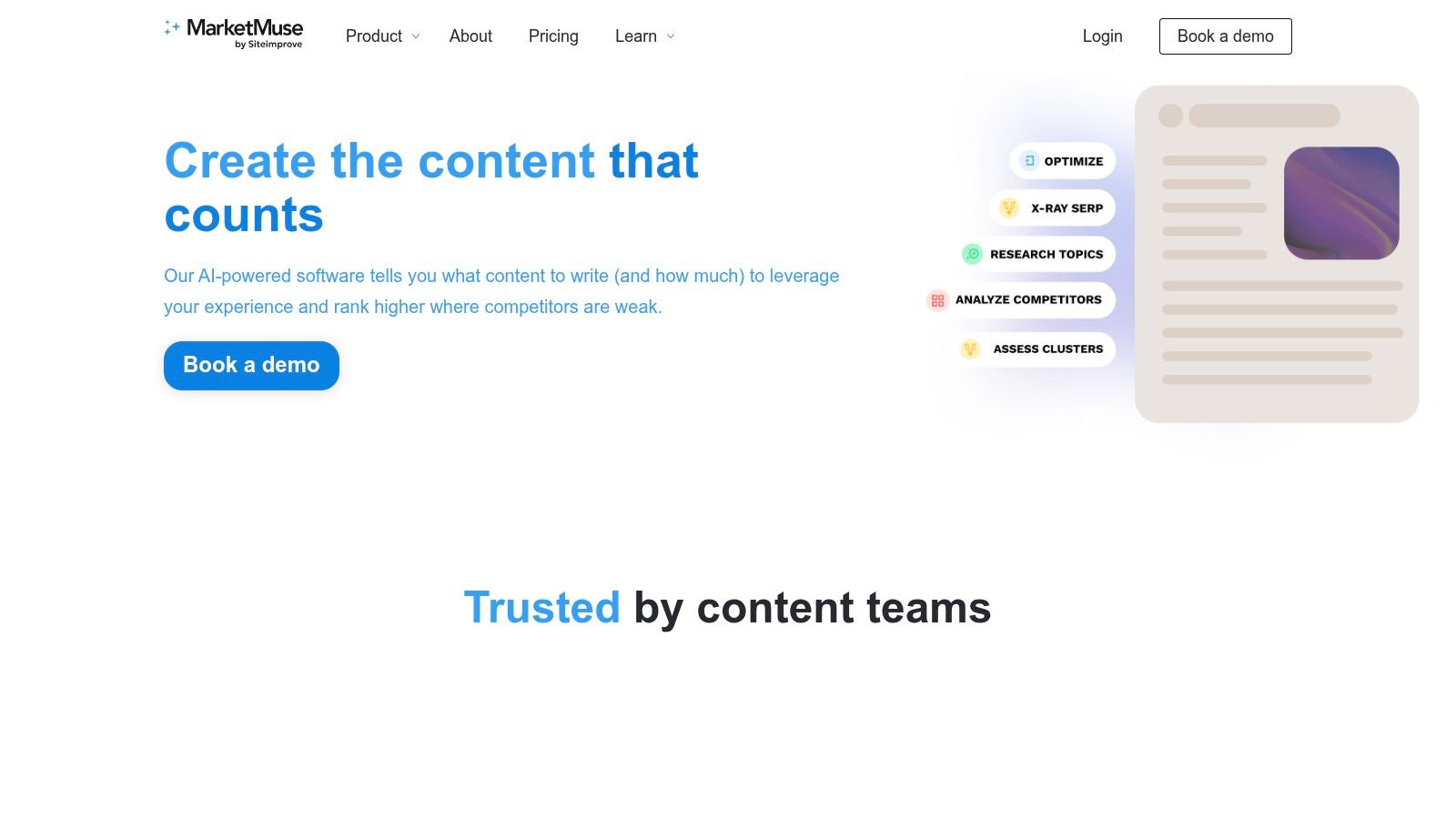
MarketMuse is also research-first, but I'd consider it when the planning problem is a large existing library rather than a shortage of keyword ideas. It analyzes site coverage and topical opportunities, then helps teams decide which pages to create or improve. That portfolio view matters when a site already has a lot of content and publishing another isolated article could deepen overlap instead of filling a genuine gap.
The workflow can connect topic research and SERP analysis to content briefs, strategy documents, and content scoring. Personalized difficulty and competitive-advantage metrics can help a team prioritize opportunities in the context of its own coverage. I'd use that context to review a group of related pages together, not to treat a single score as permission to publish.
The benefit is the focus on a portfolio of pages. A brief-first tool can help make one article better, but it may not help a team decide whether the site needs that article in the first place. MarketMuse is more specialized than a general editorial calendar, and plan allowances for topics, briefs, and strategy documents can constrain how much planning work a team can do. That complexity is a poor fit if all you need is a simple assignment board.
For a second view of the research stage, I'd compare the workflow with this guide to content research tools. MarketMuse offers a free tier for limited research, which gives a team a way to assess whether its site-level analysis answers questions that its current process leaves unresolved.
3. Surfer
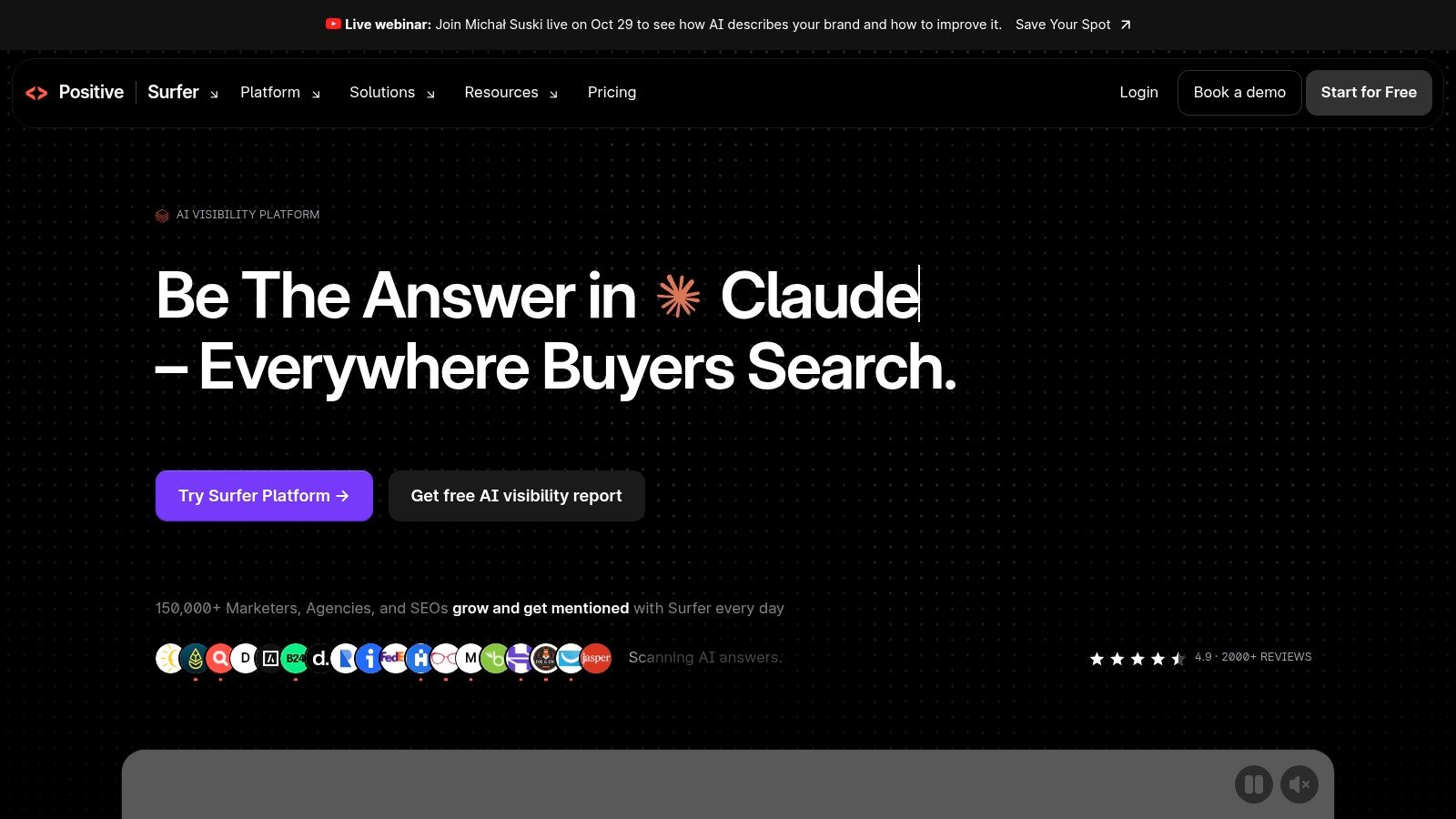
Surfer connects topic planning to page-level optimization. Its Topical Maps help a team organize related subjects into clusters and inspect competitor coverage, while Topic Research can generate article ideas and keyword clusters. That makes it a reasonable fit when the same SEO team researches a topic and then helps shape the page that will target it.
The practical upside is continuity. A strategist can move from a cluster of related subjects toward a brief and optimization workflow without treating planning and on-page work as separate jobs. Surfer also describes its Topical Maps as refreshing every 14 days, which can help teams revisit a topic map rather than assuming it stays current indefinitely.
I'd still separate a useful topic map from a production schedule. A map can show relationships and possible gaps, but it doesn't automatically settle ownership, review dates, approvals, or the order in which writers should work. If your main problem is missed handoffs, adding another SEO interface won't fix it. If the bottleneck is deciding how a page should cover its topic, the connection between research and optimization is more relevant.
Surfer may include more than a team needs if it only wants a calendar, and pricing or usage limits can matter for solo publishers and high-volume teams. I'd test a real cluster and a representative brief before deciding whether its planning-to-optimization workflow earns its place.
4. Semrush Content Toolkit
Semrush Content Toolkit is a sensible research-to-brief option for marketers already using Semrush for keyword and competitor work. It brings content ideas, topic research, SEO brief generation, and AI-assisted optimization into that broader environment. On paid plans, the listed production features include brand-voice support.
The strongest reason to use it is continuity with an existing Semrush workflow. If the team already researches opportunities there, moving from a topic into a brief and then into optimization can mean fewer duplicate records and less context copied between tools. Country-specific topic ideas can also help marketers plan content for different markets instead of assuming one search environment applies everywhere.
The limitation is just as clear. This isn't a lightweight editorial calendar, and detailed scheduling, assignments, and publishing may still need a separate system. I wouldn't buy a broader SEO platform just to keep track of draft status. I'd first check whether the research and production functions solve work the team already does, then confirm where editorial ownership and publish dates will live.
Semrush's pricing page lists a free trial. That's enough to test a topic from discovery through brief creation, but the test should include an actual handoff: can the writer and editor see the assigned URL, intent, and due date without hunting through separate records?
5. Content Harmony
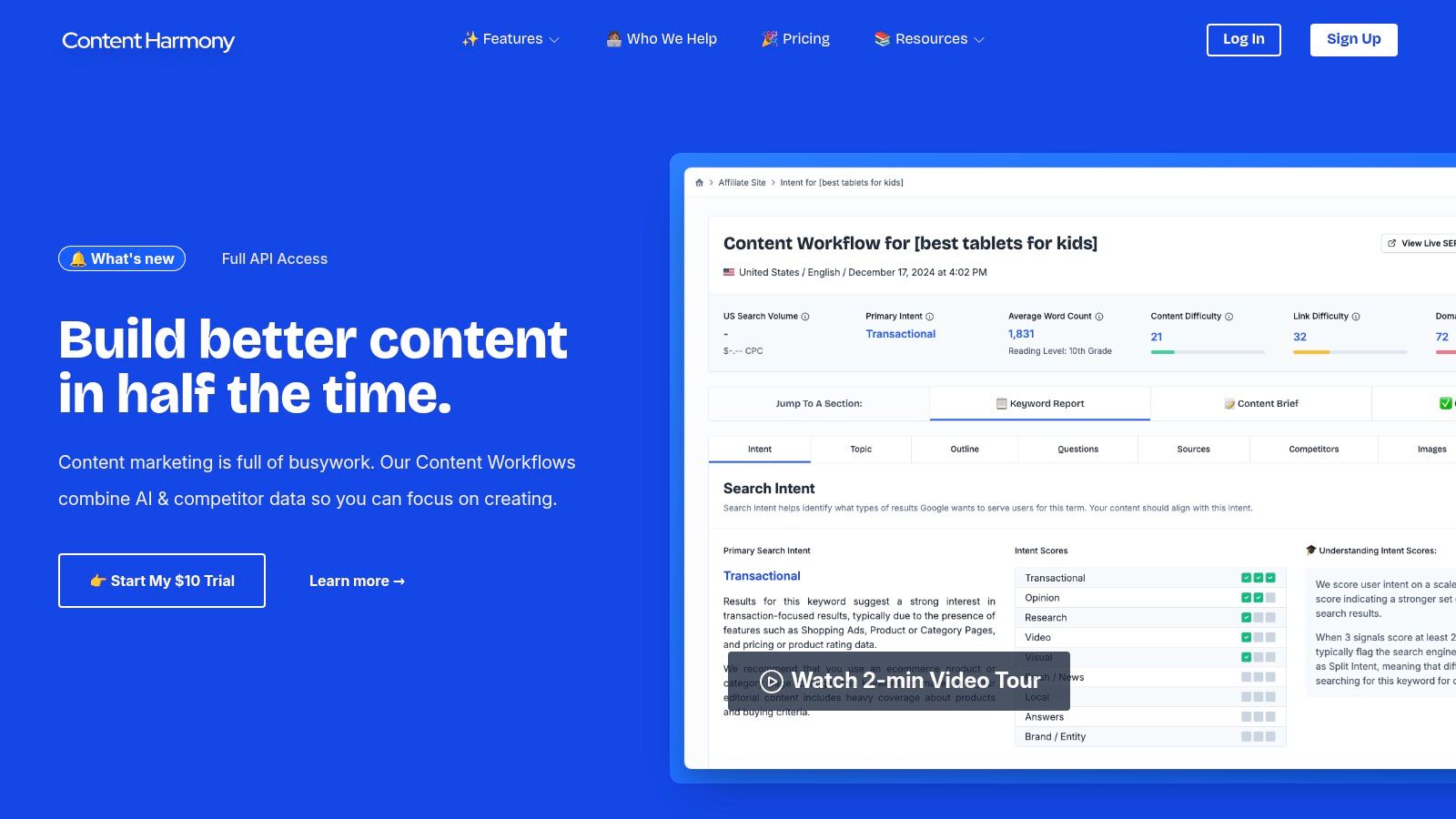
Weak drafts usually trace back to the assignment: a writer gets a target phrase and a vague topic, then has to infer audience, scope, and what the page must cover. Content Harmony is brief-first. Its Content Workflow puts keyword research, a content brief, and a content grader around an individual page, which suits agencies or content teams that need writers and editors to follow a repeatable process across assignments.
The value is the page-level handoff. A strategist researches the query and intent, builds the brief, then runs the draft through the grader against the original assignment. In a two-tool stack, this is the upstream half: the brief carries the keyword, intent, and requirements, while a separate calendar or workspace holds the URL, owner, and due date.
The common failure point is duplication. If the brief lives in Content Harmony and status lives somewhere else, someone keeps the URL and publish date in sync by hand.
I'd define the workflow before buying credits. Decide what counts as a completed brief, which role approves it, and whether a workflow is needed for every assignment or only search-led pages. Monthly workflow credits cap output, though listed plans support unlimited users and projects with rollover terms described on the pricing page. The product has no full publishing calendar or social scheduling, so dates and status need a separate home.
Content Harmony's website lists a $10 trial with 10 workflow credits that doesn't auto-renew. Ten credits is enough to run real assignments through the brief process and see where the handoff to your calendar breaks. For teams comparing other ways to structure instructions for writers, this guide to a content brief generator is a useful companion.
Visit Content Harmony
6. StoryChief
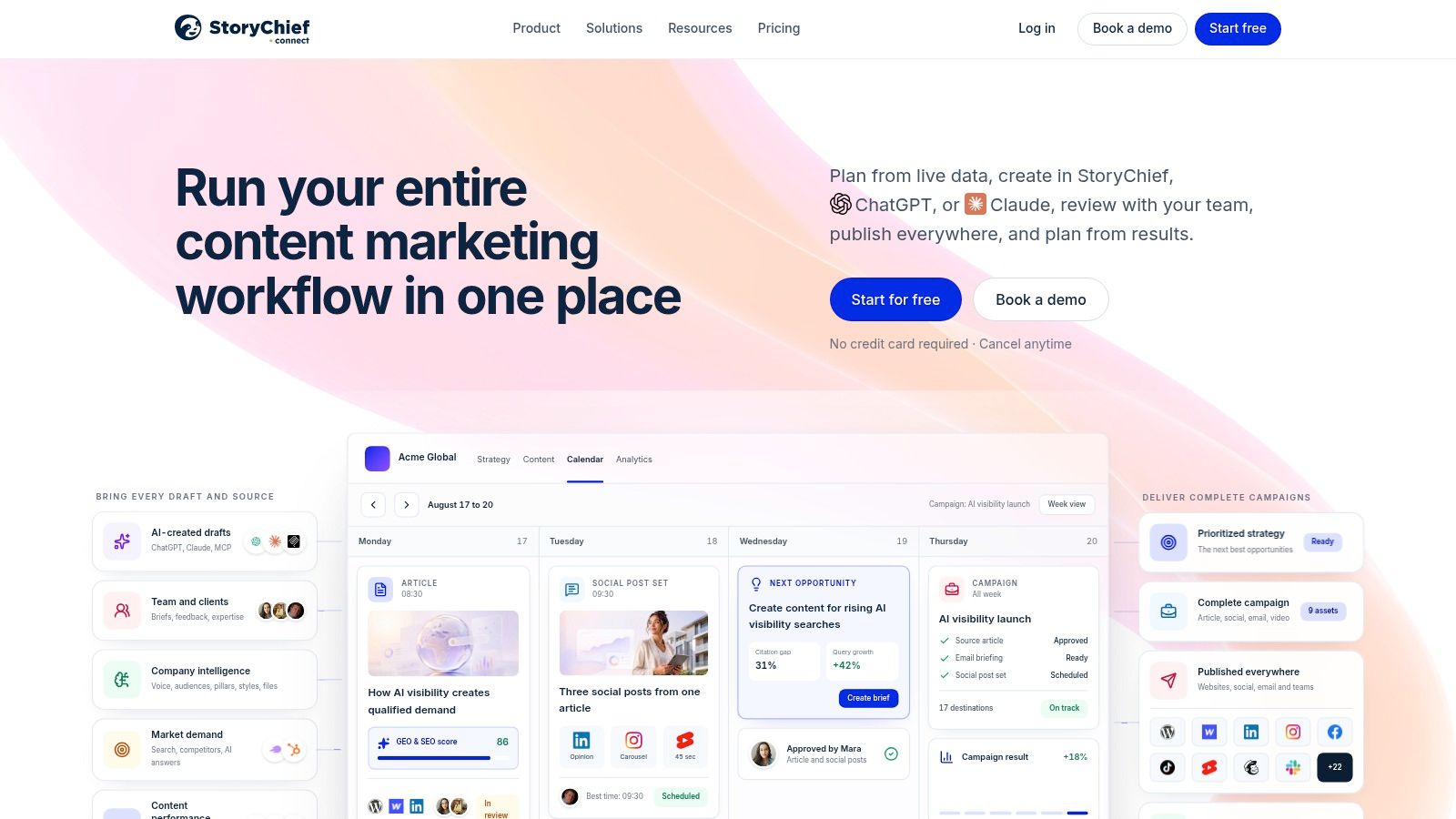
StoryChief is calendar-first, with more of the production and distribution workflow attached than a basic calendar usually provides. Teams can plan articles and social posts, collaborate, manage deadlines and tasks, route work for approval on eligible plans, and publish content. That makes it a candidate when the recurring headache isn't finding topics, but moving approved work into the right channels.
The strength is keeping planning and publishing closer together. A calendar entry can represent a piece of work that needs review and distribution, rather than a date on a spreadsheet that someone must manually carry into another publishing system. Multilingual publishing, with translations described on higher tiers, can also matter when the team needs to coordinate content across markets.
I'd verify the workflow against the actual channels and approval roles your team uses. A feature that exists on a higher tier doesn't help if the plan you choose doesn't include the needed users, channels, or articles. Pricing rises substantially between individual and collaborative plans, so map those limits to your team before moving the whole calendar.
StoryChief offers a free trial without requiring a credit card, according to its pricing page. Use it to test one article and one social post through review and publication. If you only need to coordinate content dates, its broader creation and distribution features may be unnecessary. If publishing handoffs are where work stalls, the connected workflow is the stronger argument.
7. CoSchedule
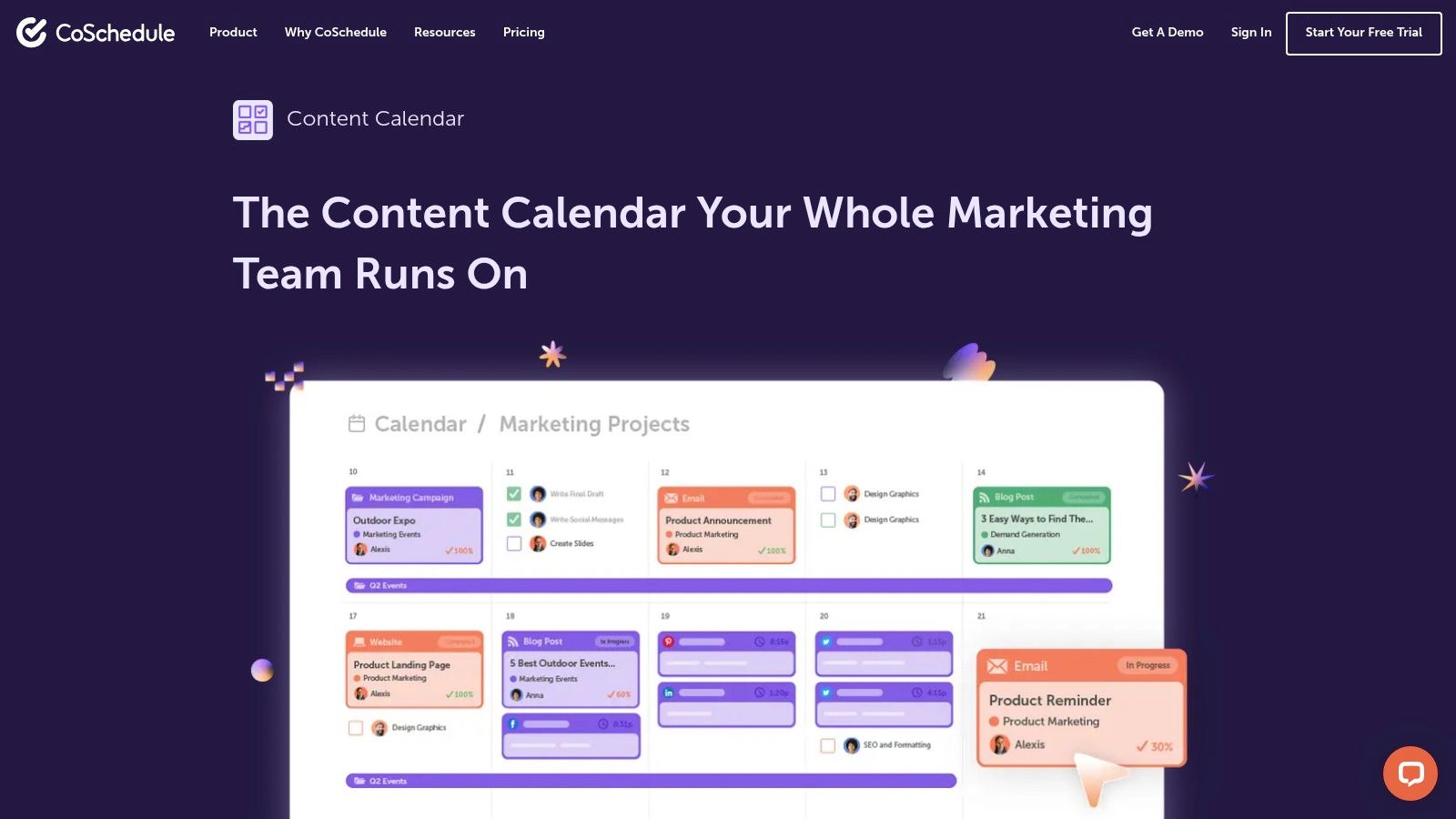
CoSchedule is built around the visible calendar. It helps teams organize social messages, projects, and campaigns, then coordinate when work is created and published. I'd put it on the shortlist for a small marketing team that needs a shared view of activity, not a dedicated system for SEO opportunity discovery.
The drag-and-drop calendar makes it easier to see a crowded launch or a quiet publishing stretch. Paid plans add social publishing and project-management features, while integrations include WordPress and Google Drive. The free option supports one social profile and up to 15 scheduled messages at a time, which is useful for testing a basic social queue but isn't a full content-team calendar.
This separation matters because a calendar can show when a post is due without explaining why the team chose the topic. CoSchedule's main strength is distribution and campaign coordination, not keyword prioritization or competitor analysis. I'd pair it with a research tool if organic search is a core planning input, and I'd keep the research record connected to the calendar entry rather than pasting a keyword into a title and calling the handoff done.
B2B adoption data reinforces why a calendar shouldn't be the only system. In a survey of global marketers, the 2024 B2B content marketing benchmarks found that 64% used content creation, calendaring, collaboration, or workflow technology. The useful test is whether your calendar connects to measurement and distribution, not whether it looks tidy.
8. Airtable
Airtable is workspace-first. It's a flexible database and workflow platform, not a dedicated SEO planner, which makes it useful when the team needs to decide how its own content records should work. A content calendar template can provide a starting point for ideas, statuses, owners, channels, and publication dates.
I like the flexibility when a team has several content types that don't fit the same production path. A blog post may need keyword research and editing; a webinar may need speakers and a landing page; a social campaign may need approvals and assets. Custom fields and calendar, pipeline, or database views can make those records visible without forcing every work type into one identical checklist.
The trade-off is ownership of the system itself. Someone has to design the fields, decide which statuses mean what, maintain views, and prevent teams from creating duplicate versions of the same record. Airtable can connect planning and performance information, but it doesn't replace specialist SEO research software for finding keyword opportunities. A polished database can still hold weak priorities.
Start with the smallest useful set of fields and add only what a real handoff requires. If people can't tell who owns a page or whether it's ready for review, adding more views won't solve the underlying confusion.
9. Notion
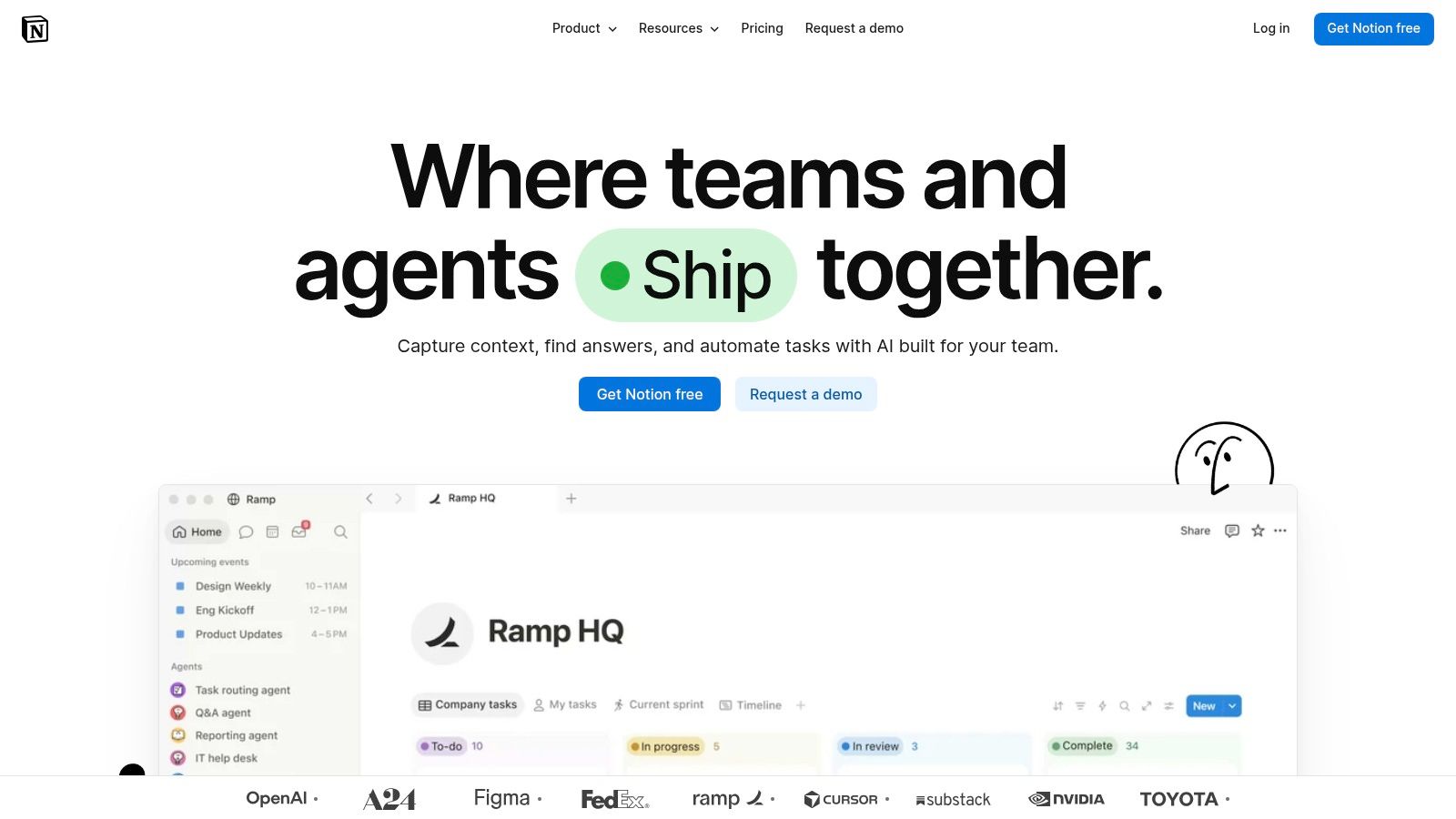
Notion is workspace-first for teams that want ideas, briefs, guidance, and editorial records close together. Its databases can track owners, statuses, and publication dates, while multiple views let the team organize work without maintaining a separate document for every part of the process. It also works well as a home for writing guidelines and internal documentation.
That combination is the draw. A content record can link to a brief, research notes, and the team's standards for a particular format. For a solo creator or small team, that may be enough to keep a workable backlog and calendar without paying for a dedicated production platform. Notion has a free plan for individuals.
The danger is building a custom system that only its creator understands. SEO opportunity research is limited compared with specialist platforms, and content-specific automation is limited compared with dedicated tools. If the status definitions, database relationships, or templates live only in one person's head, that person becomes the workflow. Write down what each status means and make ownership visible.
I'd choose Notion when the team values flexible documentation as much as calendar views. I wouldn't choose it as a substitute for keyword research or a structured social publishing workflow. Those are separate jobs, and bolting on more templates won't make them native.
10. Planable
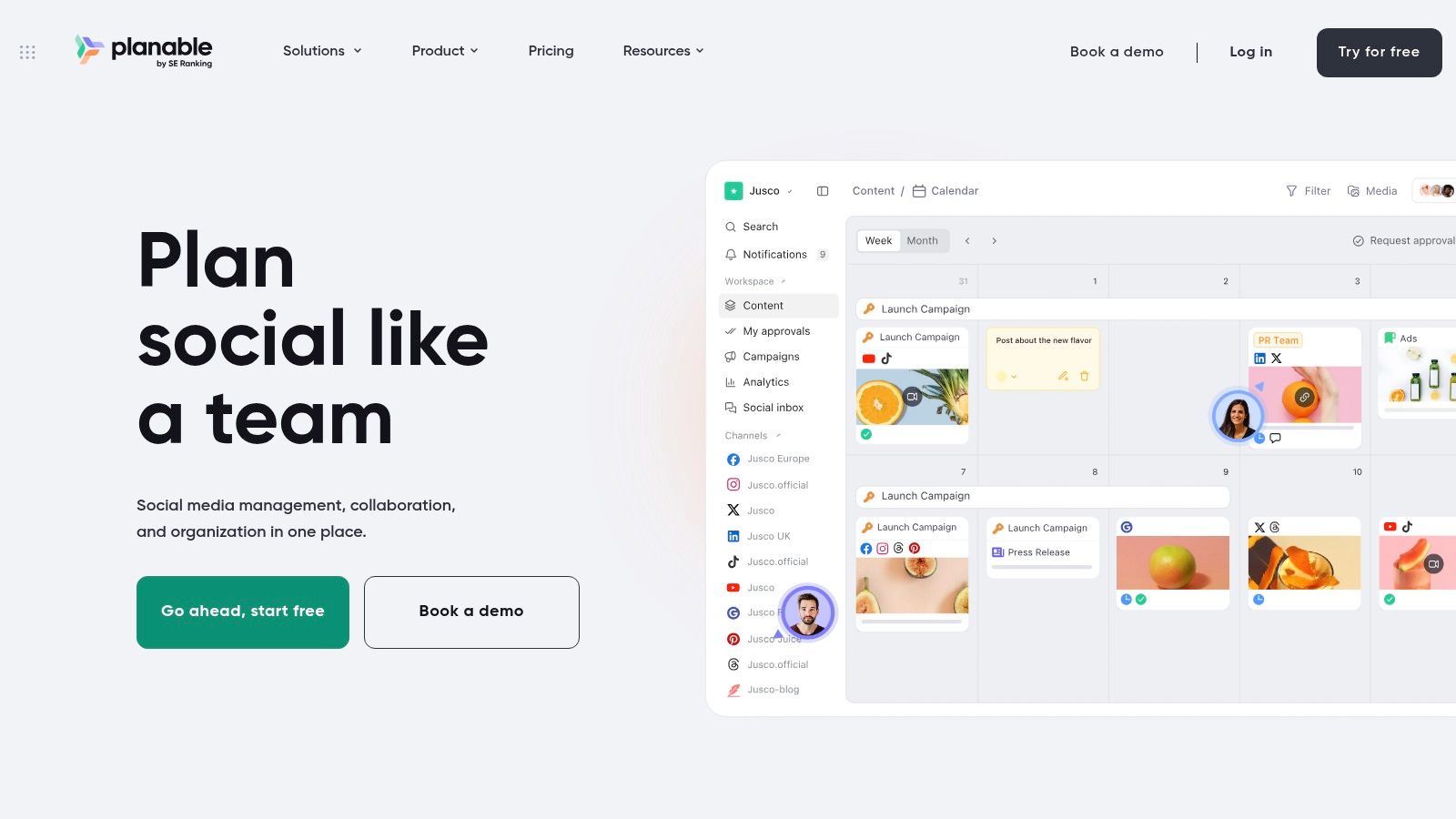
Planable is the calendar-first, social-first pick on this list. Teams plan, review, approve, and schedule social content in one place, with calendar, feed, grid, and list views. In-post comments and approval workflows mean a reviewer sees the post as it will render, instead of reconstructing context from email threads and chat screenshots.
That setup suits agencies coordinating posts with clients or stakeholders who only need to approve, not edit. Planable offers a free trial, so teams can test its review and scheduling workflow before committing to a paid plan. Listed plans price per workspace and include unlimited users, which works well until an agency runs many brands. Each client workspace adds cost, so map the workspace structure against how you really separate client work before standardizing on it.
The planning job here is approval and publishing. Planable won't replace a keyword platform for opportunity discovery or topic prioritization, and it isn't built for SEO-led blog research. I'd use it when the content is social and sign-off is the bottleneck. I'd look elsewhere when the question is which search topic deserves a new page.
Connected social accounts can cause friction, so test the channels you depend on before making it the only place your team schedules social work. If publishing and client review are your core jobs, compare it against a best social media scheduler before committing.
How the 10 Content Planning Tools Differ by Job, Free Access, and Pricing Pointers
| Item | Primary Planning Job | Kostenlose Option | Pricing Pointer | Am besten für |
|---|---|---|---|---|
| SemDash | SEO keyword, competitor, backlink, and content opportunity research | Free start or trial | Specific plan prices not provided | Marketers planning SEO content using keyword and SERP data |
| MarketMuse | Identify topic gaps and prioritize content across a site | Limited free tier | Plan allowances limit topics, briefs, and strategy documents | SEO teams managing large content libraries |
| Surfer | Map topic clusters and connect planning to page optimization | Not specified | Pricing and usage limits may apply | Teams combining topic planning with content optimization |
| Semrush Content Toolkit | Research topics and create SEO briefs and optimized content | Kostenlose Testversion | Paid plan includes additional production features | Marketers already using Semrush research tools |
| Content Harmony | Research, brief, and grade individual pages | No free option stated; $10 trial available | Plans scale by workflow volume | Agencies and teams using repeatable content workflows |
| StoryChief | Plan, collaborate on, and publish articles and social posts | Kostenlose Testversion | Pricing varies by tier, users, channels, and articles | Teams needing planning, approvals, and publishing together |
| CoSchedule | Coordinate campaigns, projects, and social publishing | Free plan supports one social profile and up to 15 scheduled messages | Paid plans add publishing and project-management features | Teams coordinating marketing activity on a visual calendar |
| Airtable | Manage content ideas, workflows, owners, and dates | Not specified | Not specified | Teams wanting a customizable editorial workflow |
| Notion | Organize content ideas, calendars, briefs, and documentation | Free plan for individuals | Not specified | Solo creators and small teams building a lightweight planning system |
| Planable | Plan, review, approve, and schedule social content | First 50 posts can be tried without a time limit or credit card | Per-workspace plans; costs can rise across multiple brands | Teams coordinating social content with clients or stakeholders |
Stack Two Tools Instead of Hunting for One Perfect Pick
On a new content team, I'd keep the workflow simple: research in an SEO platform, create and assess briefs in that platform or a companion tool, then let a calendar or workspace own status and publish dates. One shared record should connect those jobs. Without it, the research doc says one thing, the brief points to another URL, and the calendar schedules both without anyone noticing.
The handoff works best when the record includes the topic, primary query, supporting query cluster, search intent, target URL, planned action, owner, status, brief link, and publish date. The planned-action field earns its place: marking an assignment as a new page, an update, or a consolidation is what stops a writer from drafting a page that duplicates an existing URL. Include the source of the recommendation, such as a keyword gap or competitor page, so the writer can see why the work exists instead of receiving a phrase without context.
A practical pairing is SemDash for research and Airtable or Notion for production ownership. Map the SemDash topic and query cluster to the workspace record, map the recommended URL and planned action to the page fields, and carry the brief link into the assignment. Then make one system authoritative for status and dates. If both tools can change the publish date, people will eventually disagree about which one is current.
A handoff is complete when the next person can see the intended page, the reason for the work, and what happens next.
The failure points are predictable. Teams create a new page when an existing URL should be updated, so two pages chase the same intent. Briefs get orphaned when the document link isn't attached to the calendar record. People rename titles without preserving a stable record or URL, then lose the connection between research and production. A spreadsheet export goes stale the moment someone treats it as a live integration.
Search planning now needs to consider more than conventional rankings and clicks. Google's guidance says a page must be indexed and eligible to appear with a snippet in ordinary Search before it can appear as a supporting link in AI Overviews or AI Mode, according to its documentation on AI features. That makes technical eligibility and URL-level visibility worth including in the review process, and it means a content calendar shouldn't treat publication as the finish line.
Before committing to a plan, run a real batch through two or three tools. Use the same topics, assign real owners, create actual briefs, and test the route from approval to publication. Check whether the records keep their URLs, whether status changes are visible to everyone, and whether someone can measure results after launch. The right pair preserves context with the least manual copying. A longer feature list won't repair a weak handoff.
SemDash combines keyword, competitor, backlink, and SERP research with clustering and AI-assisted briefs, giving content teams evidence to prioritize pages before production starts. If you want to test a research-first workflow against your own topics, visit SemDash and see whether its planning tools fit the way your team works.