%20(1)-B86R08ZzwhPzS6UZbG3mSxRWPCwGwn.png)


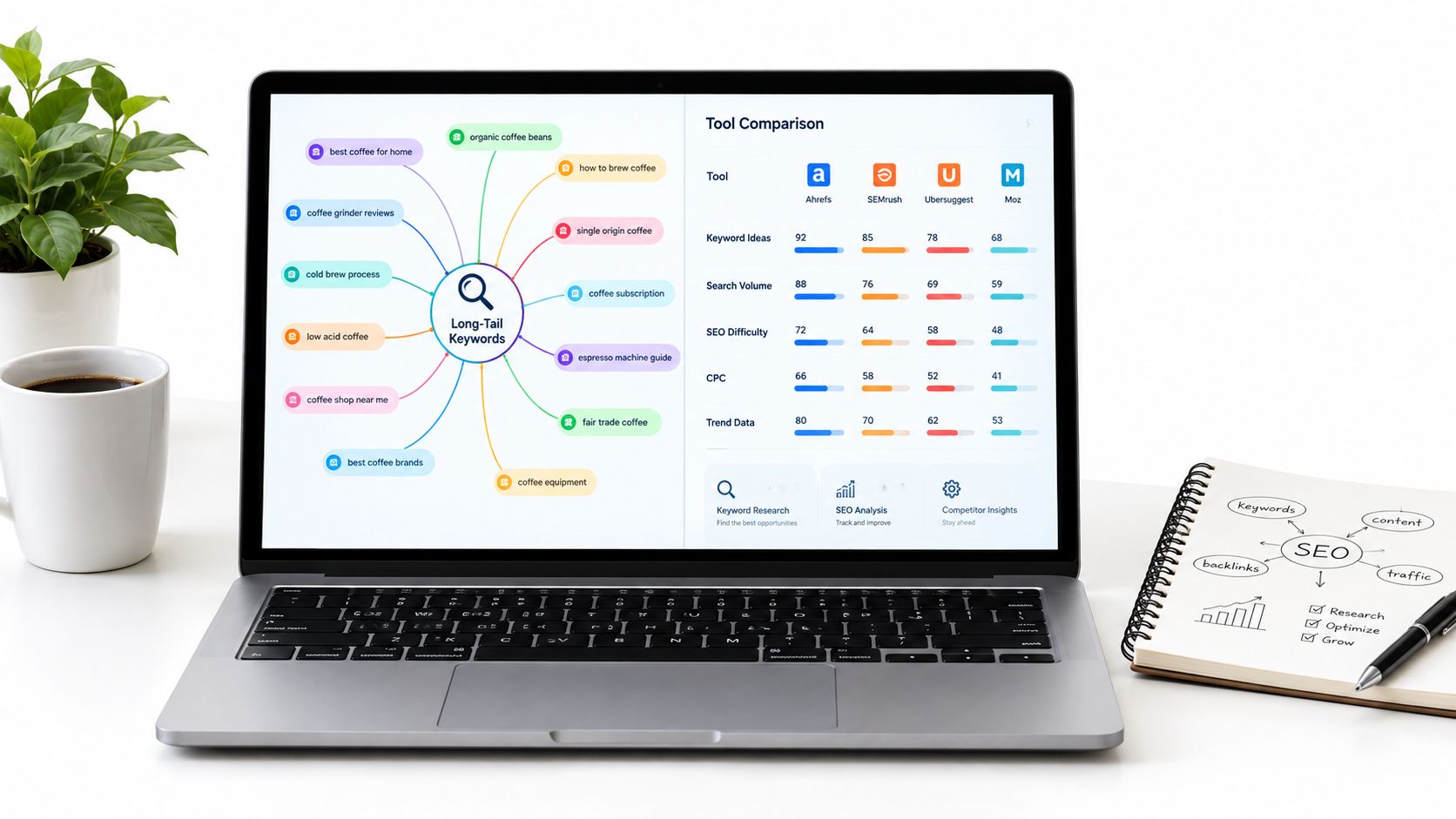
The best long-tail ideas do not start with volume.
I see too many keyword workflows stall at the same point: someone exports a giant list from a long tail keywords finder, sorts by search volume, and calls the research done. That usually creates bloated content plans, duplicate pages, and a false sense of coverage. A useful workflow has to connect query expansion with intent, SERP weakness, page mapping, competition, and the reality of what your team can publish and maintain.
That matters because long-tail isn't some tiny corner of search. A large study of 306 million Google keywords found that 91.8% of all search queries fall into the long-tail category, while those terms generated only 3.3% of total search volume, and the median keyword volume was just 10 searches per month according to Backlinko's keyword study. If you only chase visible volume, you miss how search demand is distributed.
I test these tools by the job they do in a working process: expanding seeds, validating ranking opportunities, mapping questions, comparing competitors, and turning findings into page-level targets. I care about discovery breadth, evidence quality, prioritization, implementation effort, pricing tradeoffs, and whether the tool fits a solo marketer, a niche site, an agency, or a larger in-house team.
A simple example shows why tool choice changes the outcome. Start with a seed like "project management software." Autocomplete surfaces modifiers, People Also Ask exposes objections and workflow questions, competitor gap tools reveal terms with existing ranking pages, and live SERPs show whether Google wants listicles, landing pages, or product pages. The same seed can lead to a comparison article, an integration page, or a feature-use case page. That's why suggestion volume alone isn't enough.
Inhaltsverzeichnis
- 1. SemDash
- 2. Semrush Keyword Magic Tool
- 3. Ahrefs Keywords Explorer
- 4. Google Ads Keyword Planner
- 5. KWFinder by Mangools
- 6. KeywordTool.io
- 7. LowFruits
- 8. AlsoAsked
- 9. AnswerThePublic
- 10. PeopleAlsoAsked
- Top 10 Long-Tail Keyword Finder Comparison
- Build a Long-Tail Workflow, Not a Tool Stack
1. SemDash
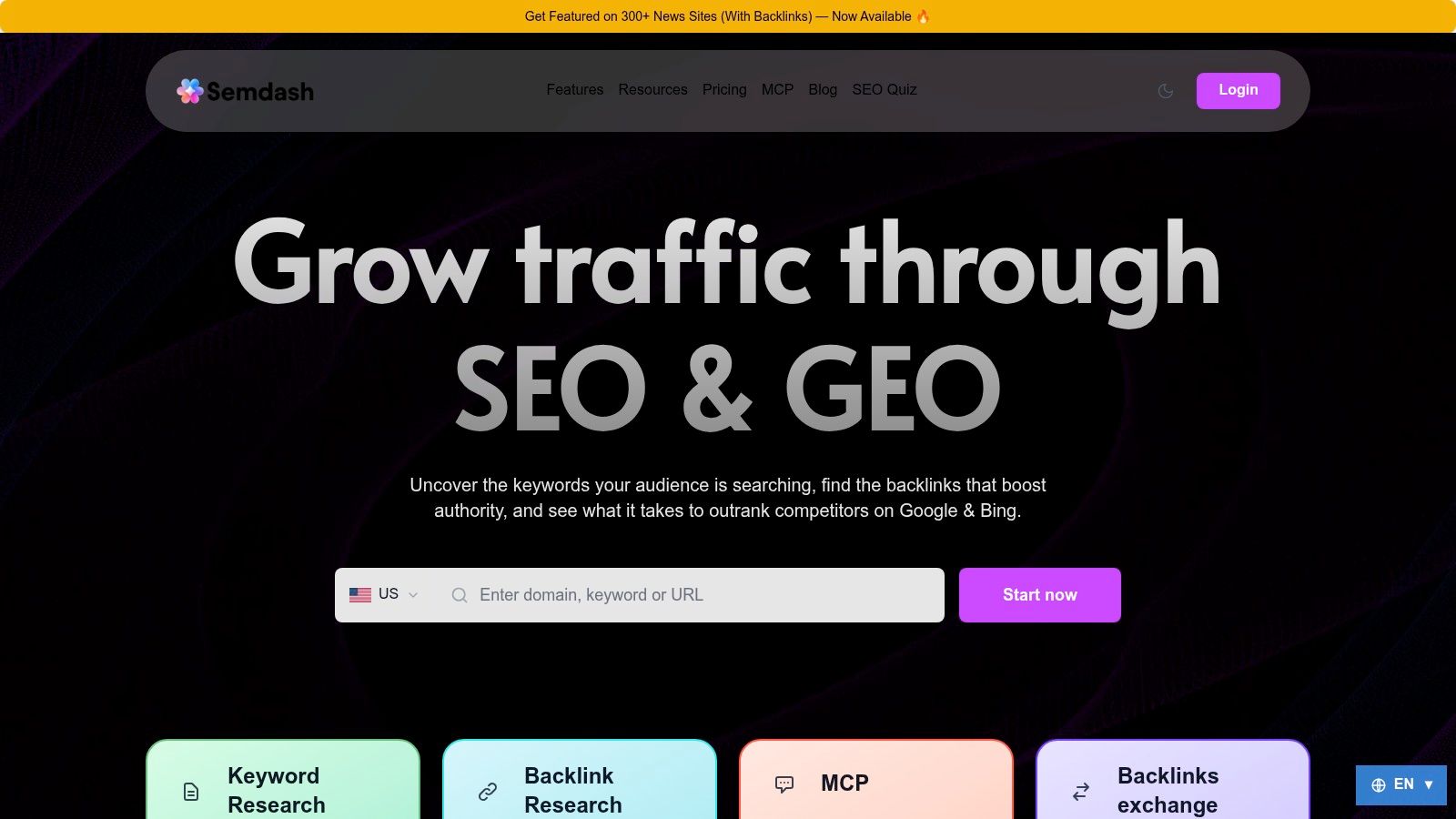
Long-tail research usually breaks down after discovery. The list gets bigger, but the decisions do not get clearer. SemDash is useful because it covers the next steps in the workflow too: finding terms, checking who ranks, identifying the ranking URL, comparing competitors, and turning that research into page targets.
That matters more than raw suggestion count in day-to-day SEO work. A tool can return thousands of ideas and still leave you guessing which ones belong on new pages, which ones fit existing URLs, and which competitor pages are weak enough to challenge.
Where It Fits Best
SemDash is strongest for integrated research. If the job starts with a seed term and ends with a publishable content plan, it keeps the process in one place with keyword gap reports, domain keyword views, top pages, traffic share, SERP history, backlink gap analysis, and AI-assisted brief creation based on live SERPs.
The URL-level view is the part I would focus on. Seeing that a competitor ranks is helpful. Seeing the exact page that ranks is what changes the plan. It tells you whether to build a comparison page, expand a feature page, refresh a guide, or merge overlapping content instead of publishing another article that targets the same intent.
It also handles question validation better than many broad suites. You can expand a topic, inspect the current SERP, and decide whether the query belongs in an FAQ block, a supporting article, or the main commercial page. That is a better use of long-tail data than exporting every variation and treating each phrase like a separate opportunity.
Praktische Regel: A long-tail keyword finder should help assign terms to pages, not just collect them.
I also found the workflow around newer search features useful. AI Overview tracking shows which queries generate citations and which URLs get mentioned. That gives in-house teams and agencies another layer for validating visibility beyond standard blue-link rankings. MCP support is also practical for teams that want to pull live SEO data into Claude or ChatGPT during research and briefing.
What It Does Well in a Working Process
SemDash covers several jobs that often require separate tools:
- Expanding seeds: Good enough breadth for building a workable pool of modifiers, subtopics, and related terms.
- Validating ranking opportunities: SERP history, ranking pages, and domain-level visibility help separate publishable targets from keyword noise.
- Mapping questions: Useful for deciding whether question-based terms deserve standalone pages or support sections on existing URLs.
- Comparing competitors: Keyword gaps, top pages, and backlink comparisons make it easier to spot where a rival's visibility comes from.
- Turning research into page targets: URL mapping and content-planning features reduce the jump from research file to editorial plan.
That mix is why SemDash makes sense for consultants, agencies, and lean teams that do not want a disconnected stack.
Tradeoffs I Would Factor In
SemDash is not my first pick for extremely wide keyword mining where the only goal is to pull every possible variation into a spreadsheet. Some practitioners will still prefer Ahrefs or Semrush for pure expansion depth on very large sets.
The trade-off is straightforward. SemDash gives up some breadth in exchange for clearer execution signals. For many teams, that is the better bargain because the bottleneck is rarely "we need 5,000 more suggestions." It is usually "we need to choose the right 20 terms, map them to the right pages, and publish something we can maintain."
- Best for integrated execution: Teams that want seed expansion, competitor comparison, ranking-page analysis, backlink follow-up, and page planning in one workspace.
- Best budget angle: Buyers comparing full-suite platforms who want broad workflow coverage without paying for an older enterprise toolset.
- Main caution: Check plan limits and add-ons before buying, especially if your process depends on heavy bulk analysis or deeper data exports.
2. Semrush Keyword Magic Tool
Semrush Keyword Magic Tool is the one I reach for when I want aggressive seed expansion with strong filters. It shines when a seed term can branch into many modifiers, use cases, questions, and commercial variants, and I need to tame that sprawl fast.
The biggest strength is list control. Match types, grouping, intent tagging, keyword difficulty, SERP-feature visibility, and the Questions view make it easy to carve a broad export into workable clusters. If you're building large content plans or ad groups, that matters more than just seeing "more ideas."
What It Does Well
Semrush is strongest when the task starts with "show me the full neighborhood around this term." I use it for category expansion, modifier mining, and turning one broad topic into a structured list of subtopics that can later move into tracking, clustering, and briefs inside the broader suite.
That downstream workflow is the selling point. A long-tail discovery tool is more useful when the keyword list can move into position tracking, audits, and competitive analysis without extra cleanup. Semrush does that well.
- Best use case: Large seed expansion for content teams and agencies.
- Strongest feature: Filtering and grouping large lists without spreadsheet pain.
- Limitation: It can feel expensive and heavy if you only need a narrow long-tail finder.
Where People Misuse It
The common mistake is treating every filtered keyword as a page opportunity. That's how teams create cannibalization. Keyword clustering means grouping semantically related queries into topic buckets so one page targets a cluster instead of one page per keyword, which helps reduce overlap and improve topical authority according to Nuwtonic's explanation of keyword clustering.
When I use Keyword Magic, I don't ask "how many ideas did I find?" I ask "which of these belong on the same page?" That's the difference between research and publishing strategy.
3. Ahrefs Keywords Explorer
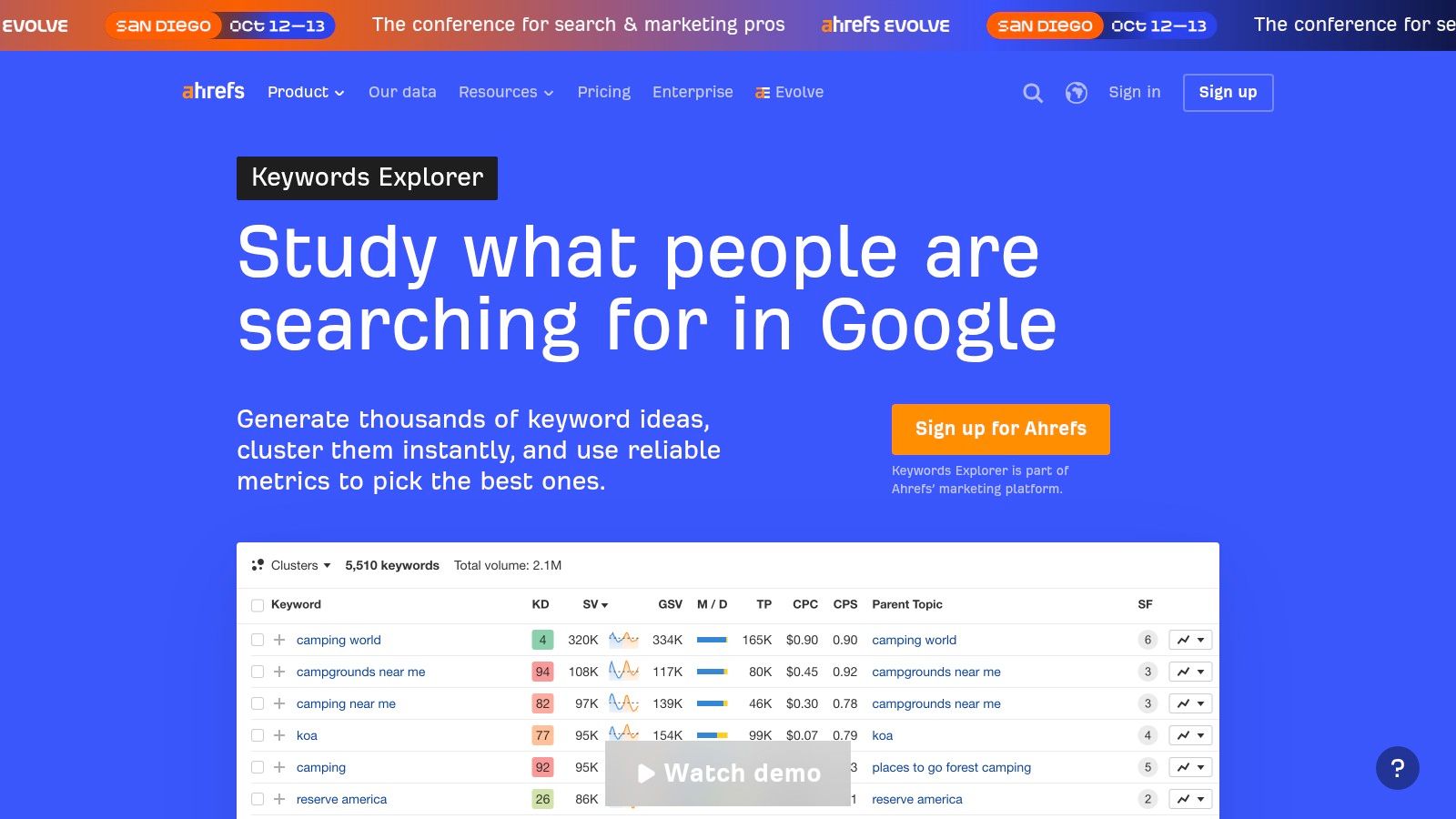
Ahrefs Keywords Explorer is the tool I trust when I need hard prioritization more than idea volume. It doesn't just help expand queries. It helps decide whether a term deserves its own page, belongs under a parent topic, or should be ignored.
That distinction matters because long-tail is often misunderstood. Ahrefs' own guide makes the point clearly: long-tail keywords are not defined by fixed word count or a universal volume threshold, and even five-word phrases can be high-volume while one-word terms can be low-volume according to Ahrefs' long-tail keyword guide. I agree with that. I see people over-filter for three-plus words and miss viable opportunities all the time.
Why I Use It for Validation
Ahrefs is especially useful after I've already found ideas elsewhere. The SERP overview, parent topic logic, and traffic-oriented prioritization help me check whether a phrase is a standalone target or just a wording variant of an existing result set. That's one of the hardest judgment calls in long-tail research.
The historical SERP view also helps when rankings look unstable. If a query keeps flipping between product pages, comparison pages, and forum threads, that's a clue that Google hasn't fully settled intent. I usually avoid publishing into those SERPs unless I can match the ambiguity better than current results.
Don't define long-tail by word count. Define it by specificity, intent, and whether one page can actually satisfy the query set.
The Main Tradeoff
Ahrefs asks more from the user. If someone is new to SEO, the parent topic and SERP interpretation features can be underused. It's also a subscription-first choice, so it's harder to justify if you're a solo operator doing occasional research.
For experienced practitioners, though, it's one of the better tools for avoiding bad page decisions. That's where it earns its keep.
4. Google Ads Keyword Planner
I still use Google Ads Keyword Planner more than many people expect, especially early in a project. It's not flashy, and it wasn't built for SEO-first workflows, but it's a strong baseline for seed expansion, local targeting, and advertiser-oriented demand checking.
Its best role is grounding the process. When a team has been brainstorming from Reddit threads, AI prompts, customer calls, and autocomplete suggestions, Keyword Planner helps bring some order to the mess. I use it to pressure-test language, geography, and broad demand patterns before I commit to a page map.
Best Use Cases
Keyword Planner is especially handy for local and regional work. If you're researching service areas, language variants, or market-specific terminology, the targeting options are useful in ways many SEO tools still aren't.
It also works well when the organization already runs paid search. In those cases, SEO and PPC can share seed language and landing page concepts instead of building separate vocabularies.
- Use it first when: You need a free starting point with local targeting.
- Use it carefully when: You need precise long-tail interpretation. Volumes can be grouped or generalized.
- Use it alongside another tool when: You need SERP analysis, competitor gaps, or page-level mapping.
Where It Falls Short
The problem is obvious once you're deep into content planning. Keyword Planner can tell you a query exists. It won't tell you whether that query deserves a comparison page, a FAQ section, or no standalone asset at all.
That's why I don't treat it as a complete long tail keywords finder. I treat it as a reality check. Useful baseline, weak finish.
5. KWFinder by Mangools
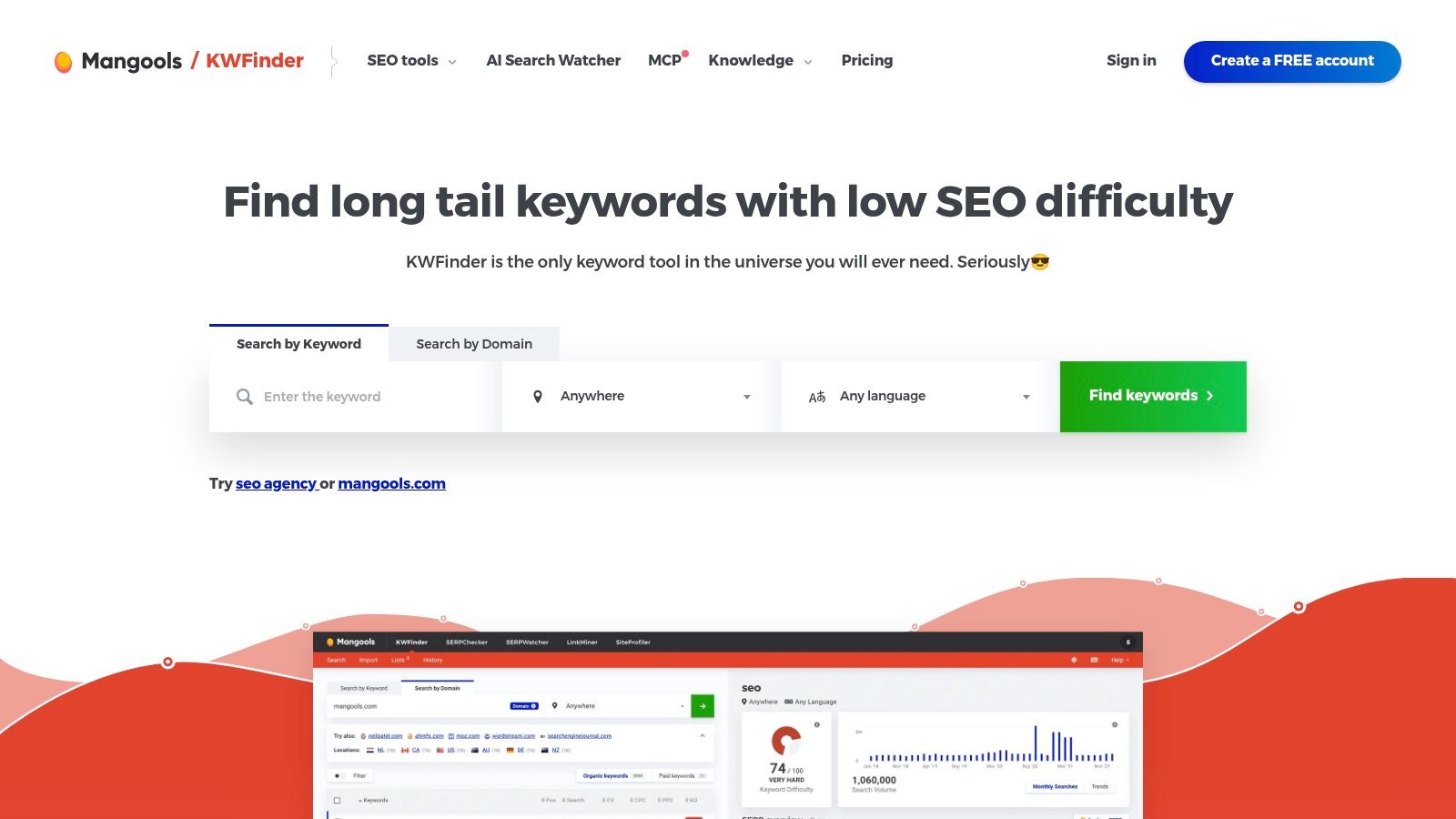
KWFinder by Mangools is one of the easier tools to recommend to smaller teams because it doesn't fight you. The interface is clean, the SERP context is approachable, and it gets you to usable long-tail ideas quickly.
I like it most for bloggers, SMBs, and lean in-house teams that need clear direction without the overhead of a full enterprise suite. You can move from a seed term to a shortlist without feeling like you need three hours of setup first.
Why It Works for Lean Research
KWFinder is good at the practical middle ground. You get long-tail suggestions, volume, difficulty, trends, and direct linkage with SERPChecker for result inspection. That makes it easier to spot whether a keyword that looks easy is dominated by strong result types or stale pages.
It also helps that the workflow is simple enough to repeat. Smaller teams don't need theoretical flexibility as much as they need consistency. KWFinder is one of the few tools I can hand to a content lead without a long handoff.
The Catch
Its smaller dataset means I wouldn't rely on it for deep competitor-led mining in crowded verticals. I also wouldn't use it as the sole source if the business needs content clustering, large-scale gap analysis, or advanced reporting.
A separate guide notes that long-tail keywords are typically 3 to 5 words long and usually lower in volume and difficulty, which is why many practitioners filter by both metrics according to Advanced Web Ranking's long-tail overview. That's exactly how KWFinder tends to get used in practice. Just don't confuse "easy-looking keyword" with "good page target." You still need SERP judgment.
6. KeywordTool.io
KeywordTool.io is my pick when I want breadth from autocomplete, not certainty from metrics. It mines suggestions across multiple platforms, which makes it useful when search behavior spills outside classic Google SEO workflows.
That's important now because long-tail discovery is spreading across more surfaces. Recent guidance points out that users are finding long-tail ideas through Reddit, AI chat prompts, and Google's autocomplete and People Also Ask features, and that long-tail should be treated as intent-based rather than a simple word-count rule according to AdFirm's coverage of long-tail keywords and AI search.
Where It Earns a Place
KeywordTool.io is excellent for modifier-driven ideation. Questions, comparisons, use cases, audience qualifiers, and platform-specific patterns show up fast. I use it when I want to hear the market's phrasing before I worry about page architecture.
It also helps with cross-channel content planning. If the same seed generates distinct patterns across Google, YouTube, Amazon, or Reddit-style phrasing, that's useful input for both SEO and content packaging.
- Best at: Autocomplete-scale idea generation across platforms.
- Less reliable for: Final prioritization without outside validation.
- Strong workflow: Pull ideas here, then validate with SERPs and competitor data elsewhere.
What People Get Wrong
Teams often overvalue suggestion count. Large exports feel productive, but autocomplete isn't a business case. It's just language discovery.
I use KeywordTool.io at the beginning, not the end. Once I have the language set, I move those ideas into a stronger validation workflow.
7. LowFruits
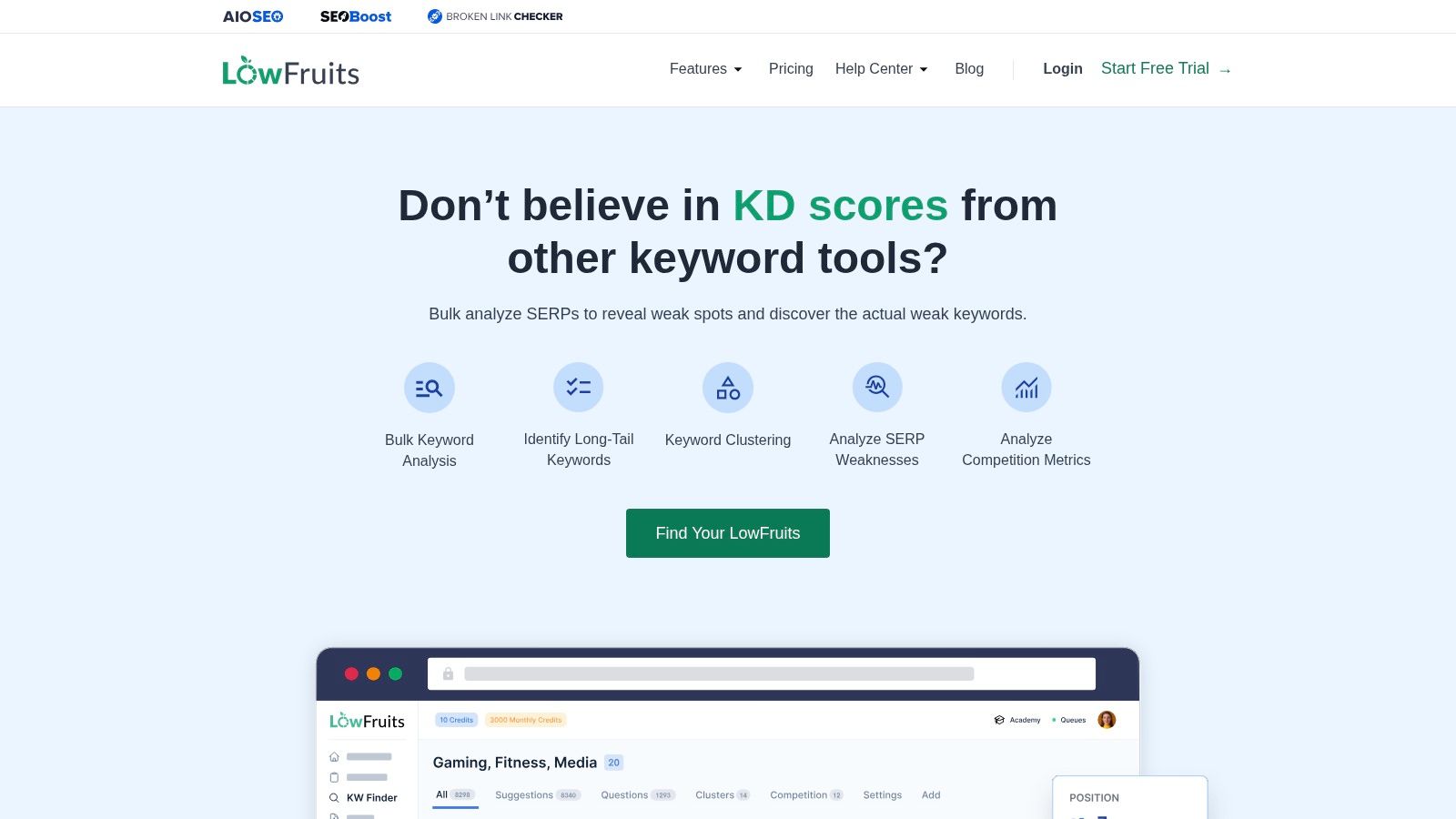
LowFruits is built around a question many smaller sites should ask more often: "Can I realistically win this SERP?" That's different from asking whether a keyword looks low-volume or whether a difficulty score seems acceptable.
I like LowFruits for niche sites, smaller businesses, and newer domains that need validation more than raw discovery. Its value comes from scanning result sets for weak pages, forums, thin content, and other signs that a smaller player might have room to compete.
Why It Beats Generic Difficulty Scores
A generic keyword difficulty score can hide the only thing that matters. What ranks right now? If the SERP is full of giant domains but half the pages are weak, dated, off-intent, or forum-based, that can still be workable. If the score looks easy but every result is tightly aligned and commercially strong, that's a trap.
LowFruits is useful because it points your attention to those edge cases. That's the sort of judgment smaller sites need. If you're doing this kind of work, SemDash's guide to finding low-competition keywords is also worth reading because it lines up with how I validate opportunities in practice.
Field note: Weak SERPs matter more than pretty exports. A small site can beat a lazy result page faster than it can beat a clean authority stack.
Limits You Should Know
This isn't the tool I'd use as an all-purpose suite. It's narrower by design. Heavy prospecting can also burn through credits, so I plan batches carefully and avoid wandering research sessions.
If your main challenge is page validation for a smaller domain, though, LowFruits does a better job than many broader platforms.
8. AlsoAsked
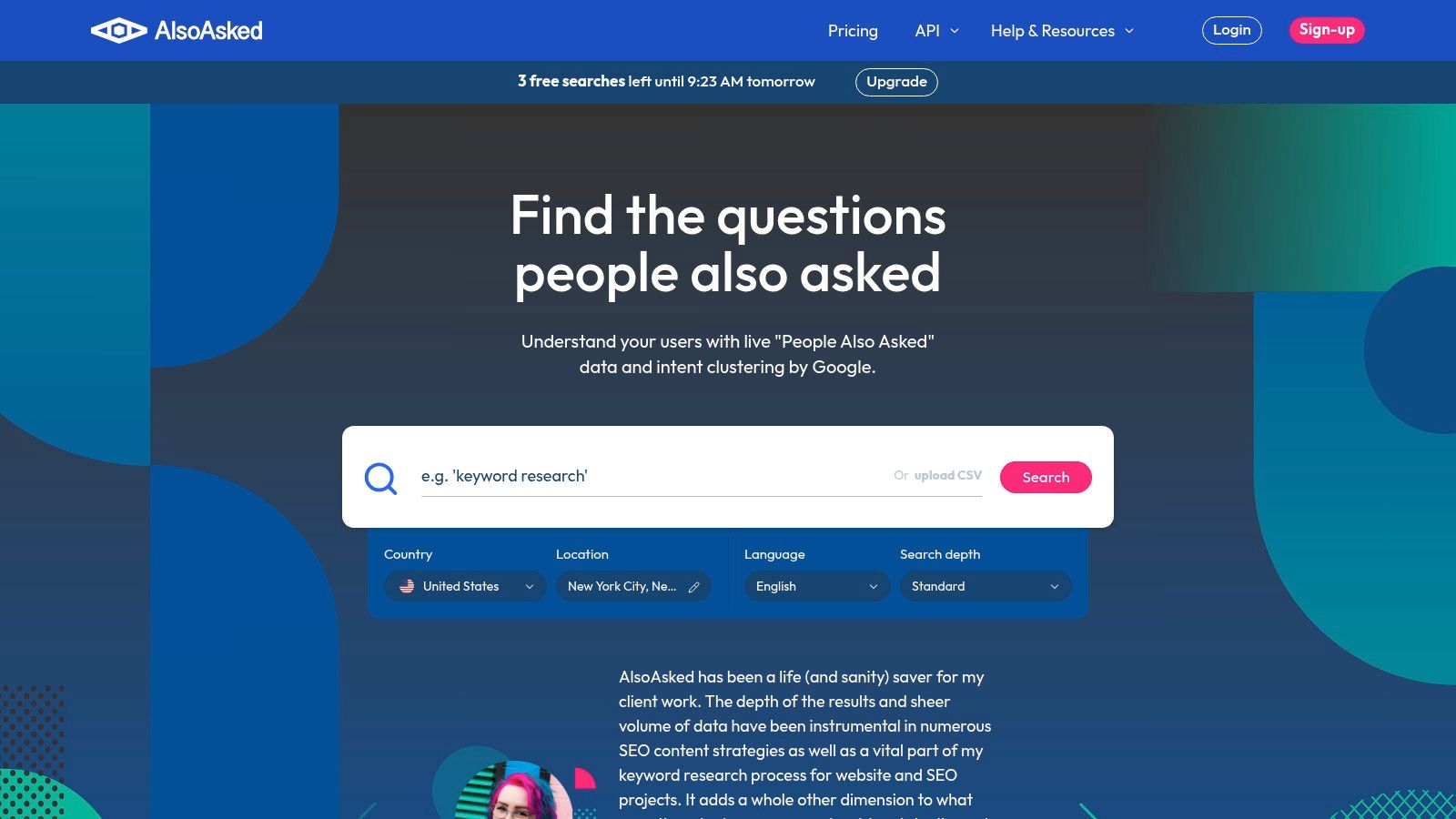
AlsoAsked earns its place when the job is question mapping, not traditional keyword expansion. I use it when I need to understand how one topic branches into follow-up questions, objections, definitions, and next-step concerns.
That branching view is useful because question coverage often exposes missing sections inside pages that already exist. Instead of creating a new page for every phrase, I can identify where a strong guide needs better subheadings, FAQs, or supporting articles.
Best for Intent Coverage
Google's People Also Ask feature shows related questions tied to the initial search, and a practical SEO workflow is to find PAA questions where your site isn't ranking, then answer those directly to expand adjacent visibility according to Wix's breakdown of Google People Also Ask. That's close to how I use AlsoAsked.
I don't start by asking how many questions the tool found. I ask which questions reveal missing intent coverage on the page I'm already planning. That's a much better use of question data.
Where It Fits in a Real Workflow
AlsoAsked is ideal for:
- Content briefs: Build H2s and FAQ sections around real follow-up questions.
- Cluster support: Identify supporting articles that should link into a core page.
- Gap analysis by intent: Spot where your competitor's page answers concerns your draft ignores.
What it doesn't do is replace a full keyword platform. It doesn't give you the broad market picture. It's a question mapper, and it's very good at that.
9. AnswerThePublic
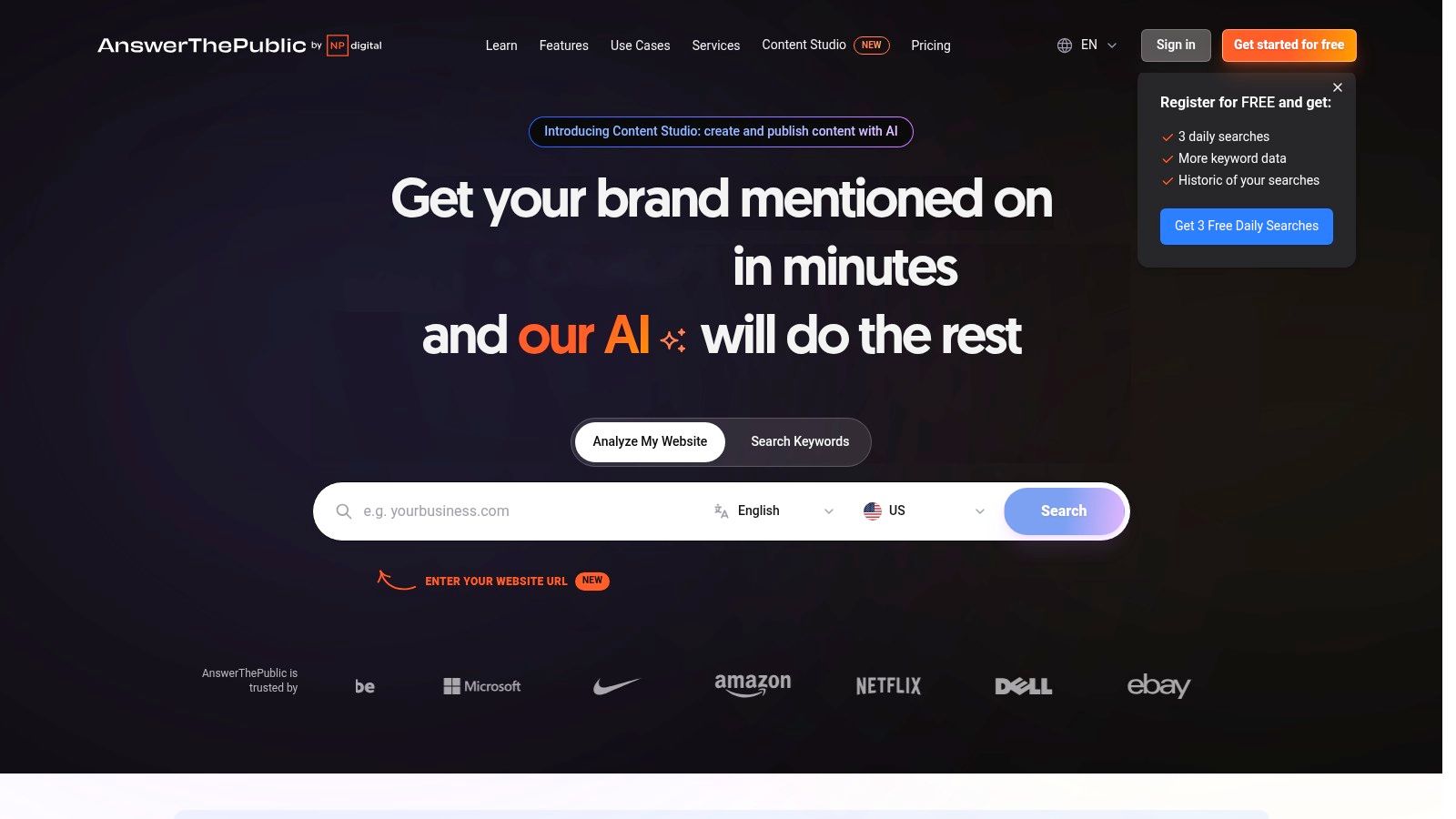
When a topic is still fuzzy and I need language fast, I use AnswerThePublic. It's less about precision and more about surfacing phrasing patterns people use around a seed.
I especially like it at the ideation stage for content teams that are too close to their own jargon. Product teams, SaaS companies, and consultants often describe a problem one way while buyers search another way. AnswerThePublic exposes those differences quickly.
What It Helps You Hear
The preposition, comparison, and question groupings are useful because they reveal how a topic is framed. Is the audience asking "for," "with," "without," "vs," or "best for"? Those modifiers are often the difference between a generic article and a page with clear intent.
This also fits a broader search shift. Independent research found that 56% of buyers use queries of three or more words, while only 7% use one word or an acronym according to Embryo's long-tail keyword statistics roundup. That lines up with what I see in autocomplete-led tools. The useful language usually appears in longer, more specific phrasings.
Where It Can Mislead
AnswerThePublic is great for ideation and weak for final prioritization. I never trust it alone for deciding what gets a page. The language is valuable. The opportunity still needs validation.
That's the pattern with most autocomplete-first tools. They tell you how people phrase needs. They don't tell you whether your site should invest in that phrase as a standalone target.
10. PeopleAlsoAsked
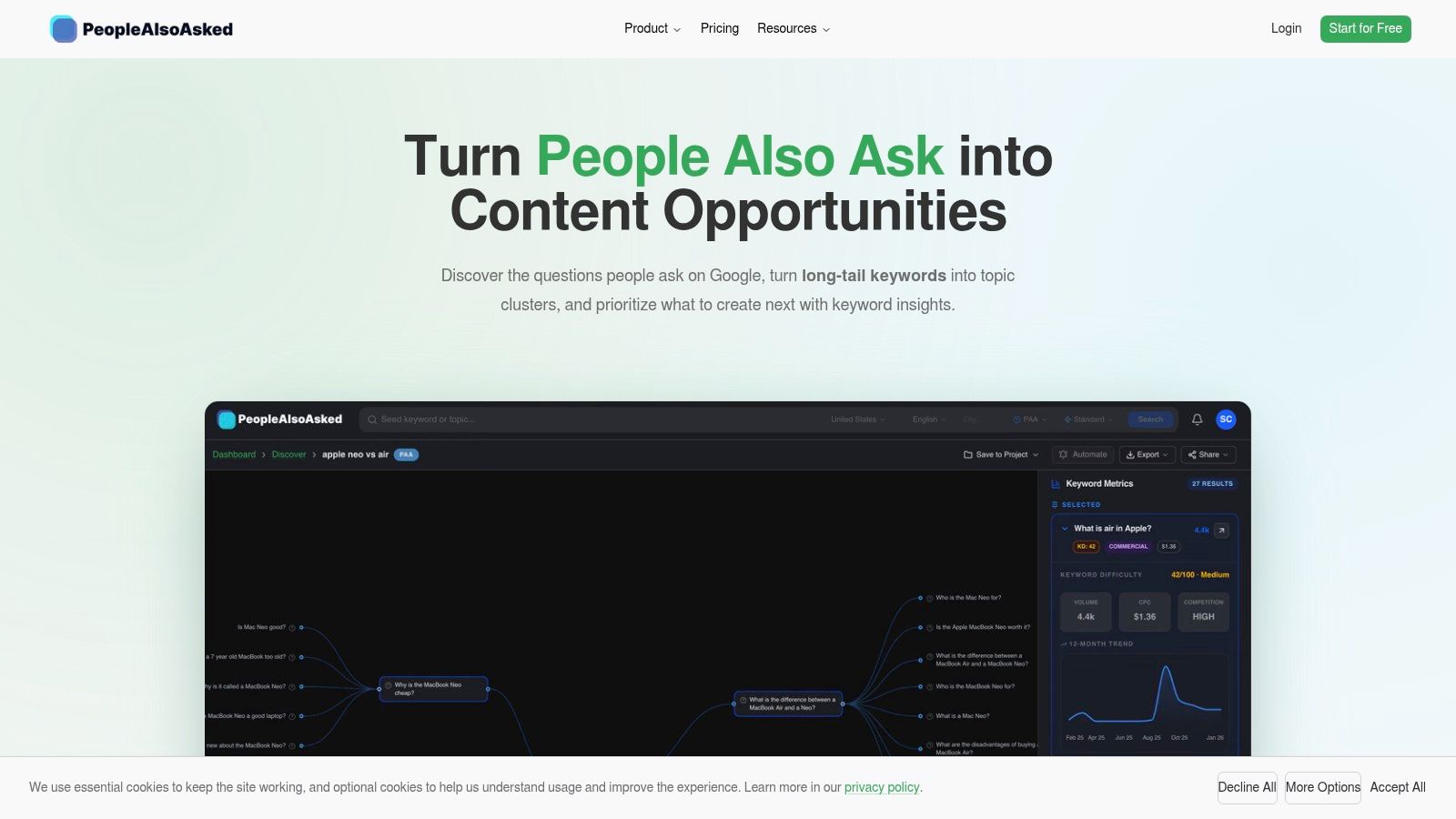
PeopleAlsoAsked sits in a useful middle ground between strict PAA extraction and slightly broader question discovery. I use it when I want structured question trees but also want some expansion from related Google surfaces.
Its advantage is practical organization. You can turn one seed into a question map that feeds content briefs, FAQ sections, and internal linking plans without much cleanup.
When I Would Pick It Over AlsoAsked
If I want a pure branching PAA research session, AlsoAsked still feels more established in my workflow. If I want a lighter entry point and a question-first tool that can plug into broader Google-derived discovery, PeopleAlsoAsked is a reasonable option.
It's also a useful companion to a suite like SemDash when you're fleshing out query coverage around an existing page target. SemDash's own guide to a People Also Ask tool workflow matches the core reason I use tools like this: find adjacent questions, then decide whether they belong on the same page or in supporting content.
The Biggest Caution
Question tools can tempt teams into overproduction. Not every branch deserves a page. Some belong in a subsection, some deserve a support article, and some are just noise.
A recent industry summary noted that 78% of enterprise SEO teams use AI for keyword research and that SEO tool reviews in 2025 to 2026 skewed strongly positive according to G2's SEO statistics summary. That tells me expectations are changing. People don't just want suggestion engines anymore. They want tools that help classify, cluster, and operationalize findings. PeopleAlsoAsked helps with the question side, but you'll still need another system to make the page-level call.
Top 10 Long-Tail Keyword Finder Comparison
| Werkzeug | Kernfunktionen | UX & quality (★) | Value (💰) | Target (👥) | Unique selling points (✨) |
|---|---|---|---|---|---|
| 🏆 SemDash | 6.6B kws, 2.7T backlinks, 600M SERPs, AI briefs, keyword/backlink gap | ★★★★☆ fast, streamlined | 💰 Budget-friendly; paid add‑ons | 👥 Agencies, consultants, growth teams, solo marketers | ✨ URL‑level mapping; AI Overviews; unlinked‑mention & broken‑link recovery; MCP integration; optional PR backlinks |
| Semrush – Keyword Magic Tool | Massive kws, intent tagging, KD, CPC, advanced filters | ★★★★☆ comprehensive, powerful | 💰 Higher‑end plans | 👥 Agencies, enterprises, PPC teams | ✨ Deep filtering + seamless suite workflows |
| Ahrefs – Keywords Explorer | Large kws, SERP overviews, traffic estimates, clustering | ★★★★☆ enterprise-grade metrics | 💰 Premium subscription | 👥 SEO pros, agencies | ✨ High‑quality SERP & traffic metrics; parent‑topic discovery |
| Google Ads – Keyword Planner | Volumes, forecasts, geo/language targeting, exportable plans | ★★★☆☆ reliable but advertiser‑centric | 💰 Free with Google Ads acct | 👥 Advertisers, local marketers | ✨ Authoritative volume & forecasting for PPC |
| KWFinder (Mangools) | Long‑tail suggestions, KD, trends, SERP context | ★★★★☆ simple, beginner‑friendly | 💰 Affordable bundled pricing | 👥 Bloggers, SMBs, lean teams | ✨ Clear UI; quick low‑competition wins |
| KeywordTool.io (Pro) | Autocomplete mining across 16+ platforms, bulk/API | ★★★☆☆ fast for ideation & scale | 💰 Pricing scales with volume | 👥 Content creators, marketplaces, agencies | ✨ Multi‑platform autocomplete + API & bulk enrichment |
| LowFruits | SERP weakness analysis, wildcard long‑tails, clustering | ★★★☆☆ niche‑focused, tactical | 💰 Credit‑based; cost‑effective for niches | 👥 Niche sites, small domains, opportunistic SEOs | ✨ Winnable‑keyword scoring via SERP weakness detection |
| AlsoAsked | Live PAA graph, recursive expansion, CSV/PNG export | ★★★★☆ focused & fast for question maps | 💰 Moderate / credits | 👥 Content strategists, FAQ builders | ✨ Branching PAA mapping to structure content outlines |
| AnswerThePublic | Multi‑platform autocomplete visualizations, exports, API | ★★★★☆ great for ideation | 💰 Free limited; paid for heavy use | 👥 Content marketers, ideation teams | ✨ Visual wheels of questions & modifiers across sources |
| PeopleAlsoAsked | PAA + Autocomplete + Related Searches, CSV export | ★★★☆☆ question‑centric workflow | 💰 Lower entry price; credits | 👥 SEOs building FAQ clusters | ✨ Combines PAA with autocomplete & optional KD enrichment |
Build a Long-Tail Workflow, Not a Tool Stack
The mistake I see most often isn't choosing the wrong tool. It's expecting one tool to answer every question in the workflow.
If you need an accessible baseline and local targeting, start with Google Ads Keyword Planner. If you need language discovery, autocomplete tools like KeywordTool.io and AnswerThePublic are still useful because they expose how people phrase needs, objections, and comparisons. If your page strategy depends on question coverage, AlsoAsked and PeopleAlsoAsked help map what belongs in headings, FAQs, and support content. If you're running a smaller site and need realistic validation, LowFruits is stronger than a generic difficulty score because it pushes you to inspect the actual SERP.
For bigger decisions, enterprise suites still matter. Ahrefs is excellent when I need better validation, parent-topic judgment, and SERP interpretation. Semrush is strong when I need bulk expansion plus downstream movement into broader campaign workflows. SemDash is the best fit when I want those stages connected in one place, especially competitor gaps, URL-level mapping, SERP history, clustering, content guidance, backlinks, and AI Overview tracking.
A practical sequence works better than a bigger stack.
- Define the page goal: Decide whether you're supporting a product page, category page, comparison article, local page, or educational asset.
- Expand seeds: Use planner, autocomplete, competitor gaps, and question tools to surface real phrasing.
- Remove duplicates: Merge obvious variants before you overbuild.
- Classify intent: Separate informational, commercial, navigational, and transactional patterns.
- Validate the SERP: Check what ranks now, where intent is mixed, and whether weak pages create room.
- Map one opportunity to one URL: Avoid creating several pages for one query cluster.
- Prioritize by effort: Volume matters, but realistic production effort, domain strength, and fit matter more.
That last step is where many teams fail. A keyword can look attractive and still be a bad use of time if the SERP is settled, your site lacks authority, or the query belongs inside an existing page. Long-tail research isn't about finding the biggest export. It's about making fewer, better page decisions.
Long-tail itself is also changing. Recent guidance argues that AI search and zero-click behavior can reduce the direct click value of some long-tail queries, while answer-extraction structure and citation visibility may matter more in some SERPs according to Incremys' discussion of long-tail keywords in AI search. That's another reason to think in workflows, not isolated metrics.
If you're evaluating tools more broadly, I also recommend reviewing Agentable's SEO tool audit alongside your own trial runs. And before you commit, verify current pricing, credit systems, feature limits, and plan boundaries directly on each vendor site. Tool descriptions change faster than most comparison posts do.
If your long-tail process keeps breaking between discovery, validation, and page targeting, SemDash is worth a close look. It gives you keyword gaps, URL-level ranking data, SERP history, clustering, backlinks, and AI Overview visibility in one workflow, which is exactly what makes a long tail keywords finder useful in practice. Visit SemDash if you want one platform that helps turn scattered keyword ideas into publishable, rankable page targets.