%20(1)-B86R08ZzwhPzS6UZbG3mSxRWPCwGwn.png)


Exporting thousands of related queries doesn't tell you which terms belong on one page. It only gives you a larger sorting problem. The useful output comes from understanding SERP overlap, parent-topic logic, semantic grouping, adjustable strictness, processing scale, exports, integrations, and pricing models, because each choice can change your final content plan. A rule-based tool may create broad groups quickly, while a SERP-based system can reveal that apparently similar phrases deserve separate pages, or that several long-tail queries belong under one URL.
Keyword grouping became a practical SEO discipline in 2015, when Alexey Chekushin introduced its first principles and Just-Magic launched as the first SERP-based clustering tool, shifting teams away from spreadsheet sorting toward algorithmic topic planning (keyword clustering history). That evolution followed Google's move toward meaning and intent through Hummingbird and RankBrain, which made exact-match, one-keyword-per-page planning less useful (keyword clustering overview).
The tools below are compared by the workflow decision that matters in practice: does the platform discover opportunities, validate page-level intent, produce usable clusters, or carry the work into briefs, tracking, and publishing? I'm not treating one tool as a universal winner. Use the later recommendations to match the software to the workflow your team can maintain. For a practical introduction to the wider process, see Outrank's clustering guide.
Inhaltsverzeichnis
- 1. SemDash
- 2. Semrush Keyword Strategy Builder
- 3. Ahrefs Keywords Explorer
- 4. Serpstat Keyword Clustering
- 5. SE Ranking Keyword Grouper
- 6. Keyword Insights
- 7. KeyClusters
- 8. Keyword Cupid
- 9. WriterZen Keyword Clustering
- 10. LowFruits
- Top 10 Keyword Grouping Tools Comparison
- Choose the Workflow You Will Actually Maintain
1. SemDash
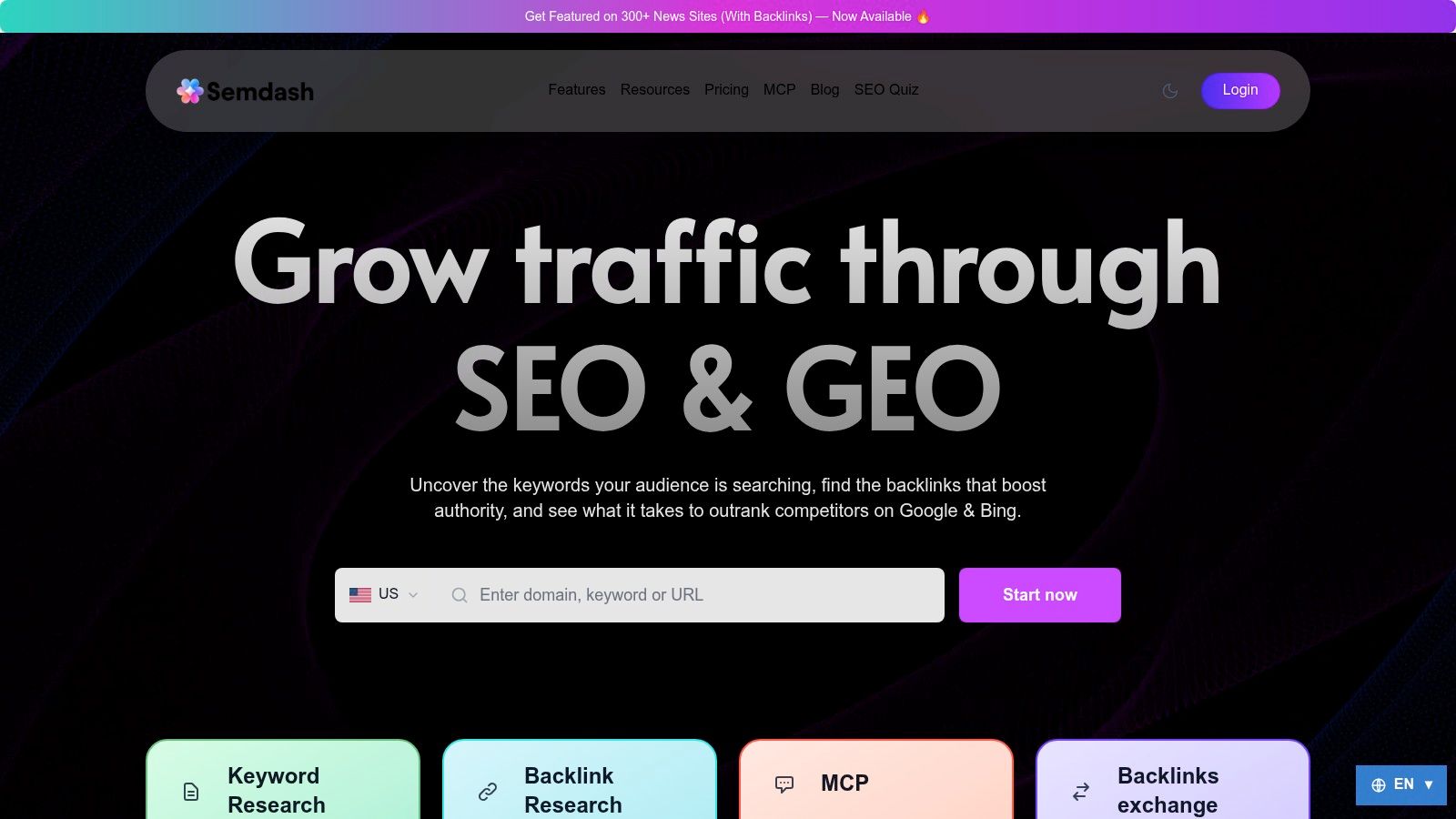
SemDash is the strongest starting point when clustering is only one part of a broader research job. I can move from keyword discovery to competitor gaps, URL-level ranking analysis, SERP history, backlinks, and content planning without exporting every dataset into separate tools. Its keyword clustering workflow turns large keyword sets into page-level groups, and the results can be exported as CSV for a content map or editorial handoff.
The scale is useful for competitive discovery. SemDash works with 6.6 billion Google keywords, 2.7 trillion backlinks, and 600 million SERPs, according to the publisher's product data (SemDash keyword research platform). Those figures matter less as marketing decoration than as workflow context. A clusterer can group the list you provide, but a research suite can help you decide which list deserves attention in the first place.
Where SemDash saves time
I'd use SemDash when the brief needs more than a cluster name and a keyword count. Domain and keyword gap reports expose competitor terms and the precise pages ranking for them. URL-level mapping helps assign a cluster to an existing page, a new landing page, or a content refresh. AI-assisted search-intent classification and content briefs then reduce the distance between research and production.
The AI Overviews visibility feature is another practical differentiator. It identifies queries that trigger mentions of a domain and shows the cited URLs, giving the team another visibility layer to inspect alongside conventional rankings. SemDash also includes unlinked-mention discovery and broken-backlink recovery workflows, so the same research environment can support link reclamation after the content map is approved.
Praktische Regel: Use clustering to decide page ownership, then use competitor pages and live SERP evidence to decide what that page must actually satisfy.
SemDash's main trade-off is breadth versus exhaustive coverage. Some experienced users report fewer keywords than Ahrefs or Semrush for very large domains, particularly across long-tail terms. Advanced bulk and enterprise capabilities, along with public enterprise pricing, are less clear, so teams running massive multi-domain analysis should verify limits before adopting it. Free trials and a freemium or get-started option make testing easier, while optional growth services can support teams that also want hands-on backlink acquisition.
2. Semrush Keyword Strategy Builder
Semrush Keyword Strategy Builder fits teams that already live inside Semrush and don't want clustering to become another disconnected research step. It organizes imported terms into Topics, Pillar Pages, and Subpages, using SERP similarity and intent signals to create a structure that feels close to an editorial architecture rather than a raw keyword export.
I'd begin with a list from Keyword Magic, Google Search Console, or a CSV, then inspect whether the proposed pillar and subpage relationships match the site's commercial structure. That matters because a technically coherent cluster can still be strategically wrong. A software company, for example, may need separate product, comparison, and educational pages even when the SERPs show thematic proximity.
The integrated advantage
Semrush is most useful when the same team needs research, briefs, optimization, and measurement in one environment. Clusters can feed writing and content optimization workflows, while Google Search Console and Google Analytics connections help connect planned topics with existing performance data. Enterprise-grade connectors also reduce the friction of handing a cluster map from an SEO specialist to content or reporting teams.
The downside appears when you need highly controlled, repeated clustering across large projects. Keyword capacity and clustering actions depend on plan limits, and advanced functions sit behind higher subscription tiers. I wouldn't choose it solely because the grouping screen looks convenient. I'd choose it when the organization already pays for the wider Semrush workflow and will use the integrations after clustering.
For agencies, the decision comes down to operational consolidation. If reporting, content production, and keyword research already happen in Semrush, the extra cost can be easier to justify. If clustering is an occasional job and the rest of the suite won't be used, a specialist with pay-as-you-go control may create less waste.
3. Ahrefs Keywords Explorer
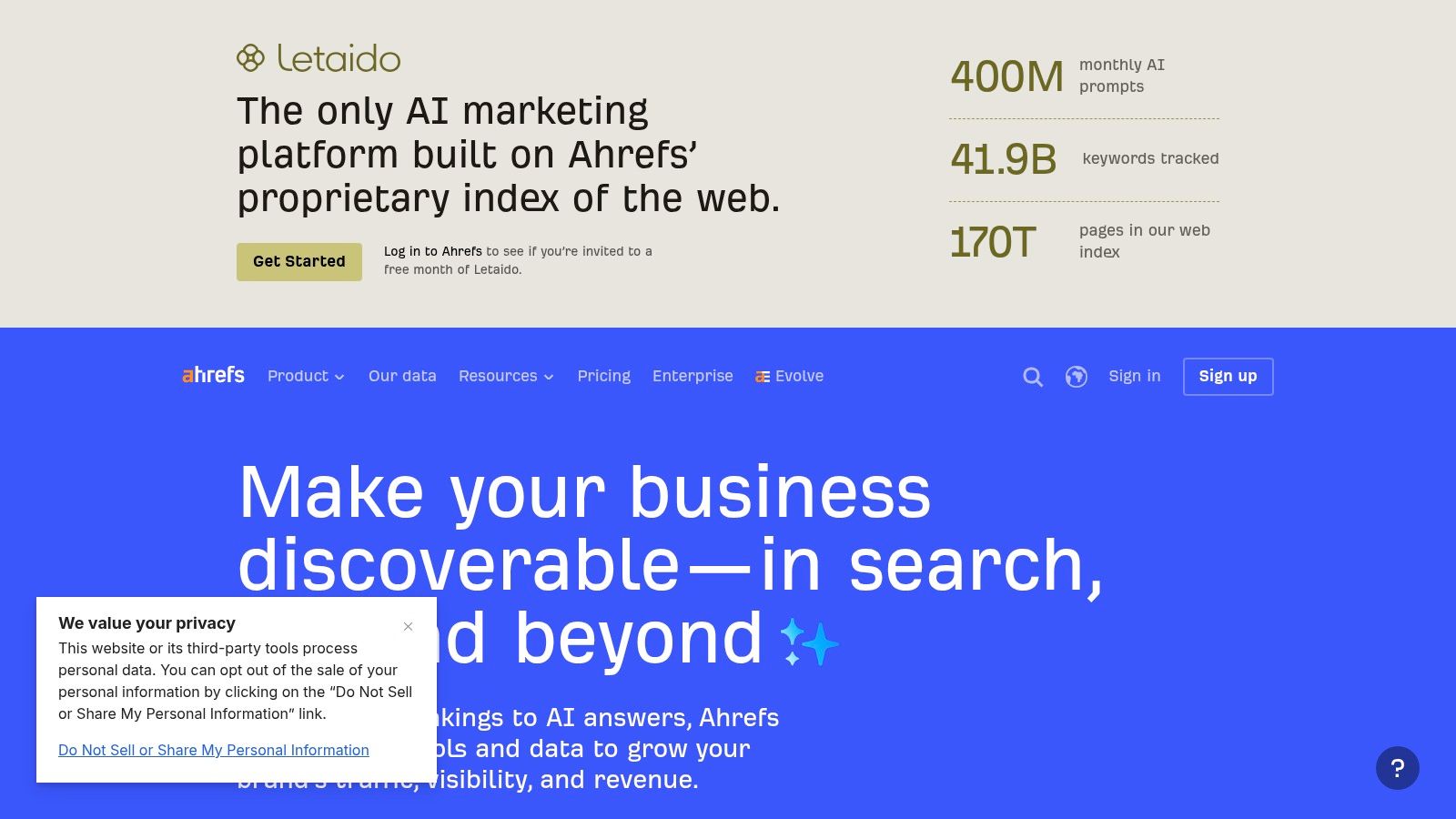
Ahrefs Keywords Explorer is built for fast orientation. Its Parent Topic view and Top clusters visualization help turn a large keyword list into a navigable topic structure without forcing me through a separate clustering product. When I'm still deciding which themes deserve deeper analysis, that speed is valuable.
The wider Ahrefs environment strengthens the workflow. Keyword Difficulty, intent information, SERP data, backlink research, competitor views, and content analysis sit close to the grouping output. I can identify a parent topic, inspect ranking pages, and pivot into competitor research without losing the original query context. That makes Ahrefs a strong option for teams that prioritize broad discovery and quick prioritization.
Where parent topics need supervision
Parent-topic grouping isn't the same as strict page-level validation. It can be less precise when a list contains mixed intent, ambiguous modifiers, local variations, or queries that share vocabulary but produce different SERPs. In those cases, I treat the parent topic as a hypothesis, not a publishing instruction.
For example, a broad product term, a review query, and a troubleshooting query may all sit beneath one conceptual topic while requiring different page types. I'd open the SERPs before assigning the terms to one URL, particularly when the resulting page would need to serve different stages of the buying journey.
Teams comparing Ahrefs with alternatives can also review this detailed Ahrefs comparison from SubmitMySaas and SemDash's guide to Ahrefs alternatives. My recommendation is simple: choose Ahrefs when speed, database breadth, and suite integration matter more than the strictest possible overlap rule. If cannibalization risk is the central concern, validate the final groups in a SERP-first tool before publishing.
4. Serpstat Keyword Clustering
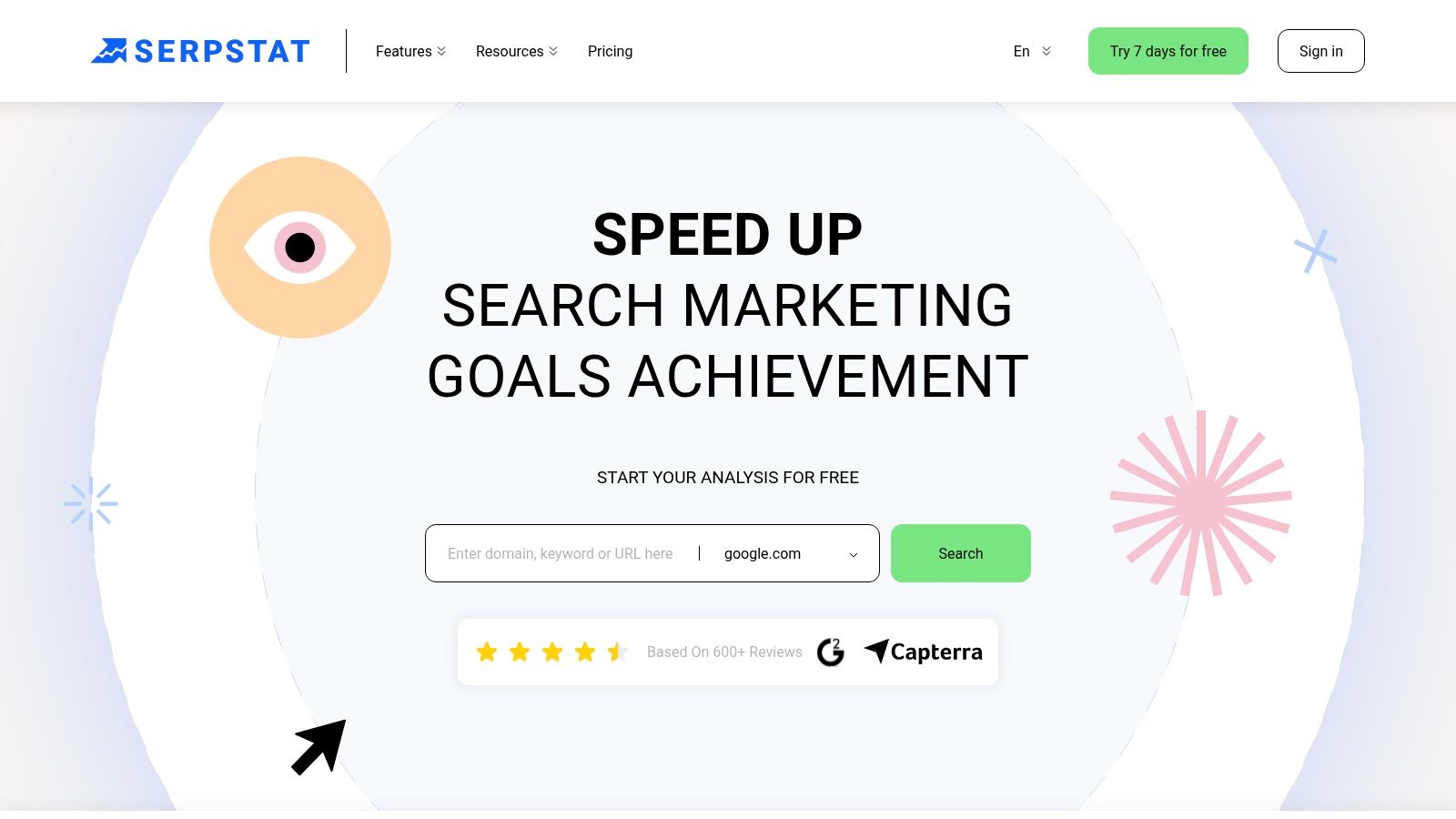
Serpstat is the better fit when you want to control how tightly keywords connect. Its clustering module compares URLs across the top 30 Google results and lets you select connection strength and clustering type. That gives me more room to adjust the balance between broad topical planning and conservative page ownership.
A looser setting can help during early content discovery, when I'm looking for a large topic structure and don't want every variation split into its own unit. A stricter setting is more useful before publication, when the question is whether two terms should share one canonical URL or receive separate treatment. The value comes from making that decision explicit rather than accepting a fixed grouping threshold.
A useful control for difficult sets
Serpstat exports cluster lists with volumes and counts, which makes the output easier to move into a content matrix. Its broader suite also includes rank tracking, site audits, and backlink workflows, so the clusters don't have to remain isolated research artifacts.
The learning curve is real. The interface feels like part of a larger SEO suite, not a minimal upload-and-download utility, and new users may need time to understand which clustering type and connection strength suit the project. Paid-plan limits also affect clustering access, so I'd check the allowance against the size and recurrence of the work.
I'd select Serpstat for an agency or in-house team that needs tunable strictness and wants clustering connected to ongoing SEO operations. I wouldn't select it for a one-off task if the team has no interest in rank tracking or audits, because the suite structure may add more interface than the job requires.
5. SE Ranking Keyword Grouper
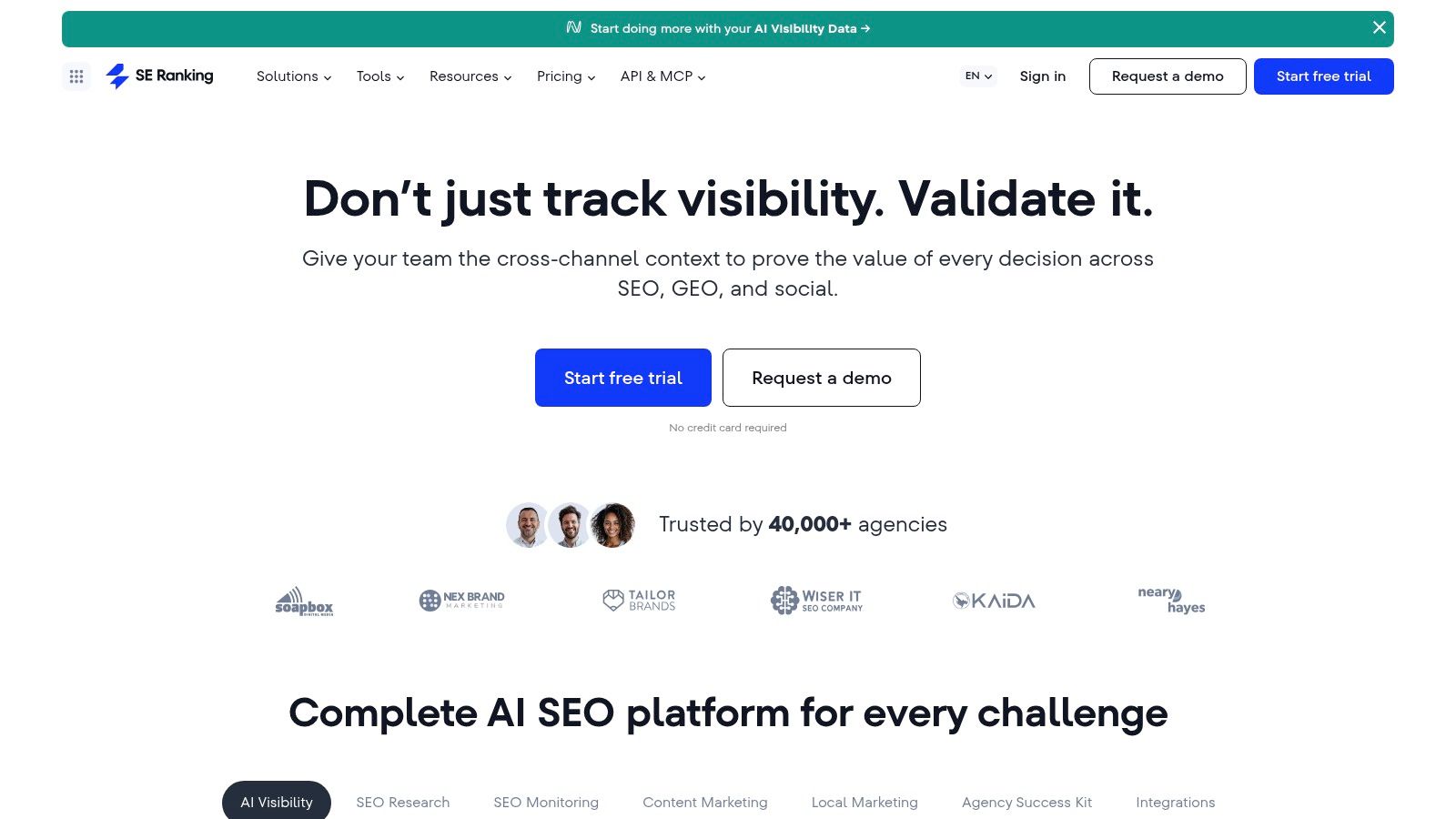
SE Ranking's Keyword Grouper takes a clean SERP-evidence approach. It clusters terms by common URLs in Google's top results, which makes the output easier to defend in a page-mapping meeting than a grouping based only on word similarity. When someone asks why two queries belong together, the answer is visible in the ranking-page overlap.
The tool supports bulk imports and exports, so it works well between keyword research and a spreadsheet-based editorial process. I can bring in a large list, review the resulting groups, and connect the approved terms to SE Ranking's rank tracker, site audit, and competitor modules. That keeps the practical loop intact: cluster the opportunity, assign the URL, publish, then monitor the page.
A straightforward suite workflow
SE Ranking is a sensible middle ground for teams that want evidence-based grouping without adopting a highly specialized clusterer. It's less focused on elaborate content briefs than Keyword Insights and less discovery-heavy than a large research platform, but its role is clear. The software helps turn query lists into groups that can feed a broader SEO operating system.
The trade-off is predictability around purchasing. Exact pricing details sit behind the subscription flow, and usage limits apply. I'd calculate how often the team will upload new keyword sets, how many projects require clustering, and whether rank tracking will be used before comparing the subscription with pay-as-you-go alternatives.
Manual review still matters. Shared ranking URLs are strong evidence of common intent, but geography, device, SERP features, and business relevance can change the page decision. I'd approve a cluster only after checking its proposed owner URL and confirming that the page can satisfy the dominant search intent.
6. Keyword Insights
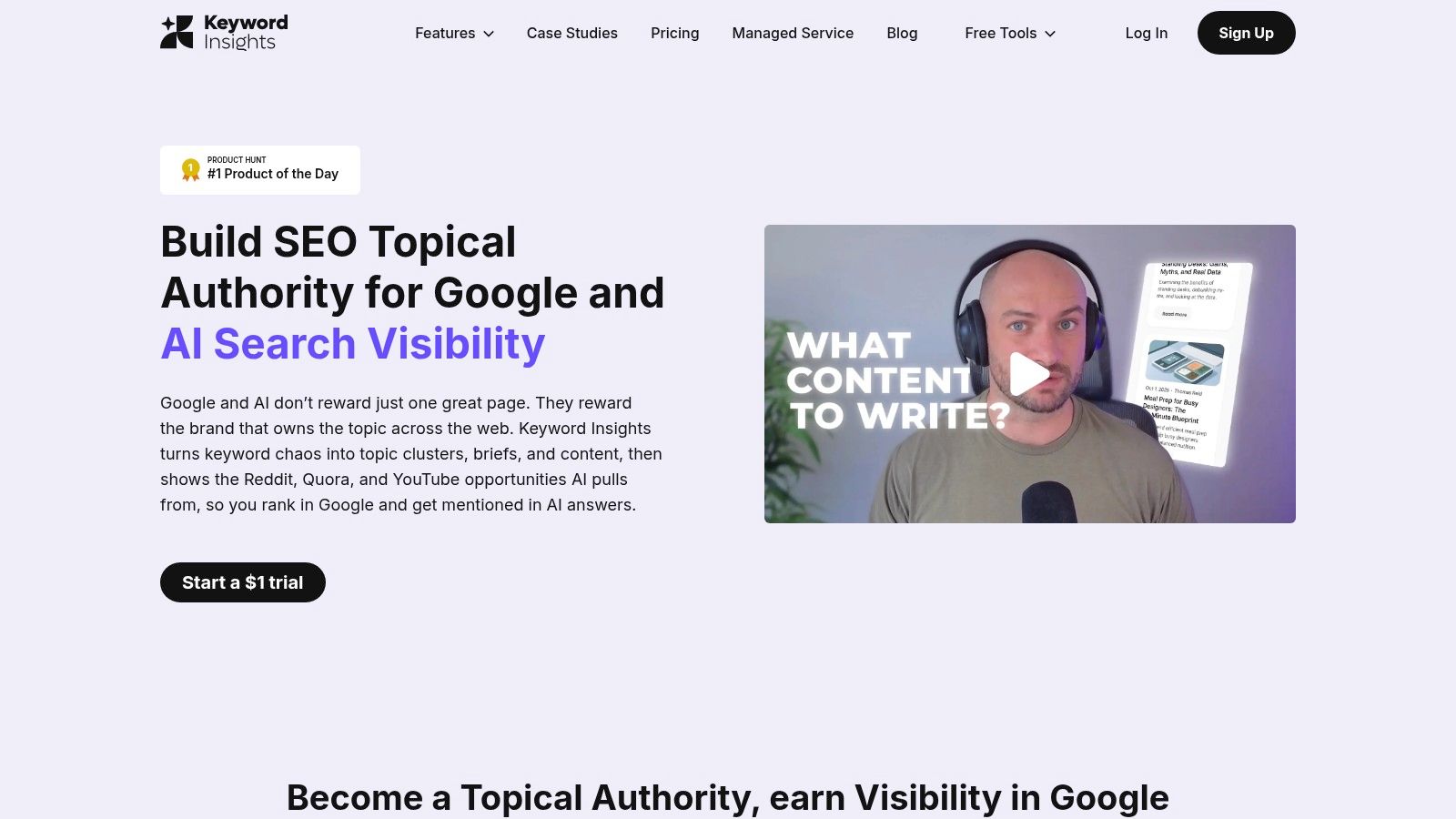
Keyword Insights is designed for the point where research becomes content production. It combines SERP-overlap clustering with intent labeling, content briefs, and an AI writing assistant, so agencies and editorial teams can move from a keyword file toward an assignable brief in one workspace.
I'd use it when the bottleneck isn't finding more queries. The bottleneck is turning approved groups into consistent deliverables for writers. Adjustable clustering sensitivity helps separate cautious page mapping from broader topic discovery, while automatic intent tags give the editor a first pass to verify rather than a blank document to classify manually.
Strong for briefs, less forgiving with credits
The integrations are practical for production teams. Google Search Console and WordPress connections can reduce copying between systems, and the public API gives larger operations a path to connect clustering with internal workflows. That makes Keyword Insights more than a report generator. It can sit close to the brief, draft, and publishing process.
The credit model needs attention. Monthly, annual, and pay-as-you-go options provide flexibility, but credit math becomes part of project management. Heavy brief creation or AI writing can consume credits quickly, even when the initial clustering job looked affordable. I'd separate the budget for SERP clustering from the budget for briefs and writing, then test both with a representative project.
Clustering is only efficient when the output survives the handoff to the writer.
Keyword Insights is my shortlist choice for agencies producing many briefs from large keyword sets. It's less attractive when the team only needs a CSV and already has a strong editorial system, because the content features may add cost without removing a real bottleneck.
7. KeyClusters
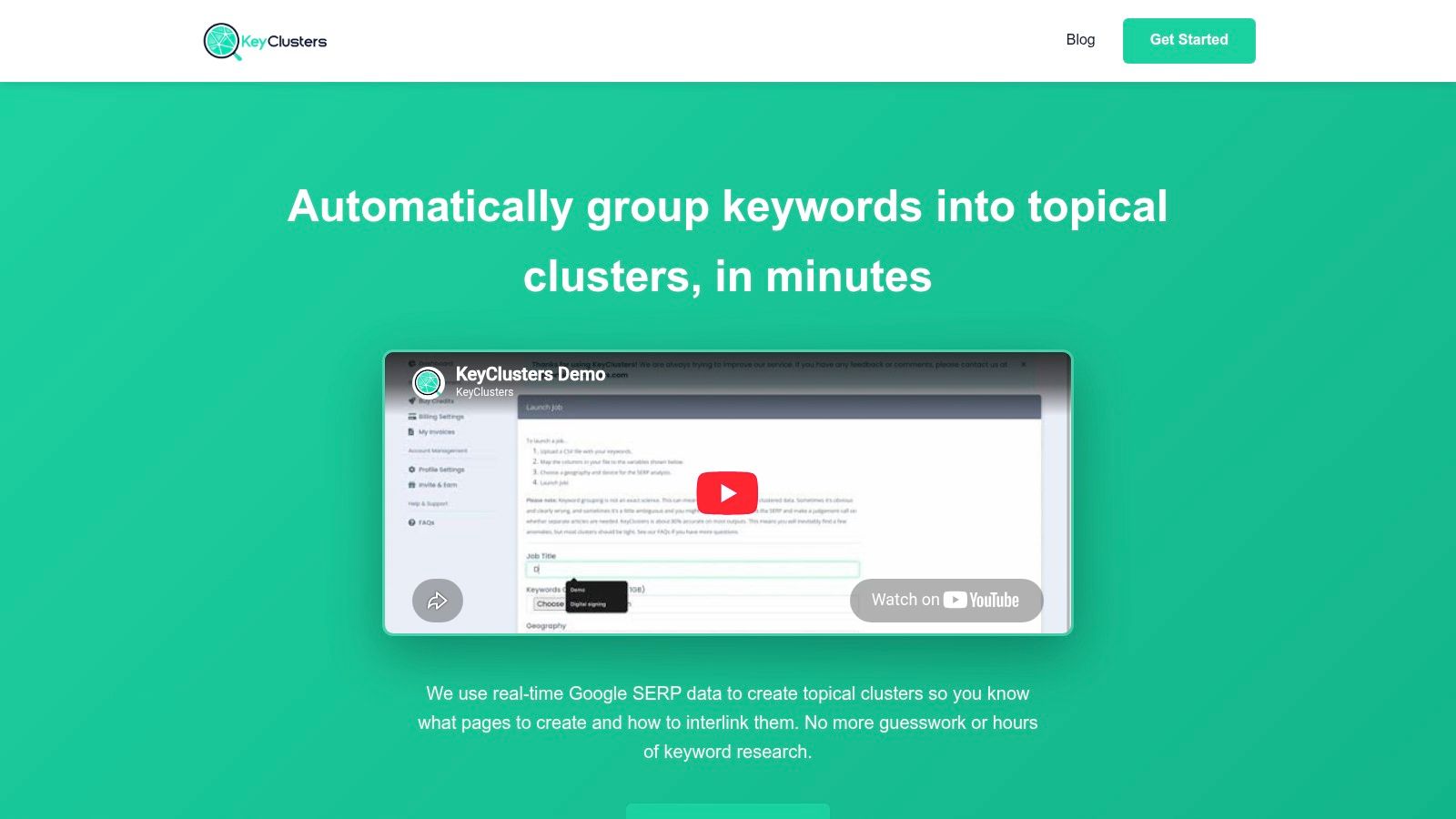
KeyClusters does one job and keeps the workflow visible. It sends keywords through Google, compares the returned ranking pages, and groups terms that share three or more common ranking URLs. That threshold is also used in a practical SERP-overlap workflow because shared top results provide stronger intent evidence than superficial wording similarity (SERP overlap workflow).
The pay-as-you-go structure is its biggest operational advantage. I don't need to maintain a full SEO-suite subscription just to process an occasional keyword inventory, and volume-based credit packs let the cost follow the work. CSV import and export keep the tool easy to slot between a keyword database and a content map.
Minimal scope, clear evidence
KeyClusters is particularly useful when the question is narrow: should these terms compete for one page? It doesn't try to replace competitor research, backlink analysis, rank tracking, or content writing. That limitation is deliberate, but it means I need another tool for discovery, volume analysis, SERP history, and brief production.
The live-SERP approach can reduce cannibalization risk, but it doesn't remove editorial judgment. I still inspect mixed-intent groups, local modifiers, branded terms, and queries where the same URLs rank for different reasons. A cluster can be technically valid and still fail a business test if the proposed page cannot satisfy every meaningful variation.
I'd choose KeyClusters for consultants, freelancers, and agencies that already have research tools and want a cost-efficient validation layer. I'd avoid it as the only platform for a full content program, because the team would spend the time saved on clustering elsewhere.
8. Keyword Cupid
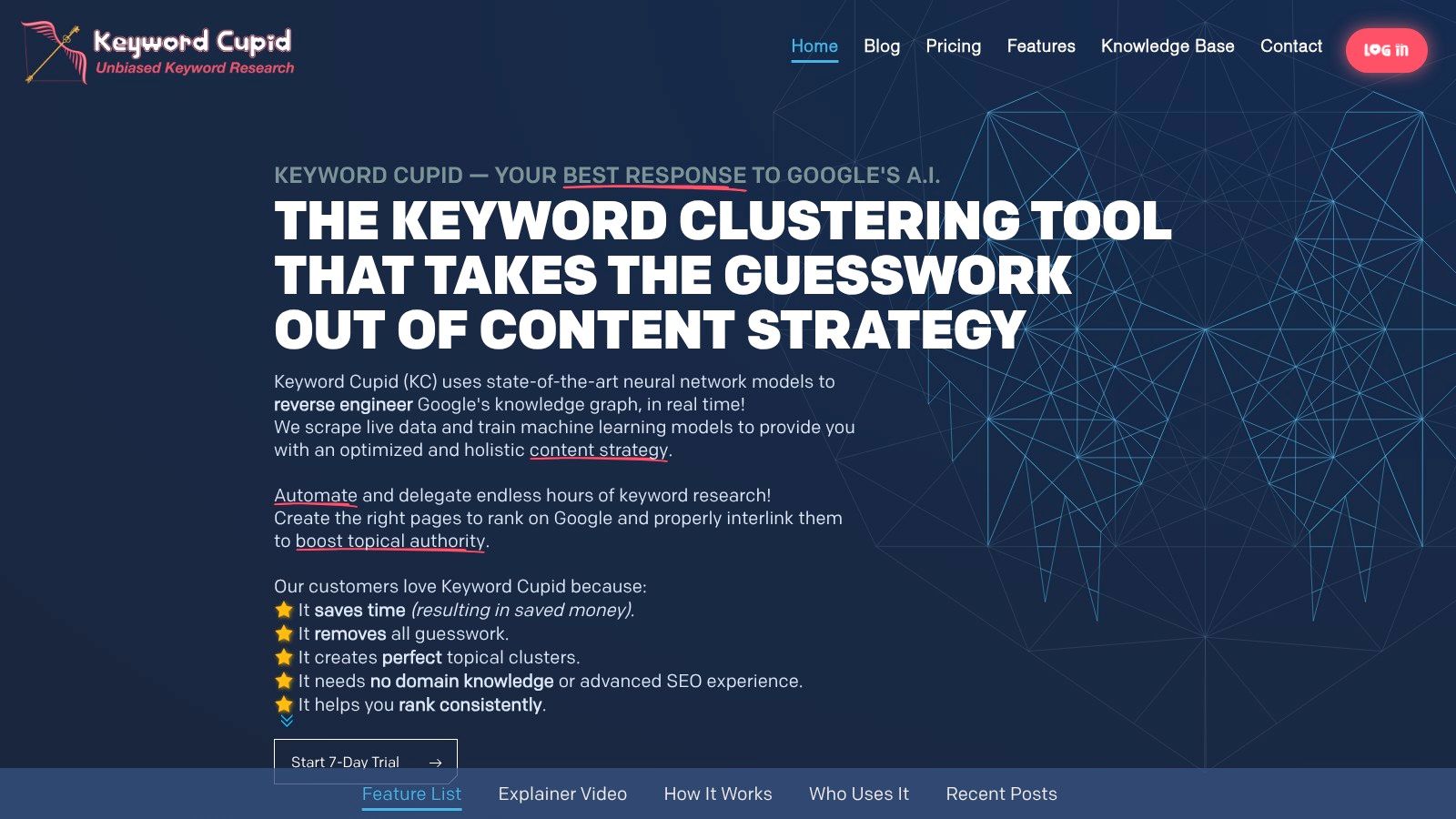
Keyword Cupid is the visual option in this group. Its neural-network clustering, interactive mind maps, SERP Spy, and URL Analyzer support exploratory analysis when the team needs to understand relationships rather than just download a list of groups.
That visual layer helps in stakeholder conversations. A content lead can see how a broad topic branches into narrower themes, and a client can understand why several pages may sit beneath one parent subject. I find that useful when the content architecture needs approval from people who won't inspect raw SERP exports.
More analytical depth means more onboarding
Keyword Cupid also offers tiered credits, device and search-engine geotargeting, and content briefs. On-demand credits help absorb uneven workloads, especially when a project arrives in bursts rather than on a predictable monthly schedule.
The trade-off is density. The terminology and interface are richer than those of simpler pay-as-you-go clusterers, so users who only want a fast CSV may feel slowed down. The extra analysis tools reward teams willing to learn the workflow, but they create a training requirement for agencies with frequent staff handoffs.
I'd use Keyword Cupid when visual explanation and layered SERP inspection matter. I'd use a simpler specialist when the deliverable is only a clean page map. Before adopting it, I'd have one strategist run a real keyword set through the mind-map output and document how the visual groups translate into canonical URLs, pillar pages, and supporting content.
9. WriterZen Keyword Clustering
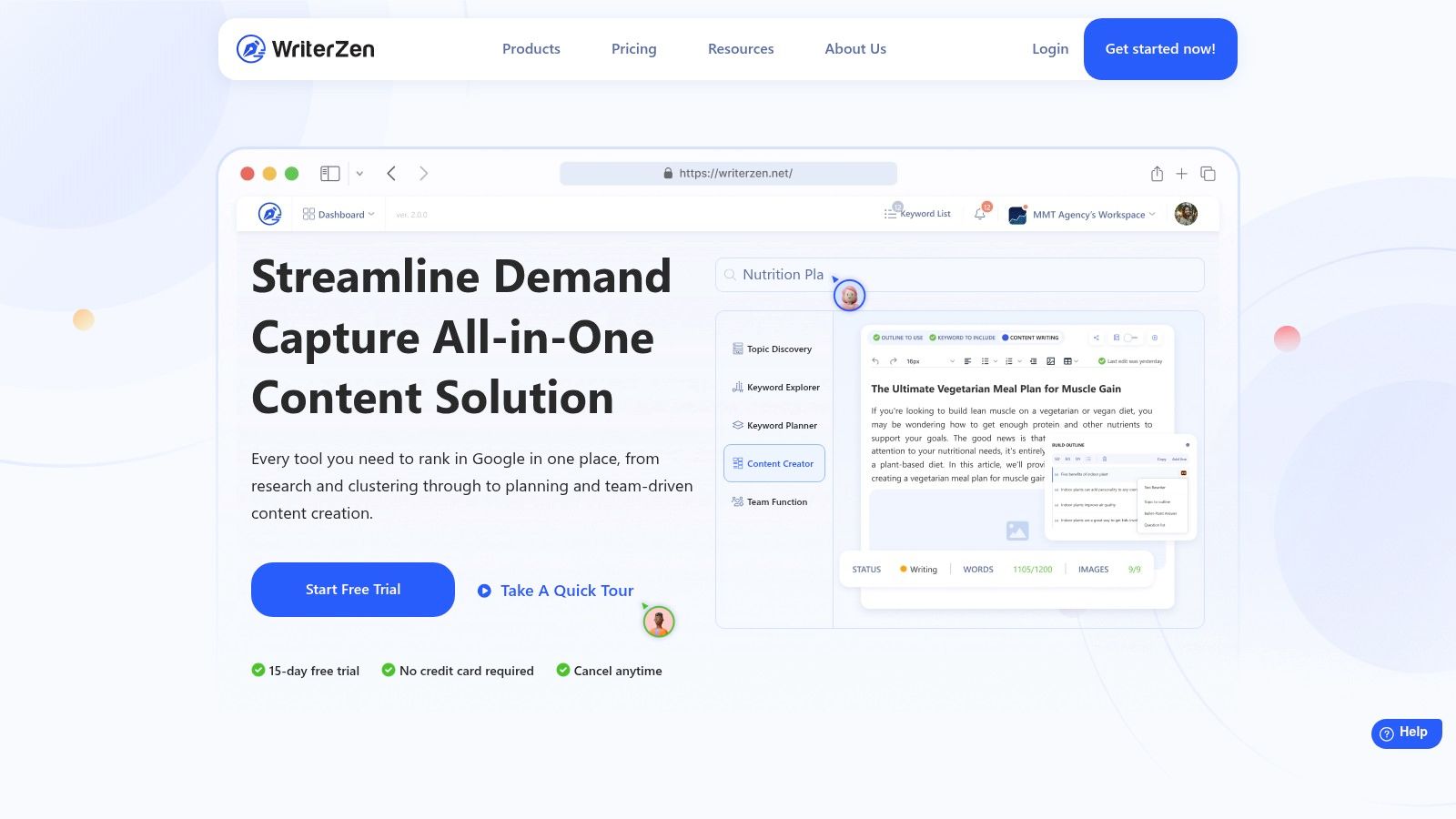
WriterZen suits teams that prefer one workspace for topic discovery, keyword research, clustering, and content creation. Its clustering credits and bulk capabilities connect with Topic Discovery, Golden Score filtering, AI writing, briefs, and plagiarism checking, which makes the platform feel closer to an editorial production tool than a standalone SERP processor.
I'd consider it when the same people discover topics, prepare briefs, and create drafts. The handoff is the main advantage. Instead of exporting a cluster into a separate writing environment, the team can keep the topic context attached to the content workflow.
Predictable packages, less flexibility for uneven demand
WriterZen's clear quotas and one-time package options can make planning easier for teams that dislike recurring subscriptions. That model works particularly well for a defined content initiative with a known research and clustering workload.
It isn't ideal for every workload. An up-front or lump-sum purchase may feel inefficient for a small site that clusters only occasionally, while larger projects may need add-on credits. I'd compare the included clustering allowance with the actual number of keywords and briefs in the project, rather than judging the package by its headline feature list.
The platform also asks for editorial discipline. AI writing and plagiarism checks can accelerate drafting, but they don't decide whether two groups deserve separate pages, whether a page matches the business offer, or whether a cluster has changed after publication. WriterZen works best when an experienced editor approves the page map before the writing features are used.
10. LowFruits
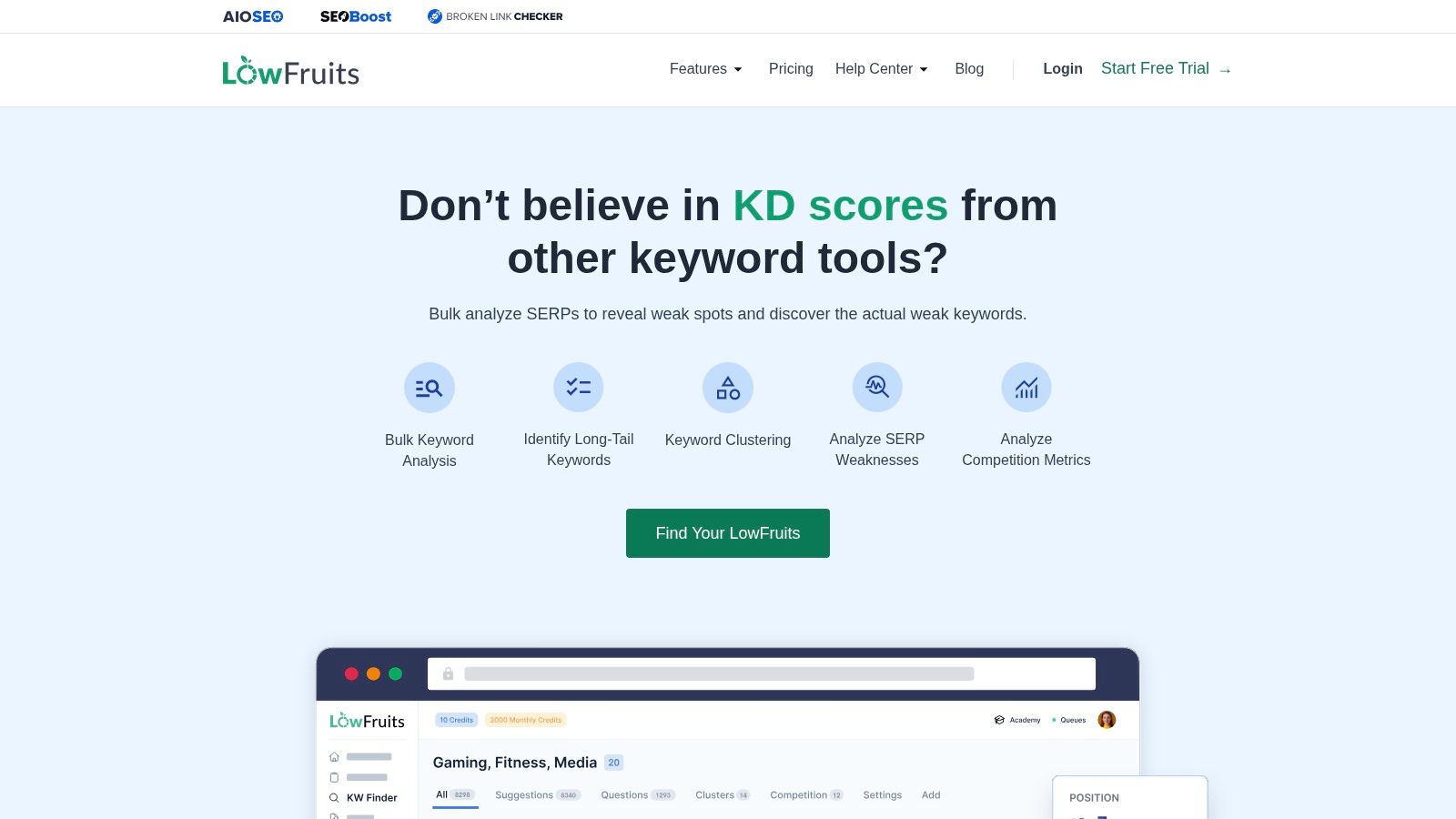
LowFruits is built for smaller sites that need opportunity discovery alongside clustering. It highlights SERP weak spots, including low-authority ranking pages, and groups keywords by SERP similarity. That combination changes the question from “which keywords are related?” to “which related queries might a smaller site realistically pursue?”
The workflow is straightforward. Import or discover terms, inspect the SERP composition, identify weak winners, and cluster queries that return similar results. A semantic option provides a broader grouping view, while bulk import and export keep the output manageable for a solo operator or small content team.
A focused tool for low-competition planning
LowFruits' pay-as-you-go orientation and per-SERP cost guidance make it easier to control spend when the workload changes. I'd use it for a niche site where ranking-page quality matters more than enterprise-scale competitor reverse-engineering. The interface is also simpler than a full SEO suite, which reduces the time needed to train a small team.
The limitation is depth. Its database and surrounding SEO features are lighter than those of Ahrefs, Semrush, or SemDash, so it won't replace a broader platform when I need backlink gaps, detailed domain research, or extensive reporting. For a practical method of finding realistic opportunities before clustering them, this guide to low-competition keywords provides a useful complementary process.
I'd choose LowFruits when weak-SERP discovery is the priority. I wouldn't choose it solely for cluster exports if the site already has a capable SERP-based groupers. Its value comes from combining opportunity filtering with page-level topic decisions.
Top 10 Keyword Grouping Tools Comparison
| Werkzeug | Kernfunktionen | UX / Quality (★) | Value & Pricing (💰) | Target audience (👥) | Unique selling points (✨) |
|---|---|---|---|---|---|
| SemDash 🏆 | Keywords (6.6B), Backlinks (2.7T), 12‑mo SERP history, AI briefs, URL-level mapping | ★★★★☆ Fast, clean UI; fresh data | 💰 Affordable freemium + trial; optional PR/backlink service | 👥 SEO teams, solo marketers, agencies | ✨ AI Overviews (citation tracking), unlinked‑mention detection, broken‑link recovery, MCP integration |
| Semrush, Keyword Strategy Builder | SERP-overlap clustering; Topics/Pillar pages; connects to Semrush suite | ★★★★☆ Integrated, enterprise-grade UX | 💰 Higher-priced; plan limits apply | 👥 Existing Semrush users, enterprises, agencies | ✨ Seamless workflow into Semrush reporting & connectors |
| Ahrefs, Keywords Explorer | Parent Topic + "Top clusters", huge keyword DB, quick SERP pivots | ★★★★★ Very fast; broad DB depth | 💰 Premium pricing | 👥 SEOs needing speed and database scale | ✨ Instant pivots to SERP & backlink views |
| Serpstat, Keyword Clustering | SERP-based (top‑30) clustering; adjustable connection strength | ★★★☆☆ Suite-style UI; some learning curve | 💰 Mid-tier; clustering subject to plan limits | 👥 Teams wanting tunable strictness | ✨ Fine control of cluster strictness & exports |
| SE Ranking, Keyword Grouper | TOP‑10 URL clustering; bulk import/export; integrates with rank/audit | ★★★☆☆ Clear, evidence-based grouping | 💰 Mid pricing; exact details behind signup | 👥 SMEs & agencies using SE Ranking suite | ✨ Direct ties to rank tracker and audits |
| Keyword Insights | SERP-overlap clustering + intent tagging, briefs & AI writer | ★★★★☆ Fast at scale; brief-focused | 💰 Flexible credit system (monthly/PAyG) | 👥 Agencies & content teams | ✨ Auto intent tags, GSC/WordPress integrations |
| KeyClusters | Live Google SERP fetch; overlap clustering; pay‑as‑you‑go credits | ★★★☆☆ Simple, fast job processing | 💰 Very low per-keyword PAYG | 👥 Cost-conscious consultants & SEOs | ✨ Live SERP evidence; low per‑keyword cost |
| Keyword Cupid | Neural-network clustering, mind maps, SERP Spy & URL Analyzer | ★★★☆☆ Rich visuals; steeper learning curve | 💰 Tiered credits; on-demand extras | 👥 Teams needing visual analysis & stakeholders | ✨ Interactive mind maps & neural clustering |
| WriterZen, Keyword Clustering | Clustering + topic discovery + AI writing & briefs | ★★★★☆ Integrated content workflow; predictable quotas | 💰 One-time bundles & package options | 👥 Content teams and marketers | ✨ Golden Score filtering, plagiarism check |
| LowFruits | SERP-similarity clustering + "weak‑SERP" discovery | ★★★☆☆ Simple, focused UI | 💰 Affordable pay-as-you-go | 👥 Bloggers, small content teams, niche sites | ✨ Highlights low‑authority opportunities (weak SERPs) |
Choose the Workflow You Will Actually Maintain
The best keyword grouping software is the one that fits the work after the clustering job. A tool can produce technically sound groups and still fail if nobody checks the SERPs, maps each cluster to a canonical URL, writes the brief, publishes the page, or monitors whether the intent changes. SERP-based methods are generally stronger than string or rule matching because they compare the ranking pages that Google returns. One cited comparison reports 70 to 95 out of 100 accuracy for SERP-based methods versus 9 to 35 out of 100 for pattern-matching tools (SERP-based keyword grouping comparison). Treat those figures as evidence for method selection, not permission to skip review.
Choose an all-in-one suite when research, clustering, reporting, and tracking need to stay together. SemDash is compelling when competitor gaps, URL mapping, SERP history, content briefs, backlink research, and clustering belong in one workspace. Semrush, Ahrefs, Serpstat, and SE Ranking make sense when your team already uses their wider ecosystems and values consolidated reporting or rank tracking.
Choose a specialist clusterer when SERP validation is the central requirement and pay-as-you-go control matters. KeyClusters keeps the scope narrow and the evidence clear. Keyword Cupid is better when visual maps and deeper inspection help explain the architecture. Keyword Insights is the specialist to prioritize when briefs, intent labels, and writing assistance are the actual production bottleneck.
Choose a content-led platform when the team needs to move from topic discovery into drafts and publishing. WriterZen combines those stages in one environment, while LowFruits makes more sense for smaller sites looking for weak SERPs before committing editorial resources. The right choice depends on where your current workflow loses time, not on which product has the longest feature list.
Test the decision before buying
Run the same representative keyword set through every shortlisted tool. Include obvious variations, mixed-intent phrases, branded terms, local modifiers, and edge cases where semantic similarity may disagree with the SERP. Then inspect whether each proposed cluster has a sensible page type and one clear owner URL.
Before committing, check four operational details:
- SERP validation: Does the tool show enough ranking-page evidence to approve or reject a group?
- Output quality: Can you export cluster names, terms, volumes, intent, and proposed URLs in the format your team uses?
- Usage economics: Do credits, keyword allowances, clustering actions, or subscription tiers match your recurring workload?
- Production fit: Can approved clusters reach briefs, writers, WordPress, rank tracking, Search Console, and reporting without repeated manual copying?
I also map the output against the existing site before publishing. A cluster may belong to an established page that needs expansion, a page that should be consolidated, or a new URL. A practical workflow recommends cleaning duplicates, normalizing capitalization and spacing, retaining useful modifiers, removing irrelevant terms, validating with shared ranking URLs and SERP content types, and assigning each approved cluster to one canonical URL (keyword clustering checklist).
Finally, treat clustering as maintenance rather than a one-time spreadsheet exercise. Gather new terms from competitor research, Search Console, brainstorming, and keyword tools, then monitor query spread and engagement after publication. Refresh a page when new queries appear or SERP intent changes, because the content map should reflect how search results behave now, not only how they looked on launch day (Keyword-Clustering-Workflow).
SemDash combines keyword discovery, SERP intelligence, competitor gap analysis, URL-level mapping, clustering, and AI-assisted briefs in one cloud workspace, so you can move from a large query set to practical page assignments without stitching together several disconnected tools. Visit SemDash to test the clustering workflow against your own keyword set and see whether its broader research data fits the content process you'll maintain.